Bag O' Bones: a PIR jump-scare Halloween skull on a Pimoroni Inventor 2040 W
A supermarket bag of plastic bones gets a PIR sensor in its eye socket, a shaking motor and a speaker: walk past and the skull rattles and plays a spooky tune. MicroPython on an RP2040 board with Wi-Fi.
What it is
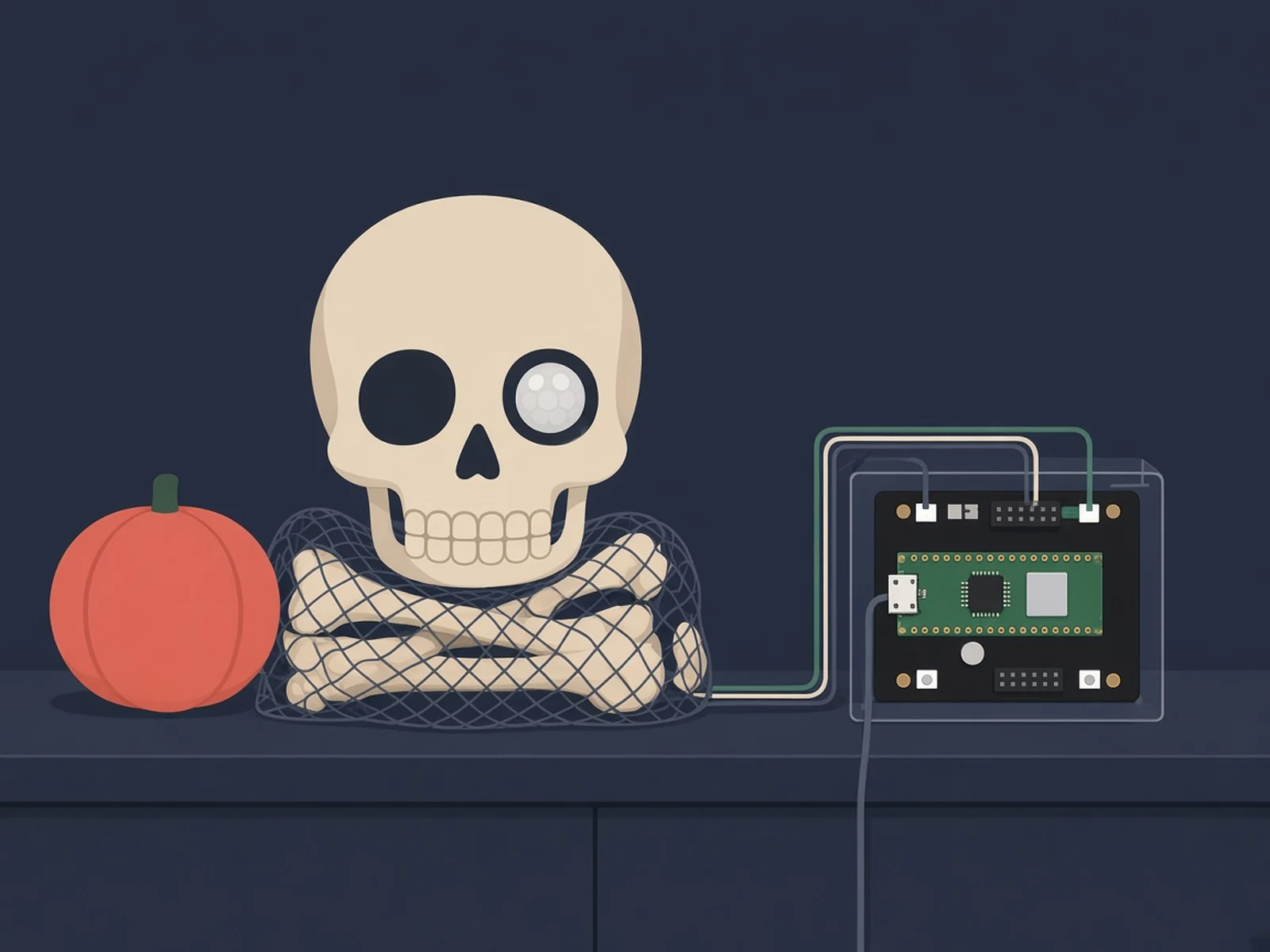
A bag of plastic bones that sees you with a PIR sensor in its eye, then shakes its skull with a weighted motor and plays a spooky tune, all on a Pimoroni Inventor 2040 W.
What you need
- Pimoroni Inventor 2040 W
- PIR motion sensor
- Pimoroni micro metal gearmotor
- Pimoroni speaker
- A plastic skull or bag of bones
How hard
Beginner. About two hours: plug-in parts on the Inventor board, some drilling and hot glue in the skull, and copying one MicroPython file onto the board.
Photos
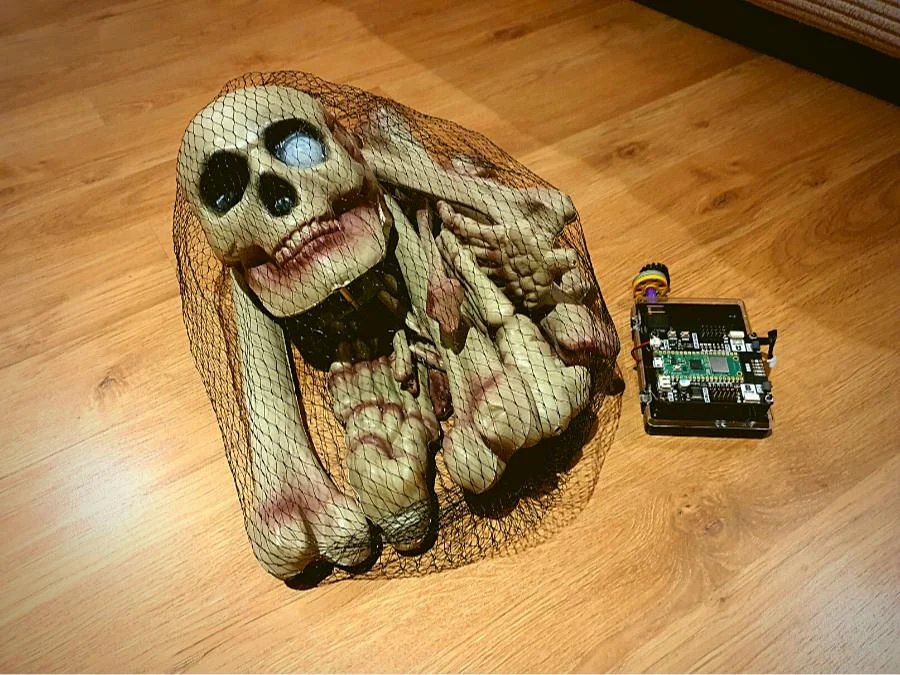
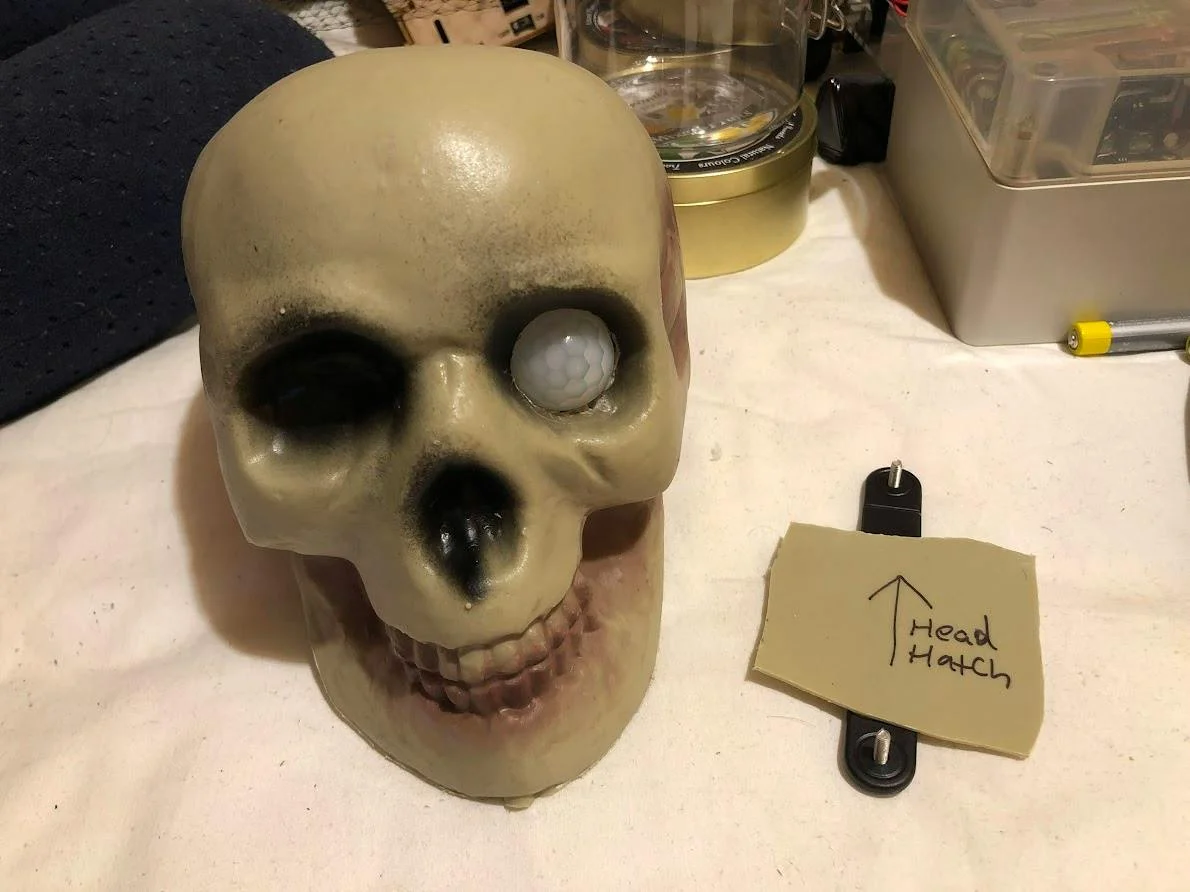
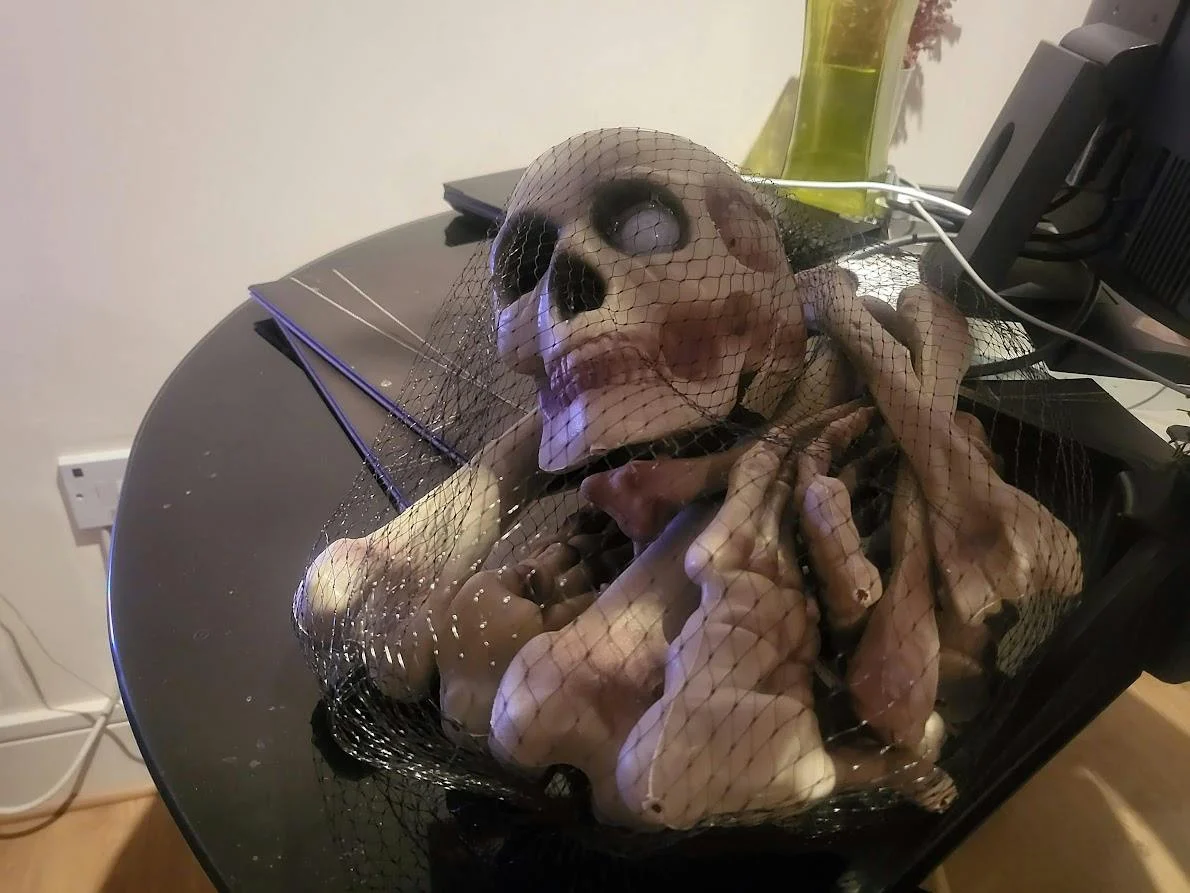
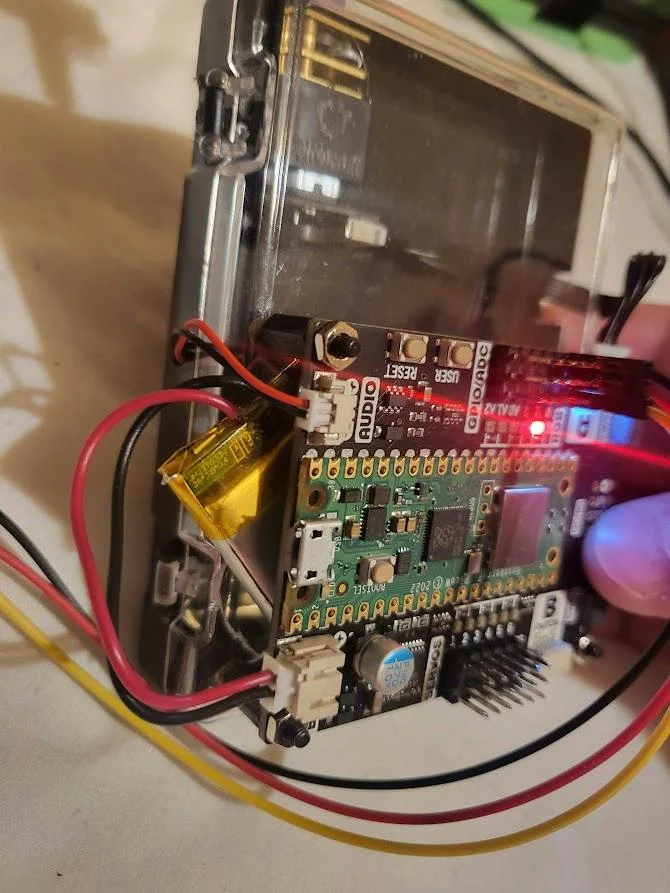
Photos: 314Reactor (Hackster.io)
Key Facts
- Board: Pimoroni Inventor 2040 W (started on a plain Raspberry Pi Pico)
- Trigger: PIR motion sensor hidden in the skull's eye
- Scare: micro metal gearmotor with an off-centre weight + speaker tune
- Code: MicroPython main.py based on Pimoroni examples
- Build time: about 2 hours, beginner (per Hackster)
- Featured in Raspberry Pi Official Magazine issue 170 (Oct 2026)
- License: GPL-3.0+ (Hackster project page)
About This Project
Bag O' Bones is 314Reactor's (Michael Darby) Halloween build, featured again this month in issue 170 of Raspberry Pi Official Magazine's Pico Halloween roundup. He bought a bag of plastic bones at a Sainsbury's and turned it into a skull that notices you, rattles and plays music. He started on a plain Raspberry Pi Pico (RP2040) and moved to a Pimoroni Inventor 2040 W, an RP2040 board with Wi-Fi that makes it easy to plug in a motor, a speaker and sensors. A PIR motion sensor sits inside one eyeball of the skull, a Pimoroni micro metal gearmotor on a LEGO axle adaptor spins an off-centre counterweight like a rumble motor so the skull shakes, and a Pimoroni speaker plays the tune. Everything else lives in a small project box under the bag. The MicroPython code (main.py in LordofBone/BagoBones) is built from Pimoroni's examples: it loops on the PIR input, and when it sees movement it starts the tune (his attempt at Toccata and Fugue in D minor), runs the motor a bit, then a bit more, and stops. It also lights one of the board's RGB LEDs for debugging, and waits again once the PIR goes quiet. His tips: the PIR needs a little time to settle after power-up before it detects reliably, drill holes so you can reach the PIR's sensitivity adjusters with a screwdriver, and keep the counterweight small, because the big one twisted the PIR wires. A bigger skull would give the electronics more room. It's a beginner build of about two hours according to the Hackster page, so there's still time before October 31. The same magazine roundup also points to Kevin McAleer's Spooky Scary Skeleton (an ultrasonic sensor and one servo on a Pico) if you'd rather 3D-print the whole prop.
Source & Attribution
Parts Needed
- Pimoroni Inventor 2040 W
- PIR motion sensor
- Pimoroni micro metal gearmotor + bracket + LEGO axle adaptor
- Pimoroni speaker
- Project box, standoffs, jumper wires
- A plastic skull / bag of bones
Steps
- 1
Box it
Screw the Inventor 2040 W into a small project box on standoffs. Strap the gearmotor to the inside of the base, with its shaft through a drilled hole, and fit the LEGO axle adaptor with a small off-centre counterweight.
- 2
Speaker
Drill holes for the speaker and motor cables, stick the speaker inside the box (he used Blu-Tak) and connect it and the motor to the Inventor board.
- 3
Skull
Open the skull, cut room for the PIR and wires, hot-glue the PIR into one eye, and drill small holes so a screwdriver can reach the PIR's sensitivity adjusters. Wire the PIR output to the input used in main.py.
- 4
Code
Flash Pimoroni's MicroPython build for the Inventor 2040 W, then copy main.py from LordofBone/BagoBones onto the board. It plays the tune and runs the motor when the PIR sees movement.
- 5
Test
Give the PIR a little time to settle after power-up before testing. If the skull twists its wires, use a smaller counterweight.
Bill of Materials
Parts list
5 parts · 3 linked
Heads up: some Buy links are affiliate links. If you buy through one, MCU Atlas may earn a small commission at no extra cost to you. It never changes which parts we list. How this works



Not included: A bag of plastic bones with a skull (his came from Sainsbury's), Generic project box, standoffs, jumper wires, some LEGO, Drill, screwdriver and a hot glue gun
Related Projects