BroGlow: a desk traffic light for your AI coding agents on an ESP32-C3
A three-LED lamp on an ESP32-C3 SuperMini that shows whether Claude Code, Codex, opencode or Copilot CLI is working, paused or needs you.
What it is
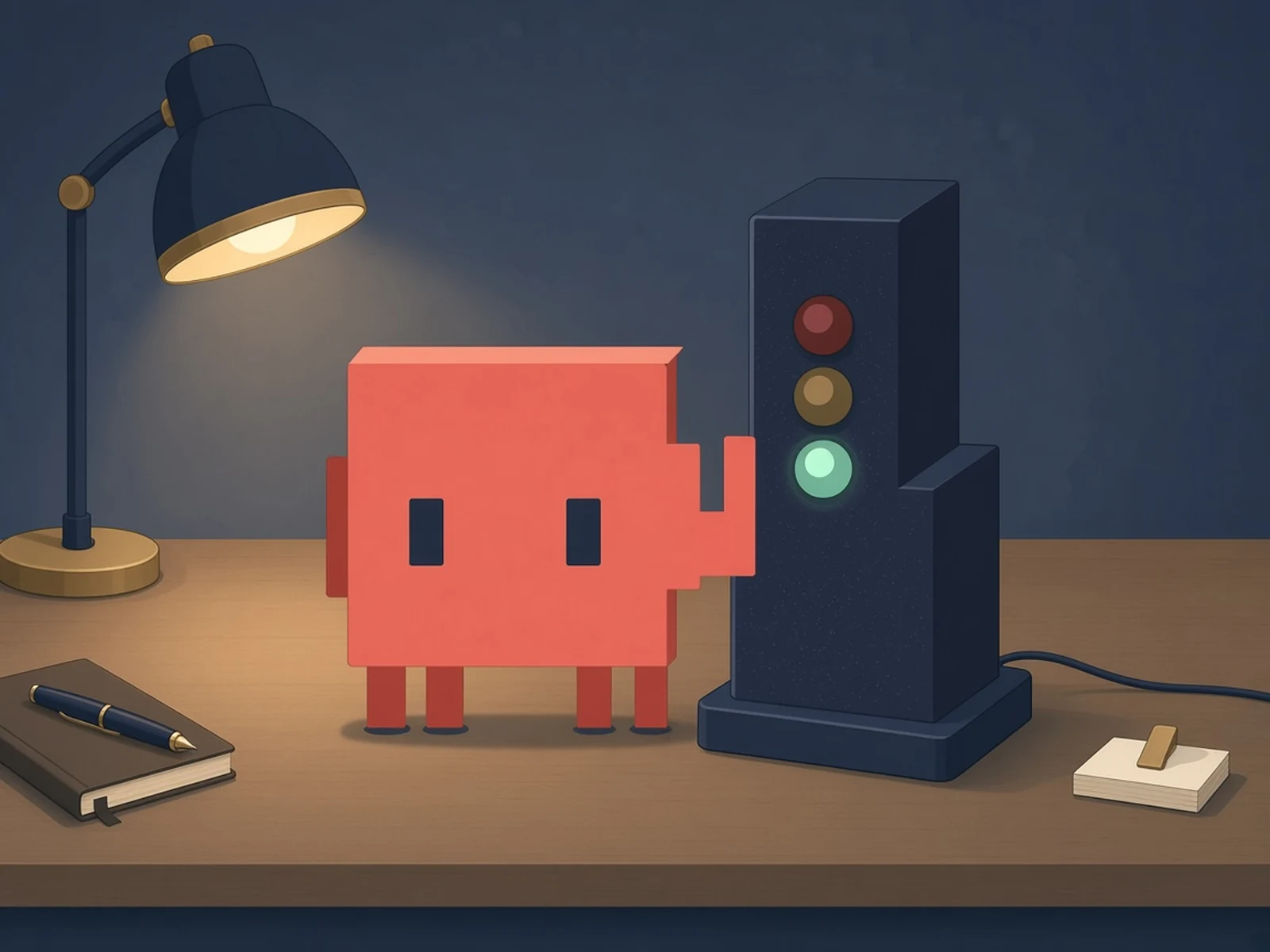
A tiny desk traffic light that glows green while your AI coding agent works, yellow when it pauses and red when it needs you.
What you need
How hard
Beginner. Three LEDs and three resistors to solder, a printed case, and a flash over USB. The smoothest path is on a Mac with Homebrew.
Key Facts
- Board: ESP32-C3 SuperMini; three 5 mm LEDs on GPIO0/1/3
- Resistors: 330 ohm (red, yellow), 220 ohm (green); shared GND
- Red = needs input, yellow = paused, green = working
- Agents: Claude Code, opencode, Codex (>= 0.144), GitHub Copilot CLI
- Link: USB or Bluetooth LE (macOS); USB on Windows/Linux; no Wi-Fi
- Enclosure: 5 printed parts, 4x 3x2 mm N52 magnets, 4x ST2.2 x 6.5 mm screws
- Firmware: Arduino / PlatformIO; License: MIT
About This Project
BroGlow, maintained by Suren Khorenyan, is a local session monitor for AI coding agents with an optional physical status lamp. It hooks into Claude Code, opencode, Codex and GitHub Copilot CLI on your computer and shows each session's state in a menu-bar app and a terminal dashboard. The lamp is a little traffic light: red means a session needs your input, yellow means one is paused, and green means one is working. Needs-input always wins. The hardware is an ESP32-C3 SuperMini and three separate single-colour 5 mm indicator LEDs (not a multicolour LED or an addressable strip), each through its own resistor: 330 ohms for red on GPIO0, 330 ohms for yellow on GPIO1 and 220 ohms for green on GPIO3, with the cathodes sharing GND. Standard values from a kit of 1% metal-film resistors work. The lamp only needs USB power and does not use Wi-Fi: on macOS it talks over USB or Bluetooth LE, and one Mac can drive several lamps; on Windows and Linux it connects over USB. macOS gets the full package (app, C3 firmware, manuals, Homebrew install); Windows has a tray app and CLI; Linux builds from source. The firmware is Arduino on PlatformIO, and there is a standalone LED test firmware for checking your wiring. The printable magnetic enclosure (on Printables and MakerWorld) has five parts at 0.12 mm layers with no supports, four 3x2 mm N52 neodymium magnets that hold the swappable mascot on, and four DIN 7982 ST2.2 x 6.5 mm countersunk screws. You flash the board over a USB data cable. BroGlow is MIT licensed, created on October 19, 2026 and inspired by ClawLight. Cloud tasks and ordinary ChatGPT conversations don't trigger its local hooks.
Source & Attribution
Illustration
Parts Needed
- ESP32-C3 SuperMini
- 5 mm LEDs: red, yellow, green
- 1% metal-film resistors: 330, 330 and 220 ohms
- 3x2 mm N52 neodymium magnets (x4)
- ST2.2 x 6.5 mm countersunk screws (x4)
- USB data cable
Steps
- 1
Install the app
On macOS: brew install broglow/tap/broglow, then broglow install, which registers hooks in your coding agents. Windows and Linux options are in the alternative installations guide.
- 2
Wire the LEDs
With USB unplugged: GPIO0 to 330 ohms to the red anode, GPIO1 to 330 ohms to yellow, GPIO3 to 220 ohms to green. All cathodes go to GND, never through a shared resistor. Leave pad 2 unused.
- 3
Flash
Identify the ESP32-C3 SuperMini over a USB data cable, back up its flash, then flash the prebuilt C3 firmware (or build it with PlatformIO). The led-test firmware checks your wiring first.
- 4
Print and assemble
Print the five enclosure parts at 0.12 mm layers, 100% scale, no supports. Glue in the four magnets, fit the LEDs red-top, yellow-middle, green-bottom, and close it with the four ST2.2 screws.
- 5
Pair
Plug the lamp in by USB; the Mac app starts setup automatically (or run broglow ble pair). broglow ble status should say connected.
Bill of Materials
Parts list
6 parts · 6 linked
Heads up: some Buy links are affiliate links. If you buy through one, MCU Atlas may earn a small commission at no extra cost to you. It never changes which parts we list. How this works



Not included: 3D printer and filament (PLA Matte, PLA Basic or PETG), Hook-up wire, soldering iron and glue for the magnets and eyes, A computer running a supported coding agent (full feature set on macOS)
Related Projects