ESPHome wake-word voice assistants for Home Assistant
Official ESPHome configs that turn ESP32-S3 boxes into local wake-word voice satellites for Home Assistant Assist.
Photos
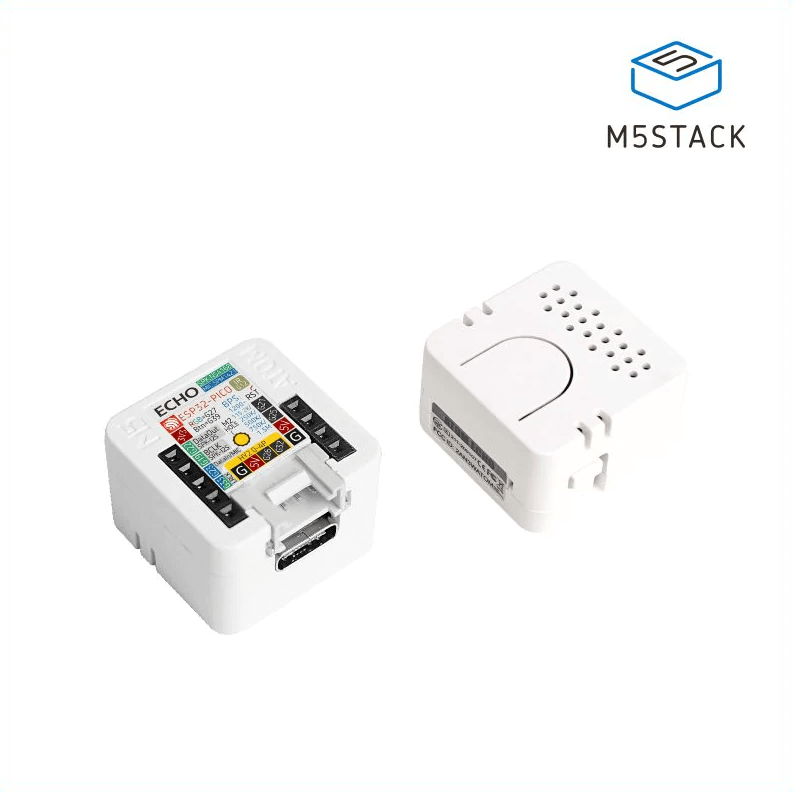
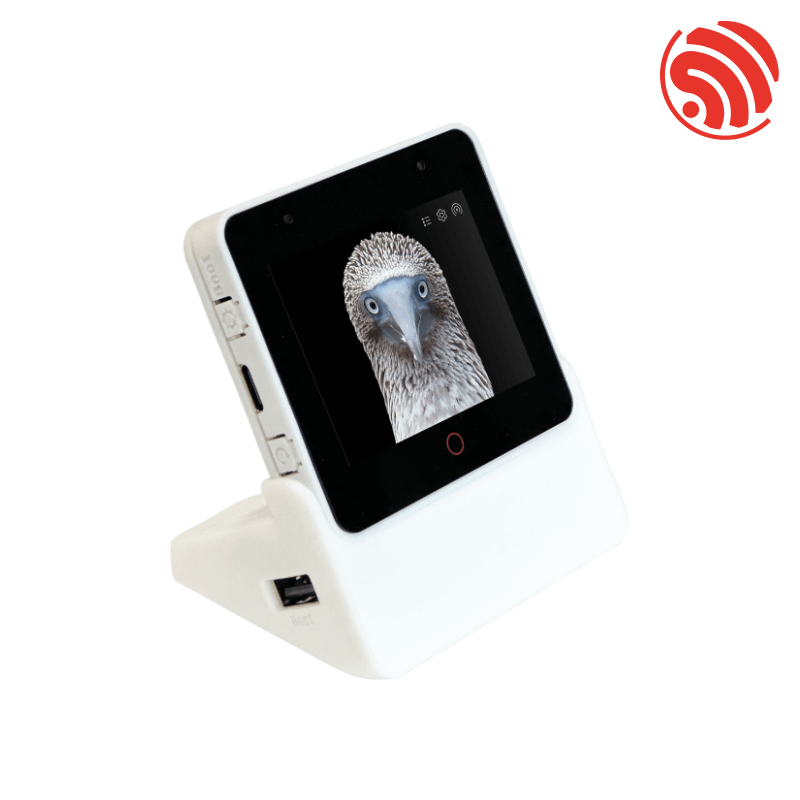
Photos: esphome.io
Key Facts
- Chip: ESP32-S3
- Framework: ESPHome
- Wake word: on-device (microWakeWord)
- Platform: Home Assistant Assist
About This Project
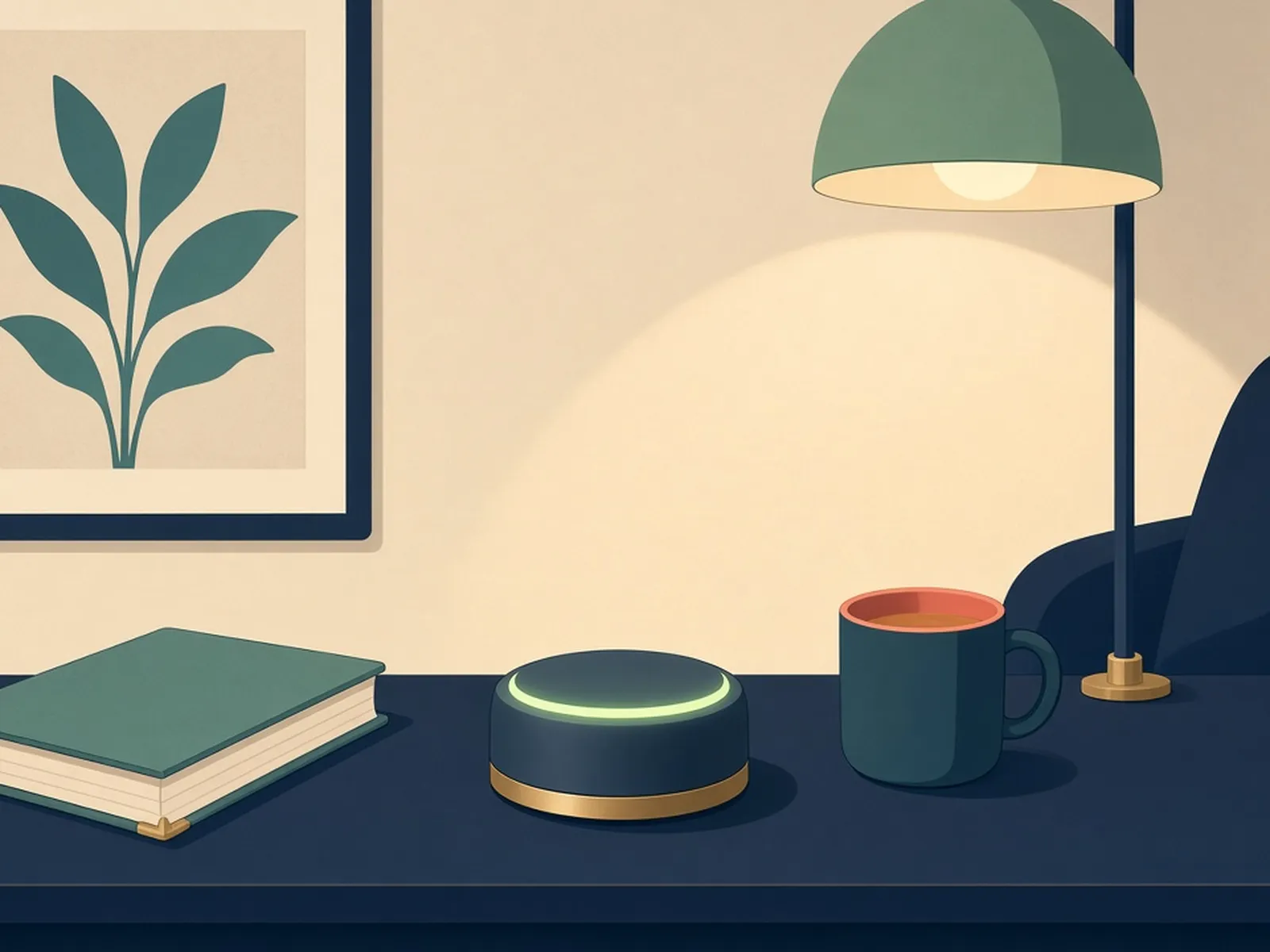
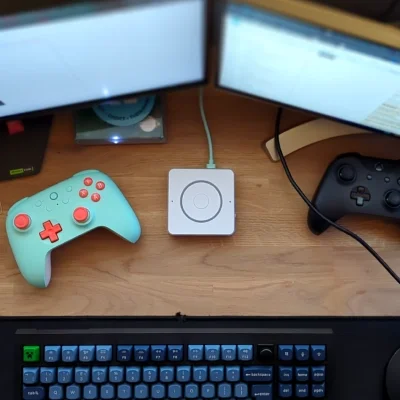
This repository holds the ESPHome team's ready-made configurations for voice assistant hardware such as the ESP32-S3-BOX-3, M5Stack ATOM Echo and the Home Assistant Voice Preview Edition. Wake-word detection runs on the device with microWakeWord, then audio streams to Home Assistant's Assist pipeline for speech-to-text and intent handling. You can flash these from the browser, which makes local, privacy-friendly voice control one of the easiest ESP32 projects to try.
Source & Attribution
Parts Needed
- One supported device: ESP32-S3-BOX-3, Home Assistant Voice PE, or M5Stack ATOM Echo
- A running Home Assistant install with Assist configured
- USB data cable
Steps
- 1
Set up Assist first
In Home Assistant, set up a voice pipeline under Settings > Voice assistants. Speech-to-text and text-to-speech can run locally (Whisper and Piper add-ons) or through Home Assistant Cloud.
- 2
Flash from the browser
Open the ESPHome voice assistant install page (built on ESP Web Tools), connect the device over USB in Chrome or Edge, and install the prebuilt firmware for your model.
- 3
Join Wi-Fi
Enter your Wi-Fi details when the installer asks, or use Improv over BLE or serial on supported devices.
- 4
Adopt in Home Assistant
Home Assistant will find the new ESPHome device. Add it, then assign it to your voice pipeline and choose a wake word such as 'Okay Nabu'.
- 5
Customise (optional)
Adopt the device into the ESPHome dashboard to edit its YAML (LEDs, wake words, media player settings) and push changes over the air.
- 6
Tips
These devices need a 2.4GHz network. If the wake word misfires, try another supported wake-word model or adjust the sensitivity in the config.
Not included: 3D-printed case, wire, solder, USB cable
Related Projects