Gesture Media: wave at an ESP32-S3 to play, pause and skip tracks
An M5Stack AtomS3R plus a PAJ7620U2 gesture unit turn hand movements into Bluetooth media keys: grab to play or pause, slap left or right to skip, draw circles for volume. No PC app or cloud.
What it is
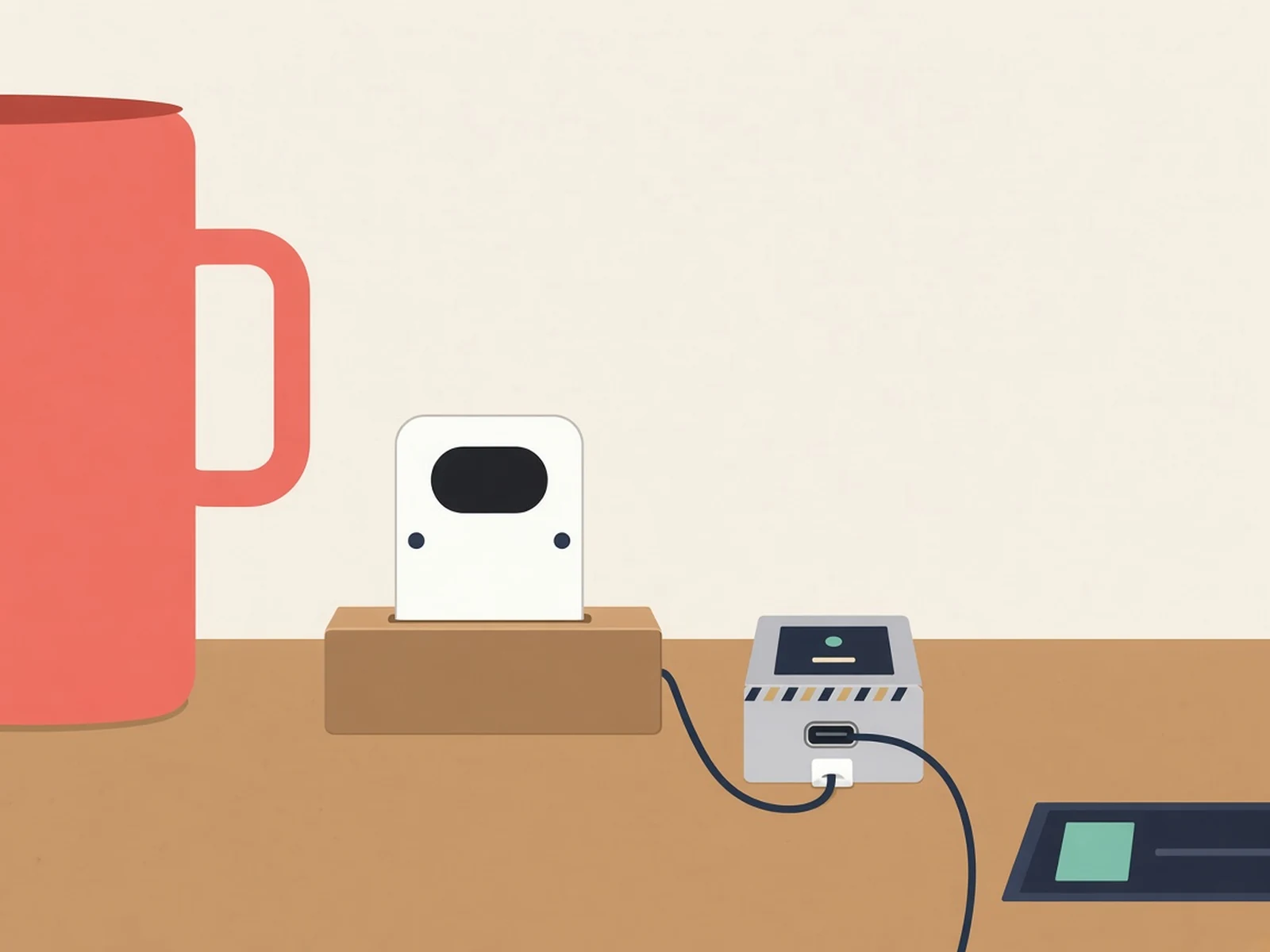
A tiny touchless remote: wave at an ESP32-S3 and it sends Bluetooth play/pause, next/previous and volume keys to your computer, phone or tablet.
What you need
- M5Stack AtomS3R
- M5Stack Unit Gesture PAJ7620U2, Grove cable included
- USB data cable
How hard
Beginner. No soldering: plug the gesture unit into the AtomS3R with the Grove cable and flash the firmware with Arduino CLI or the IDE. Expect to tune your mounting distance, since the gestures are movement-based.
Photos
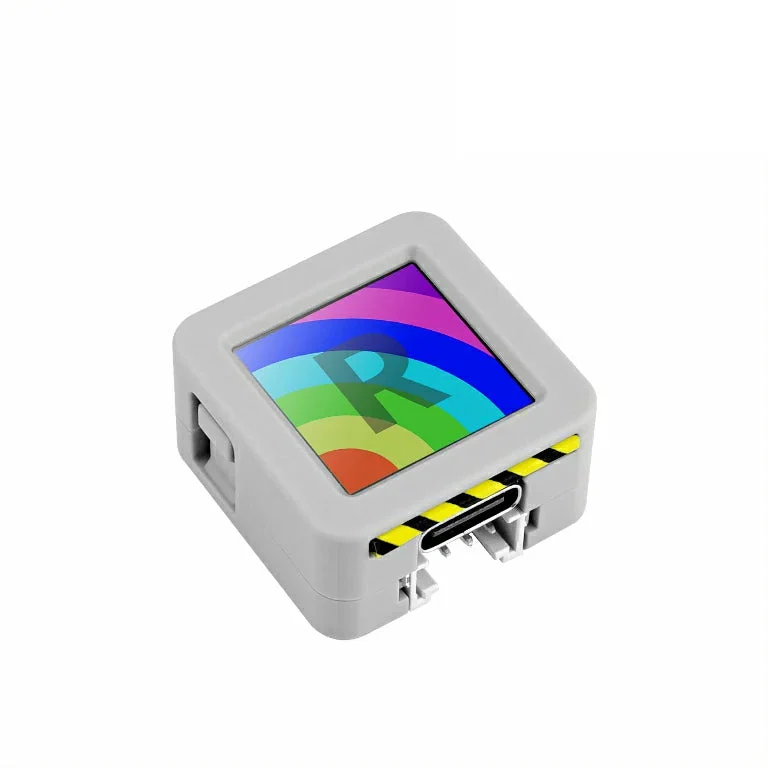
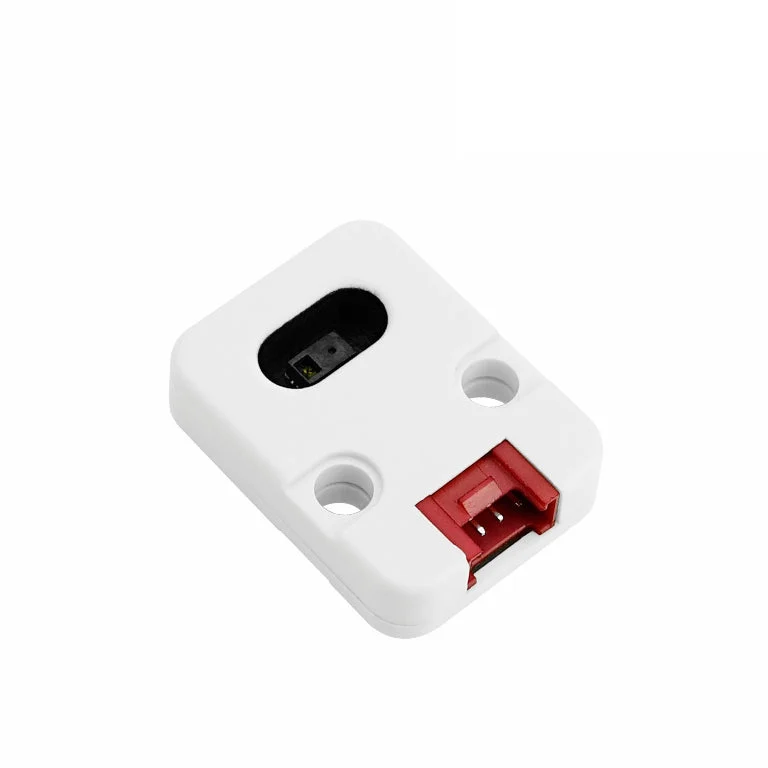
Photos: M5Stack
Key Facts
- Hardware: M5Stack AtomS3R + Unit Gesture (PAJ7620U2, I2C 0x73) on Grove
- Output: BLE HID media keys; no PC app or cloud
- Gestures: grab = play/pause, slap = prev/next, circles = volume
- Firmware: C++/Arduino, M5Stack ESP32 core 3.3.9 (v24 baseline)
- Tested on Windows, a Xiaomi phone and an iPad (per the README)
- Parts: AtomS3R dev kit $17.50 + Unit Gesture $12.95 (M5Stack store, Oct 20)
- License: none selected yet
About This Project
Gesture Media is DustinYe's media controller, with code on GitHub, built from two M5Stack parts: an M5Stack AtomS3R (ESP32-S3 with a 128x128 screen and a front button) and an M5Stack Unit Gesture with the PAJ7620U2 infrared sensor, joined by the Grove cable. It shows up as a standard BLE HID consumer-control device, so a computer, phone or tablet sees ordinary media keys, with no relay PC, cloud service or companion app. The gestures: open your palm and close it into a fist toward the sensor to play or pause, make a slap-style movement left or right for previous or next track, and draw circles clockwise or counter-clockwise for one volume step per turn. Pressing the screen pauses gesture control, a double-click switches to another host, and a 3-second hold clears the stored Bluetooth bonds. Under the hood the C++/Arduino firmware polls the sensor about every 4 ms, filters the trajectory, and runs separate sweep, grip and circle trackers before sending a key. The author is careful about limits: the PAJ7620U2 can't count fingers or truly tell a fist from an open palm, a sideways fist can still trigger a track change in the published v24 firmware, thresholds depend on how you mount it (sensor face vertical, start about 8 to 10 cm away), and no accuracy or latency figures are claimed. The repo pins M5Stack's ESP32 Arduino core 3.3.9 and the M5AtomS3R board, with PowerShell setup, build and upload scripts for Arduino CLI on Windows, a build guide for the IDE, and a Python replay of recorded sensor data for testing. It was checked on Windows, a Xiaomi phone and an iPad at different stages. It's a two-part, plug-together build: on the M5Stack store on October 20 the AtomS3R dev kit was $17.50 and the Unit Gesture $12.95. Note that the repo has no project-wide license yet.
Source & Attribution
Parts Needed
- M5Stack AtomS3R
- M5Stack Unit Gesture (PAJ7620U2) + Grove cable
- USB-C data cable
- A BLE computer, phone or tablet
Steps
- 1
Connect
Plug the Unit Gesture into the AtomS3R's Grove port with the included cable. The sensor talks I2C at address 0x73.
- 2
Toolchain
Install Arduino CLI (or the Arduino IDE) with M5Stack's ESP32 core 3.3.9 and pick the M5AtomS3R board. On Windows, the repo's scripts/setup.ps1 and build.ps1 do this for you.
- 3
Flash
Upload with ./scripts/upload.ps1 -Port <your port>, or from the IDE following docs/BUILD.md. Uploading replaces whatever is on the board.
- 4
Pair
On your computer, phone or tablet, connect to the Bluetooth device named Gesture Media. A double-click on the screen switches to another host; a 3-second hold clears bonds.
- 5
Mount and wave
Stand the sensor face vertical, toward you, and start about 8-10 cm away. Grab toward it to play/pause, slap left/right to skip, circle for volume.
Bill of Materials
Parts list
3 parts · 3 linked
Heads up: some Buy links are affiliate links. If you buy through one, MCU Atlas may earn a small commission at no extra cost to you. It never changes which parts we list. How this works



Not included: A BLE host: computer, phone or tablet with a media player, A mount that holds the sensor face vertical, toward you
Related Projects