InfiniTime: open firmware for the PineTime smartwatch
The community FreeRTOS firmware that turns the $30 PineTime (nRF52832) into a fully open smartwatch.

Photos
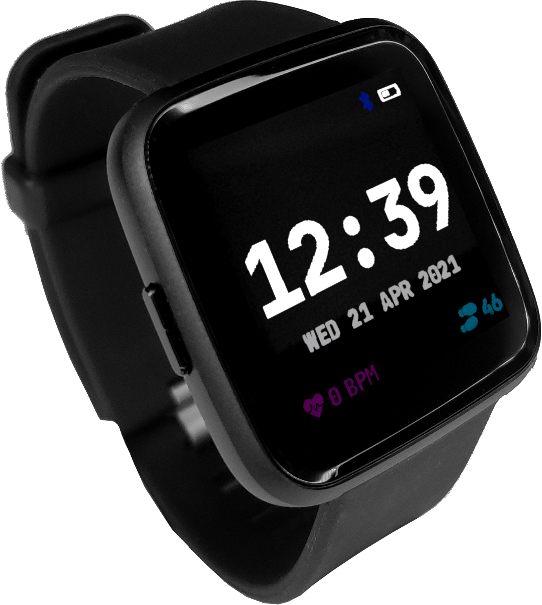
Photos: pine64.org
Key Facts
- Chip: nRF52832
- Hardware: PINE64 PineTime
- OS: FreeRTOS + LVGL
- Phone: Gadgetbridge / Amazfish
About This Project
InfiniTime is the main open-source firmware for the PINE64 PineTime, a $30 nRF52832 smartwatch. It provides watch faces, notifications via Gadgetbridge/Amazfish, heart-rate monitoring, step counting, a music controller, stopwatch, timer and games, all on FreeRTOS with LVGL. Flashing is done over BLE once an unlockable bootloader is installed. One of the best-documented nRF52 wearable projects.
Source & Attribution
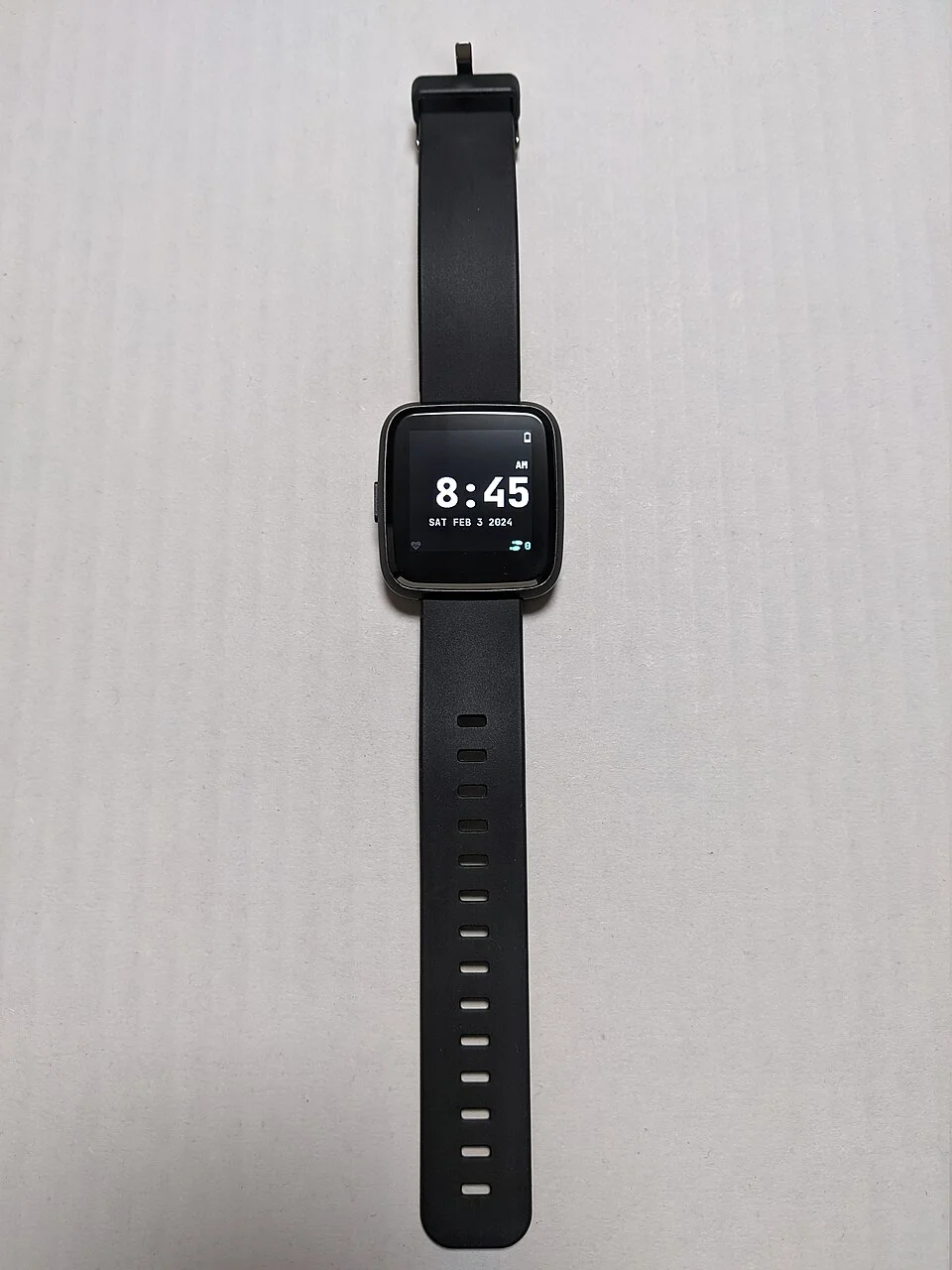
Parts Needed
- PINE64 PineTime smartwatch
- Android/iOS/Linux phone or a computer with Web Bluetooth
- (Developers only) SWD programmer, e.g. ST-Link or a Pi Debug Probe, for a dev kit
Steps
- 1
Check what you have
Retail PineTimes ship with InfiniTime and a bootloader that supports updates over Bluetooth, so no cables are needed. Only the sealed dev kit or a bricked watch needs SWD flashing.
- 2
Install a companion app
Use Gadgetbridge on Android, InfiniLink on iOS, or Siglo/ITD/WatchMate on Linux. InfiniTimeExplorer works in Chrome or Edge via Web Bluetooth. The project advises against nRF Connect, as current versions no longer work.
- 3
Download the firmware
From the InfiniTime GitHub releases, download the DFU zip (and optionally the resources zip with extra fonts and images).
- 4
Update over Bluetooth
Pair the watch in the companion app and push the DFU file. When the watch reboots, open Settings > Firmware on the watch and validate the new image, otherwise it reverts on the next reboot.
- 5
Customise
Pick a watch face, enable the apps you want and set up weather or music control through the companion app.
- 6
Build it yourself (optional)
To modify the code, follow the repo's build guide (CMake plus the ARM GCC toolchain, or the Docker image). The InfiniSim simulator lets you try UI changes on a desktop first.
| Part | Qty | Role | Est. Price | Buy |
|---|---|---|---|---|
| 1 | watch | $27–$30 | View |
Not included: 3D-printed case, wire, solder, USB cable
Related Projects