MC BlueBridge: a Pico 2 W Bluetooth controller adapter for MiSTer, PC and Switch
Open-source firmware that turns a Raspberry Pi Pico 2 W into a Bluetooth controller adapter: pair PlayStation, Xbox, Nintendo or 8BitDo pads and it shows up as a wired USB controller on a MiSTer, PC, Switch or Xbox 360.
What it is
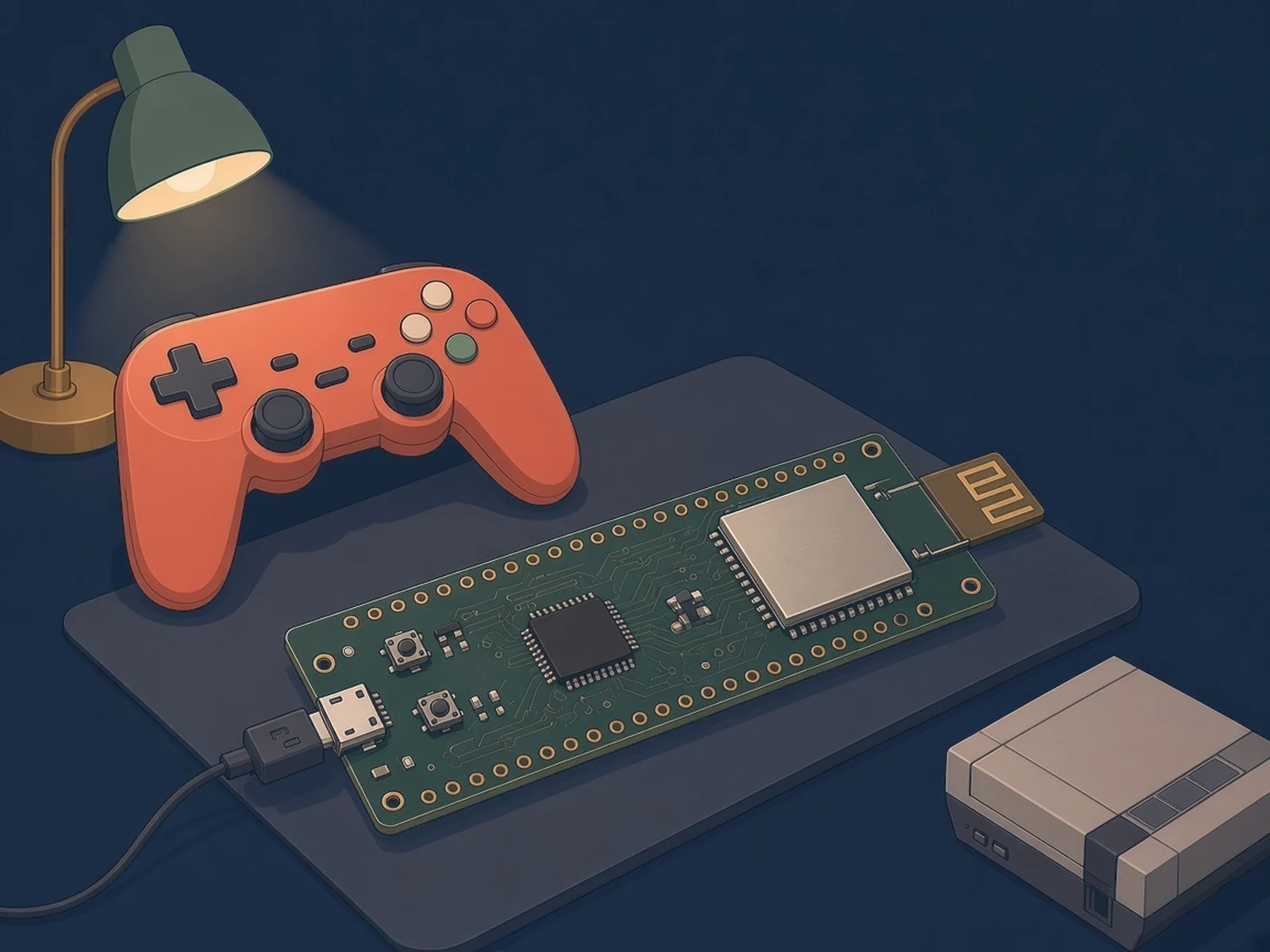
A Pico 2 W that pairs with your Bluetooth gamepads and plugs into a MiSTer, PC, Switch or Xbox 360 as a wired USB controller.
What you need
- Raspberry Pi Pico 2 W
- USB data cable micro-USB, data capable
How hard
Beginner. No wiring: hold BOOTSEL, plug the Pico 2 W in, copy the UF2 onto it, then pair a controller from MiSTer Companion, the BlueBridge website or the BOOTSEL button.
Key Facts
- Board: Raspberry Pi Pico 2 W only (other Pico models are not supported)
- Bluetooth Classic and BLE controllers in, wired USB controller out
- USB output modes: MiSTer, X-Input, Generic HID, Nintendo Switch, Xbox 360 (Console)
- Profiles per controller with remapping, deadzones, axis inversion, turbo and button-chord macros
- Up to two controllers on one adapter
- Managed over USB from MiSTer Companion, a browser, or Companion Remote on a MiSTer; Wi-Fi is not used
- Flash the UF2 from GitHub releases, or build with the Pico SDK
- License: GPL-3.0
About This Project
MC BlueBridge, by Anime0t4ku (the developer behind MiSTer Companion), turns a Raspberry Pi Pico 2 W into a low-latency Bluetooth controller adapter built first for the MiSTer FPGA, with support for PC, Nintendo Switch and Switch 2 as well. Controllers connect to the Pico over Bluetooth Classic or Bluetooth Low Energy, and the Pico presents them to the host as a wired USB controller, so the host never deals with Bluetooth at all. Supported families include Sony PlayStation, Microsoft Xbox, Nintendo (Switch Pro, Joy-Con, Switch Online retro pads and the Switch 2 Pro Controller), 8BitDo, Valve Steam, Google Stadia, SteelSeries, Atari, OUYA, iCade and standard Bluetooth HID gamepads, though the README notes compatibility can vary by model and controller firmware. It has five USB output modes: MiSTer (the default), X-Input for Windows, Generic HID, Nintendo Switch, and Xbox 360 (Console), which uses XSM3 authentication to work as a wired pad on a retail Xbox 360. Each remembered controller can hold several profiles with button remapping, stick and trigger deadzones, axis inversion, turbo, button-chord macros and its own MiSTer controller identity, and up to two controllers can share one adapter. Settings live on the Pico itself. The Pico's Wi-Fi is not used: you manage the adapter over USB from the MiSTer Companion desktop app, from a browser at bluebridge.mistercompanion.org, or remotely through the Companion Remote daemon on a MiSTer. Pairing can also start from the Pico's BOOTSEL button, which is handy on a Switch where the management interface is not reachable, and the onboard LED shows connection, pairing and error states. Only the Pico 2 W is supported; other Pico models are not. Firmware ships as a UF2 file (v1.0.1 on GitHub) or builds from source with the Pico SDK and its bundled BTstack. GPL-3.0 licensed.
Source & Attribution
Illustration
Parts Needed
- Raspberry Pi Pico 2 W
- Micro-USB data cable
- A supported Bluetooth controller
Steps
- 1
Get the firmware
Download mc_bluebridge.uf2 from the GitHub releases page, or let MiSTer Companion Desktop install it. To build it yourself, use the Pico SDK with its bundled BTstack and cmake -DPICO_BOARD=pico2_w.
- 2
Flash the Pico 2 W
Hold BOOTSEL while plugging the Pico 2 W into USB, then copy the UF2 onto the drive that appears.
- 3
Pick an output mode
MiSTer is the default. Switch to X-Input, Generic HID, Nintendo Switch or Xbox 360 (Console) from MiSTer Companion or https://bluebridge.mistercompanion.org over USB. Configure and pair before choosing Xbox 360 mode, which hides the management interface.
- 4
Pair a controller
Start pairing from the management app, or hold BOOTSEL for about a second until the LED blinks fast, then put the controller in pairing mode. It is remembered and reconnects on its own.
- 5
Tune profiles
Add profiles per controller for remapping, deadzones, turbo and macros. Up to two controllers can share one adapter; turbo and macros work in single-controller mode.
Bill of Materials
Parts list
2 parts · 2 linked
Heads up: some Buy links are affiliate links. If you buy through one, MCU Atlas may earn a small commission at no extra cost to you. It never changes which parts we list. How this works


Not included: A supported Bluetooth controller (PlayStation, Xbox, Nintendo, 8BitDo and other Bluetooth gamepads), The host: a MiSTer, a PC, a Nintendo Switch or Switch 2, or an Xbox 360, A case (none is published in the repo)
Related Projects