MeshCore-BitChat: bridge Bitchat phone chats onto a MeshCore LoRa mesh
Firmware for a cheap ESP32 LoRa board that relays the #mesh channel between Bitchat's Bluetooth phone mesh and a MeshCore LoRa network, both ways.
What it is
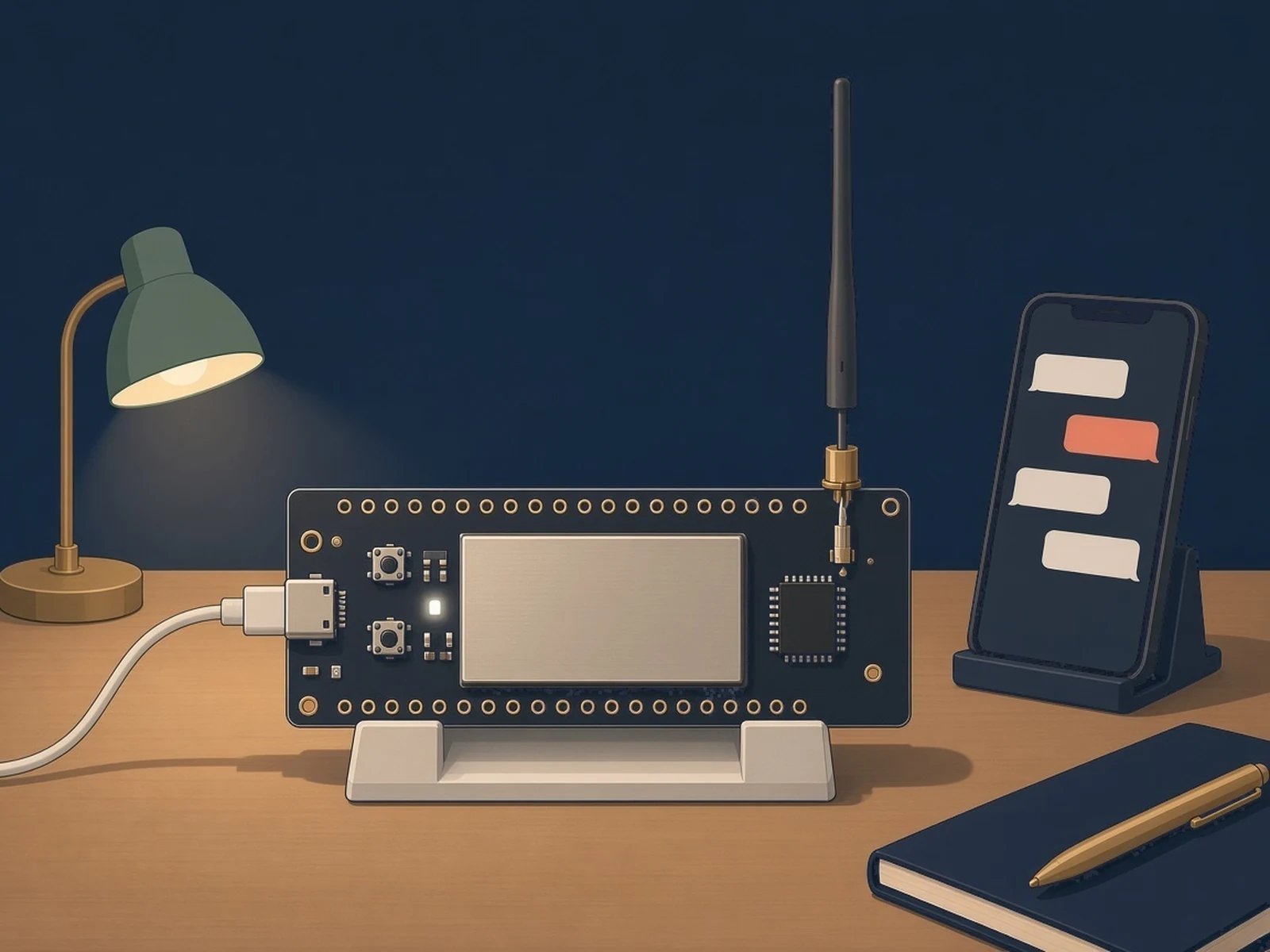
Firmware that turns a cheap LoRa board into a bridge, so people chatting on Bitchat over Bluetooth can reach a MeshCore radio mesh kilometers away.
What you need
- Heltec Wireless Stick Lite V3 or another supported ESP32 LoRa board
- LoRa antenna
- USB-C data cable
How hard
Beginner. Flash a release binary, then set region and name in the MeshCore web app. Only the #mesh channel is bridged.
Key Facts
- Bridges Bitchat (Bluetooth phone mesh) and MeshCore (LoRa mesh), both directions
- Only the #mesh channel; no DMs, files, images or voice
- Not end-to-end encrypted: the bridge decrypts and re-encrypts, and the #mesh key is public
- Release binaries for 19 ESP32 boards; author tested Heltec Wireless Stick Lite V3 and LilyGo T-Lora V2.1
- nRF52 boards limited to short messages (under 256 bytes)
- Companion node only, cannot double as a MeshCore repeater
- License: MIT (fork of MeshCore)
About This Project
Bitchat is a phone app that chats over a Bluetooth mesh with no internet, but Bluetooth only reaches people nearby. MeshCore is a LoRa mesh firmware for small radio boards that covers kilometers. MeshCore-BitChat, a fork of MeshCore by Juraj Bednar (jooray), adds a bridge between the two: a MeshCore companion node that also speaks Bitchat over BLE, so messages typed into Bitchat's #mesh channel show up on the MeshCore #mesh channel and MeshCore messages appear in Bitchat. Put one bridge where Bitchat users are (an office, apartment block or square) and it carries their messages onto the LoRa mesh and back. Prebuilt release binaries cover 19 ESP32 boards with full support; the author tested the Heltec Wireless Stick Lite V3 and LilyGo T-Lora V2.1 and recommends the Heltec (the LilyGo was slow). nRF52 boards build too but only pass short messages (under 256 bytes), so ESP32 is the recommended path. Setup is flash the release binary with esptool or a web flasher, connect the MeshCore web app over USB serial in Chrome or Edge, set the radio preset for your region and give the node a name; after that it runs on its own. Limits worth knowing: only the #mesh channel is bridged, no DMs, files, images or voice; there is no end-to-end encryption because the bridge decrypts and re-encrypts and the #mesh key is public; long messages are split into roughly 127-byte parts; the node's clock must be within 10 minutes (it can sync from Bitchat packets or be set from the MeshCore app); and it works only as a companion node, not a MeshCore repeater. MIT licensed, like MeshCore.
Source & Attribution
Illustration
Parts Needed
- Heltec Wireless Stick Lite V3 (or another supported ESP32 LoRa board)
- LoRa antenna
- USB-C data cable
Steps
- 1
Get the firmware
Download the *_companion_radio_usb_bitchat binary for your board from the MeshCore-BitChat releases (or build it with PlatformIO).
- 2
Flash
Attach the antenna, then flash the binary with esptool or a web flasher over a USB-C data cable.
- 3
Configure
Open the MeshCore web app in Chrome or Edge, connect over USB serial, set the radio preset for your region and give the node a name.
- 4
Place it
Power it where Bitchat users are, since Bluetooth range is short. It runs on its own; check its clock is within 10 minutes if messages don't pass.
- 5
Chat
Bitchat users post in #mesh; MeshCore users post in the #mesh channel. Only #mesh is bridged and it is not end-to-end encrypted.
Bill of Materials
Parts list
4 parts · 4 linked
Heads up: some Buy links are affiliate links. If you buy through one, MCU Atlas may earn a small commission at no extra cost to you. It never changes which parts we list. How this works



Not included: A phone with the Bitchat app, A computer with Chrome or Edge for the MeshCore web app, USB power for the bridge once it is set up
Related Projects