OpenHaystack on Zephyr: Find My tracking with nRF52840
Zephyr firmware that turns an nRF52840 into an Apple Find My network accessory using OpenHaystack.

Key Facts
- Chip: nRF52840
- RTOS: Zephyr
- Network: Apple Find My (crowdsourced)
- Power: coin cell feasible
About This Project
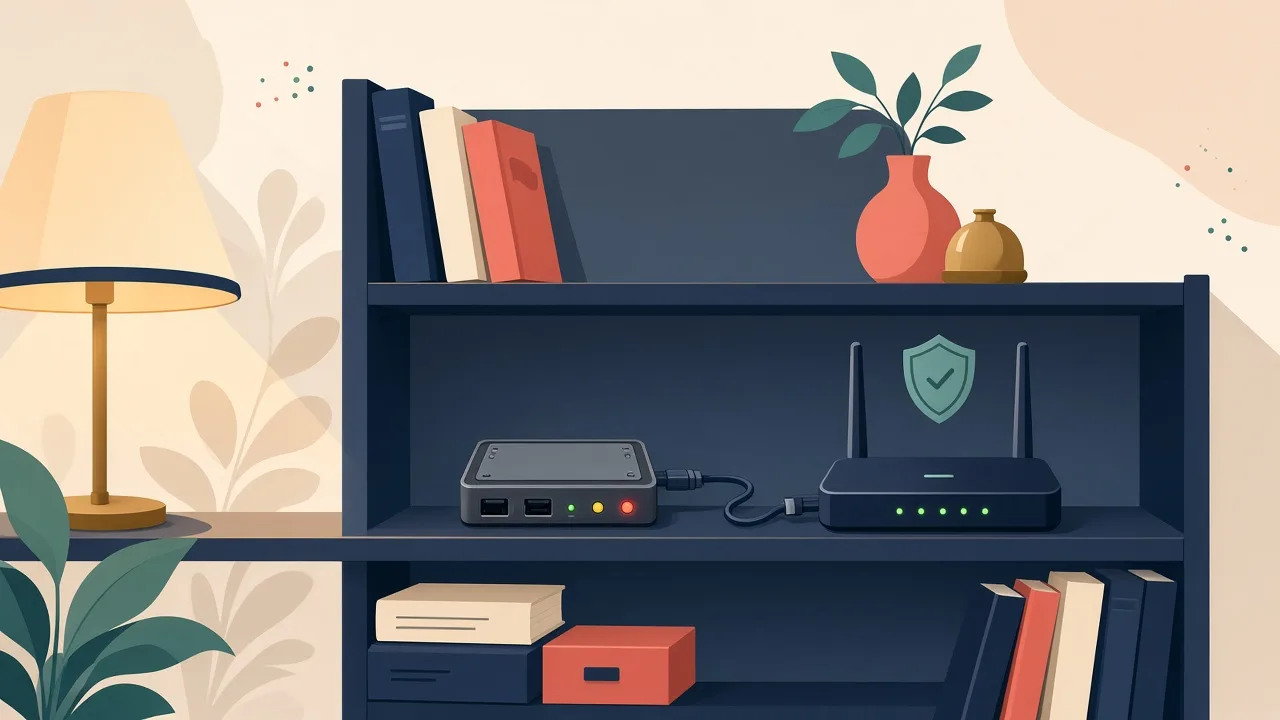
This project ports OpenHaystack to Zephyr RTOS so an nRF52840 Dongle (or other nRF52 board) can advertise as an Apple Find My accessory and be located on Apple's crowdsourced network. Power draw is low enough for coin-cell or small-battery operation. It is privacy-sensitive: only track your own devices, and understand the cryptographic key management OpenHaystack requires.
Source & Attribution
Illustration
Parts Needed
- nRF52840 Dongle (or another Zephyr-supported BLE board)
- CR2032 or other power if not on USB
- Mac running the OpenHaystack app (to generate keys and view locations)
- Zephyr toolchain (west, Zephyr SDK)
Steps
- 1
Generate a key
In the OpenHaystack Mac app, create an accessory and copy its advertisement public key.
- 2
Set up Zephyr
Install the Zephyr SDK and west, then initialise a workspace for the app and run west update to fetch the modules.
- 3
Insert your key
Either paste the key into the public_key array in main.c before building, or build first and patch the placeholder in zephyr.bin with the included openhaypatch.sh script.
- 4
Build
Run west build -p auto -b <your-board> -s app. The image ends up in build/zephyr.
- 5
Flash
Run west flash. Boards like the nRF52840 Dongle may need nrfutil DFU instead, so check your board's docs.
- 6
Track it
Leave the tag somewhere and watch for location reports in OpenHaystack. Only track your own property.
Not included: 3D-printed case, wire, solder, USB cable
Related Projects