paperlesspaper: open-hardware Spectra 6 colour e-paper photo frame
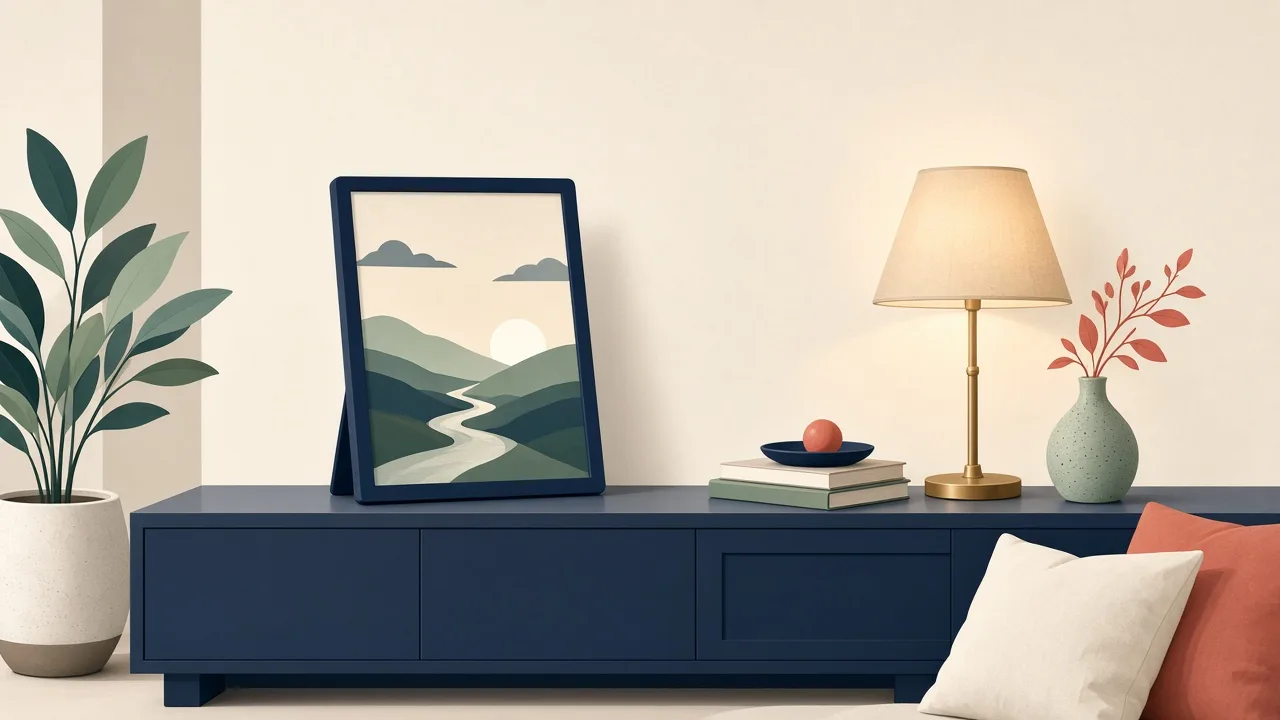
Open PCB and CAD files for an ESP32 colour e-paper photo frame using a 7.3in Spectra 6 display in a standard picture frame.
Photos
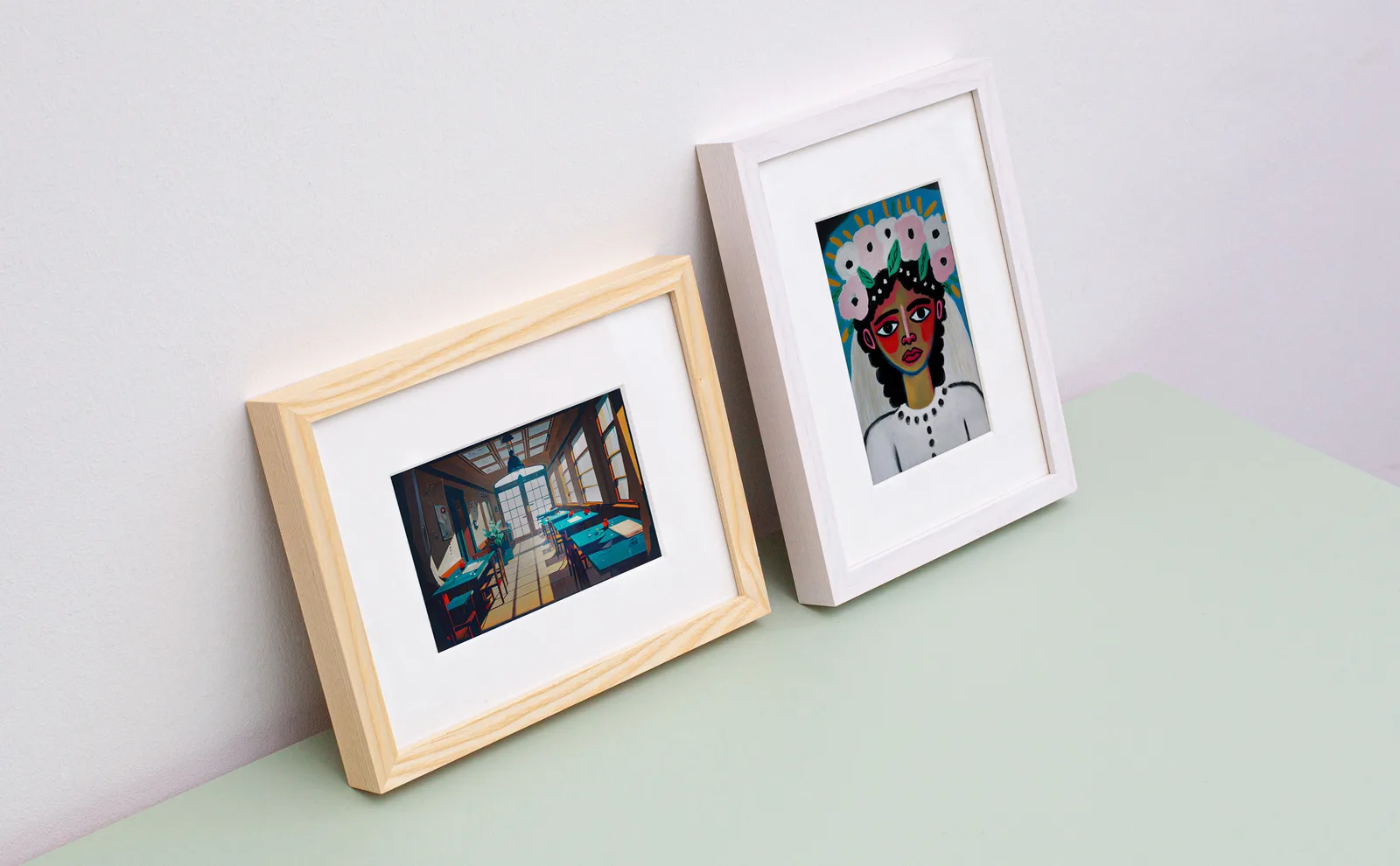
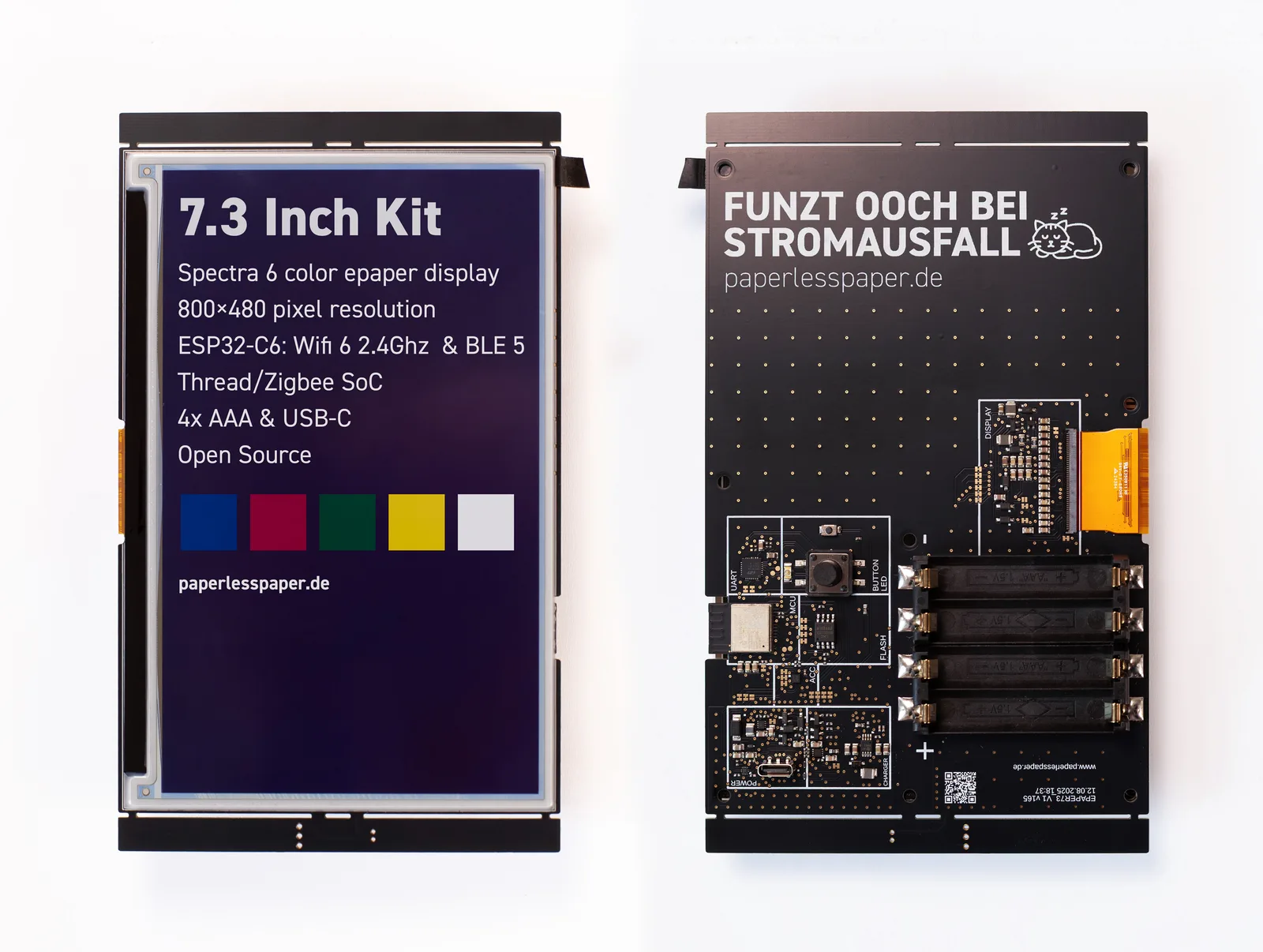
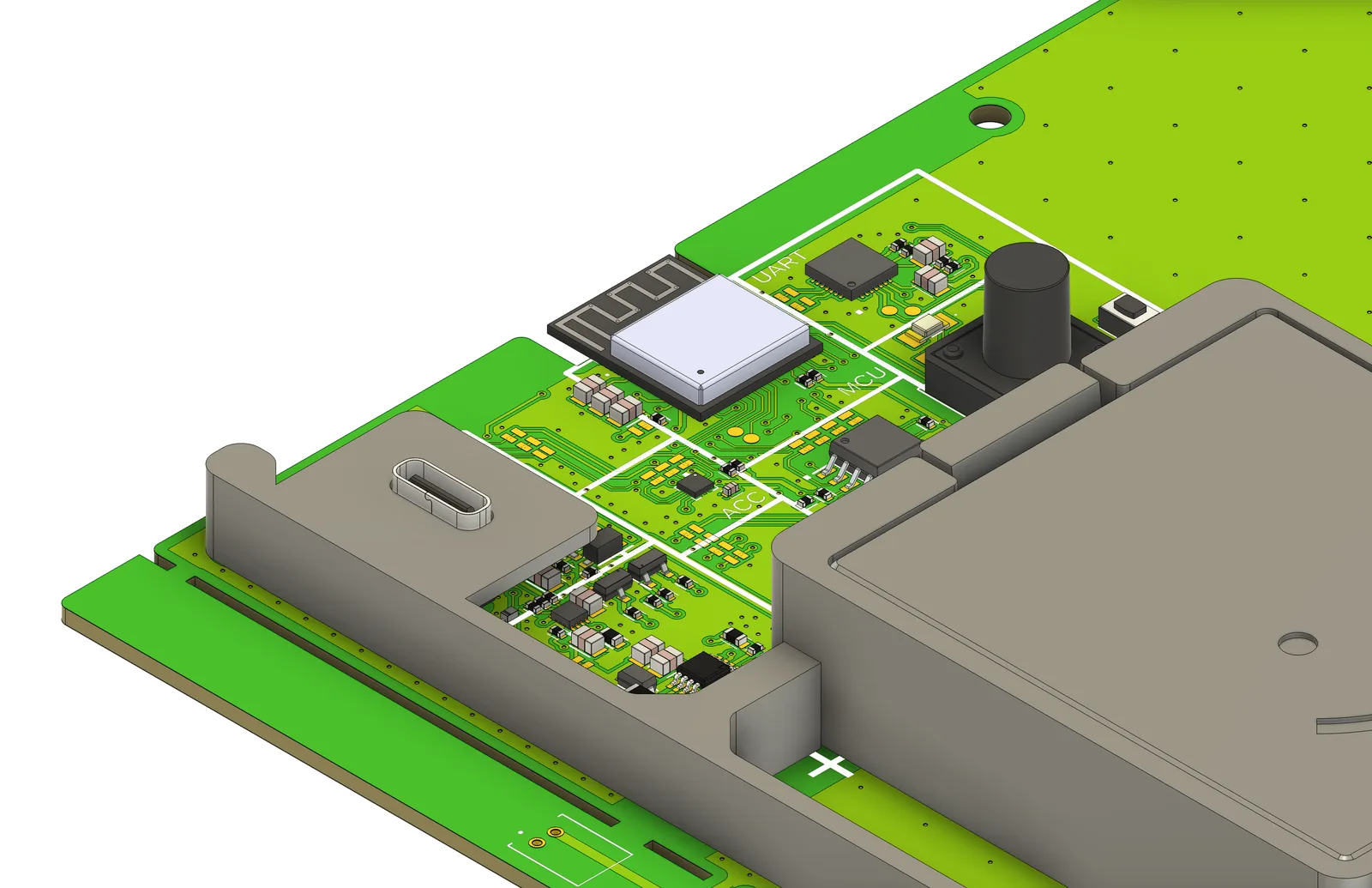
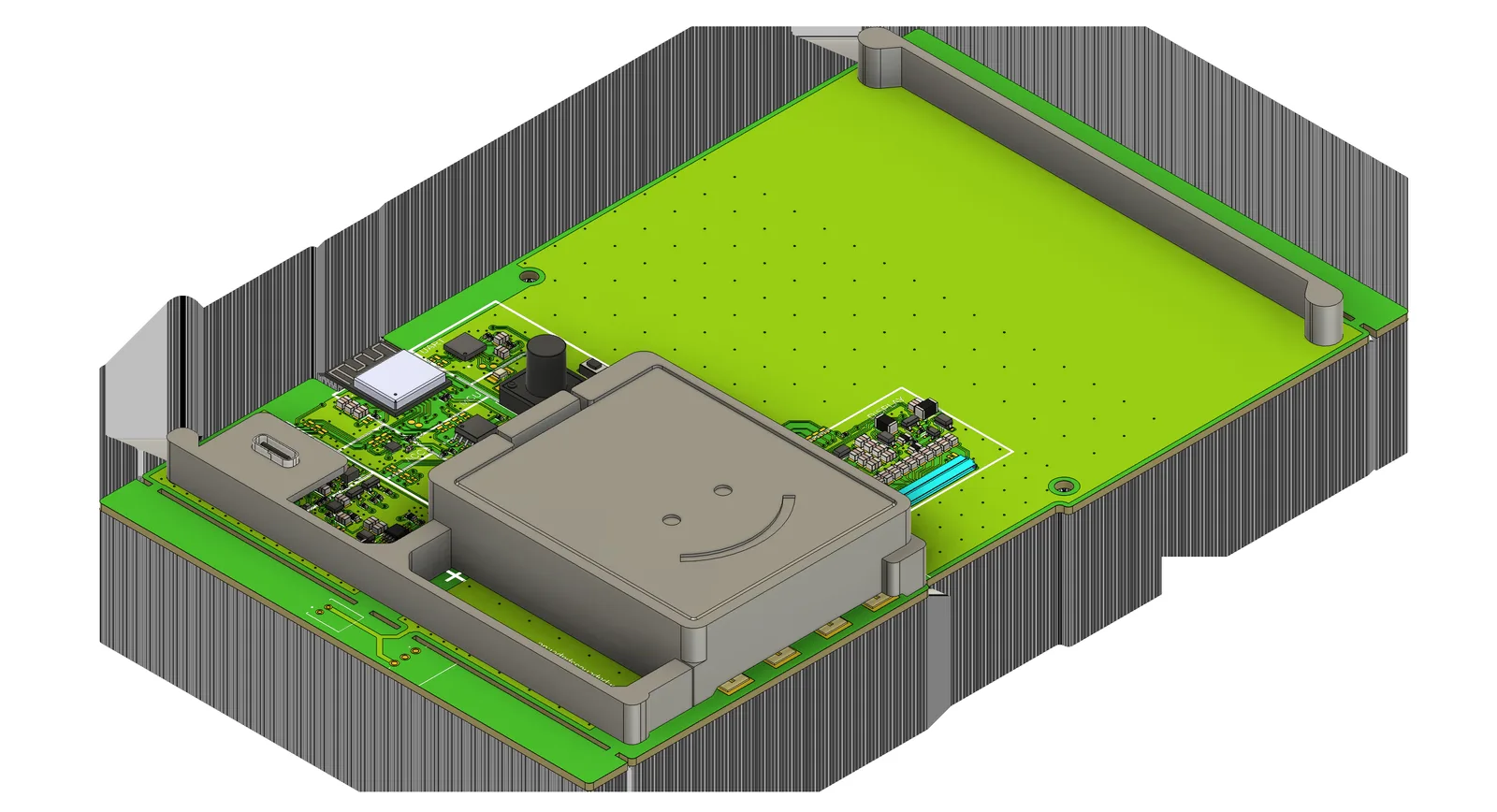
Photos: paperlesspaper/paperlesspaper-hardware
Key Facts
- Display: 7.3in Spectra 6 colour e-paper
- Build: custom PCB, 3D-printed, laser-cut back
- Power: battery
- Chip: ESP32-family (verify revision in PCB files)
About This Project
paperlesspaper publishes the hardware for its commercial e-paper photo frame: PCB design files, 3D-printed carriers and a laser-cut back for a standard picture frame. The display is a full-colour E Ink Spectra 6 panel, so photos look like prints and the frame runs on battery for long periods. Building it requires PCB fabrication, a 3D printer and a laser cutter, so it suits advanced makers.
Source & Attribution
Parts Needed
- Paper 7 PCB (Gerbers, BOM and pick-and-place files in the repo; order it assembled)
- 7.3in Spectra 6 colour e-paper panel
- Standard picture frame with turn buttons
- Battery
- PETG 3D-printed parts (battery compartment, spacers)
- Laser-cut back panel
Steps
- 1
Order the PCB
Send the Gerber zip, BOM and pick-and-place files to a PCB assembly service. The Fusion Electronics source files are there if you want to modify the design.
- 2
Print and cut the parts
Print the inner carrier, battery compartment and spacers in PETG (replacement parts are also on Makerworld). Laser-cut the back panel: red lines cut, black lines engrave, green is ignored.
- 3
Assemble
Mount the PCB and battery on the carrier, then connect the display's flex cable. No screws are needed, but glue the battery cover with superglue.
- 4
Firmware
This repo covers the hardware only. Get the firmware and app setup from paperlesspaper's other repos or docs, and check which chip your PCB revision uses.
- 5
Tips
Spectra 6 panels refresh slowly (tens of seconds). That's expected.
Not included: 3D-printed case, wire, solder, USB cable
Related Projects