Pico.Lab: turn a Raspberry Pi Pico into a browser-based scope and logic analyzer
Flash one .uf2 and a Pico 2 becomes a 4-channel scope, 8-channel logic analyzer with UART/I2C/SPI decode and bus tool you open in any browser.
What it is
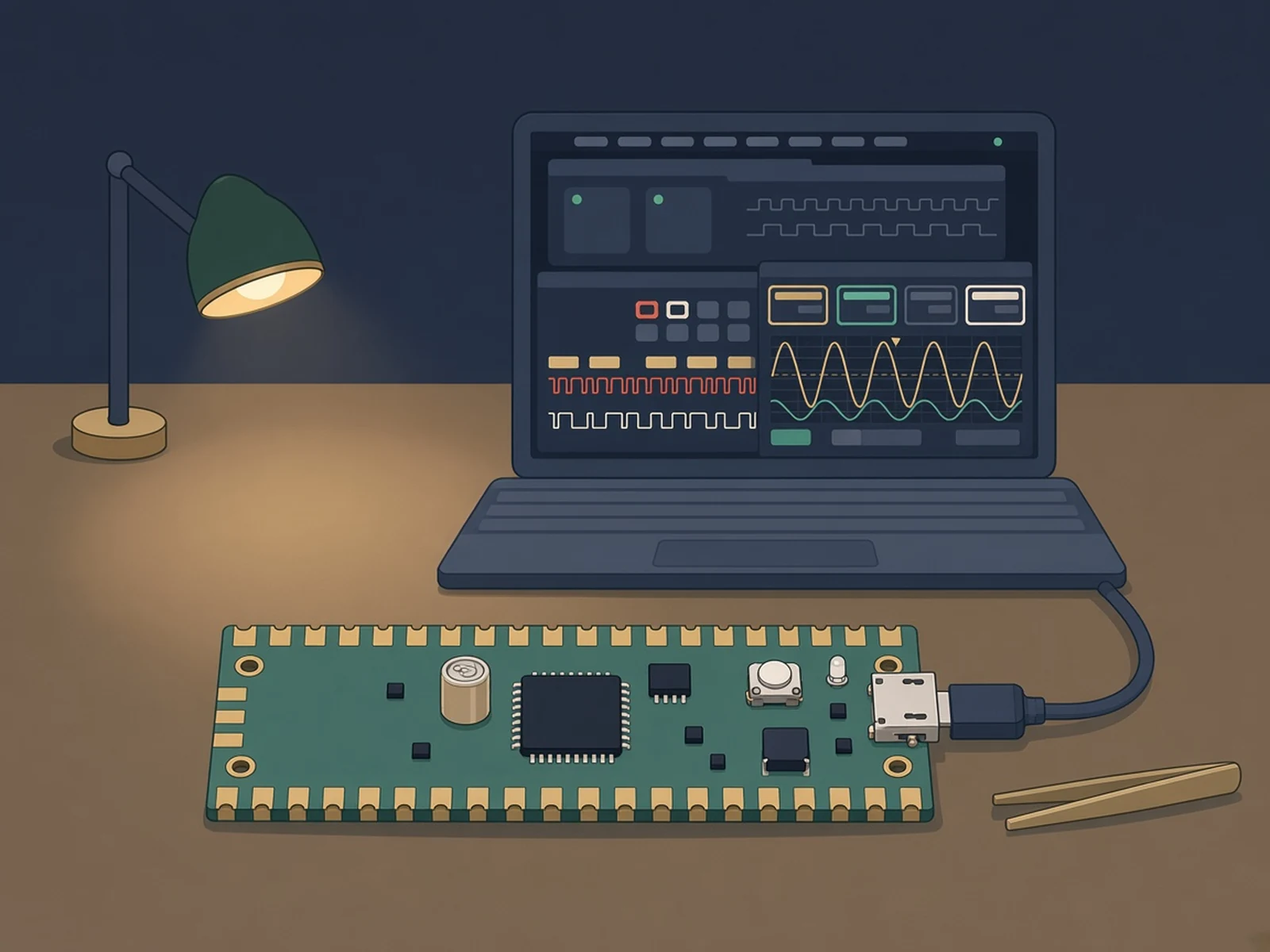
Free firmware that turns a Raspberry Pi Pico into a pocket scope, logic analyzer and bus tool you use from a web browser.
What you need
- Raspberry Pi Pico 2 or an original Pico
- USB data cable
How hard
Beginner. Drag one .uf2 onto the Pico and open a browser. Building from source needs the Pico SDK.
Key Facts
- Board: Raspberry Pi Pico 2 (RP2350) or Pico (RP2040); custom Pico.Lab board optional
- Scope: 4 channels, about 400 kHz bandwidth
- Logic analyzer: 8 channels, up to 100 MS/s, UART/I2C/SPI decode
- Also: GPIO, data logger (CSV), UART terminal, I2C/SPI masters, serial CLI
- UI: served over USB Ethernet at http://pico.lab, no host software
- Power supply tool: Pico.Lab board only
- License: GPL-3.0
About This Project
Pico.Lab, by Maximilian Kern (CoretechR), is an open-source embedded bring-up tool for the Raspberry Pi RP2350 and RP2040. It serves a window-based web interface straight from the Pico's flash over a virtual USB Ethernet link, so there is no host software, driver or WebUSB: plug it in, open http://pico.lab (or http://192.168.7.1) in any browser, and drag tool windows around. The tools are a 4-channel oscilloscope (an overclocked ADC with DMA streaming, about 400 kHz of bandwidth), an 8-channel logic analyzer that captures at up to 100 MS/s with UART, I2C and SPI decoders, GPIO control with pull-ups and PWM, a data logger with CSV export, a UART terminal, and I2C and SPI masters for scanning and raw transactions. There is also a serial CLI at 115200 baud for scripting. It runs best on the author's custom Pico.Lab board, which adds a 1.65-5.5 V logic range, an adjustable 1-5 V power rail with current measurement, a 12 V analog input range with op-amp buffers, and ESD and over-voltage protection; the power supply controller only works on that board. But the firmware is compatible with a standard Raspberry Pi Pico (RP2040) or Pico 2 (RP2350) out of the box: hold BOOTSEL, plug in, and drop the matching .uf2 file on the drive. The author is upfront that a $1 microcontroller on a USB 1.1 link won't match a dedicated scope or logic analyzer; it is meant for quick questions like why an I2C sensor won't answer. The author also notes AI generated much of the firmware, web frontend and docs. GPL-3.0.
Source & Attribution
Illustration
Parts Needed
Steps
- 1
Get the firmware
Download the .uf2 that matches your board (RP2350 for the Pico 2, RP2040 for the original Pico) from the PicoLab repo.
- 2
Flash
Hold BOOTSEL while plugging the Pico in, then drag the .uf2 onto the drive that appears.
- 3
Open the UI
Reconnect by USB. The Pico shows up as a network adapter and hands your computer an address; open http://pico.lab, or http://192.168.7.1 if local DNS doesn't work.
- 4
Debug
Open the scope, logic analyzer (with UART/I2C/SPI decode), I2C scanner or UART terminal as windows. Remember it's a $1 MCU on USB 1.1, not a bench instrument.
- 5
Script it
For automation, connect to the USB serial port at 115200 baud and type help for the CLI commands.
Bill of Materials
Parts list
3 parts · 3 linked
Heads up: some Buy links are affiliate links. If you buy through one, MCU Atlas may earn a small commission at no extra cost to you. It never changes which parts we list. How this works


Not included: The custom Pico.Lab board (optional; adds the power supply tool, 12 V analog range and 1.65-5.5 V logic), Jumper wires or probes to reach your circuit
Related Projects