Tiny Engineer: an ESP32-C3 desk robot that acts out what your AI coding agent is doing
A 3D-printed desk robot with five SG90 servos, an OLED face and a speaker that looks around, types and rings a bell as Claude Code, Cursor or Codex works.
What it is
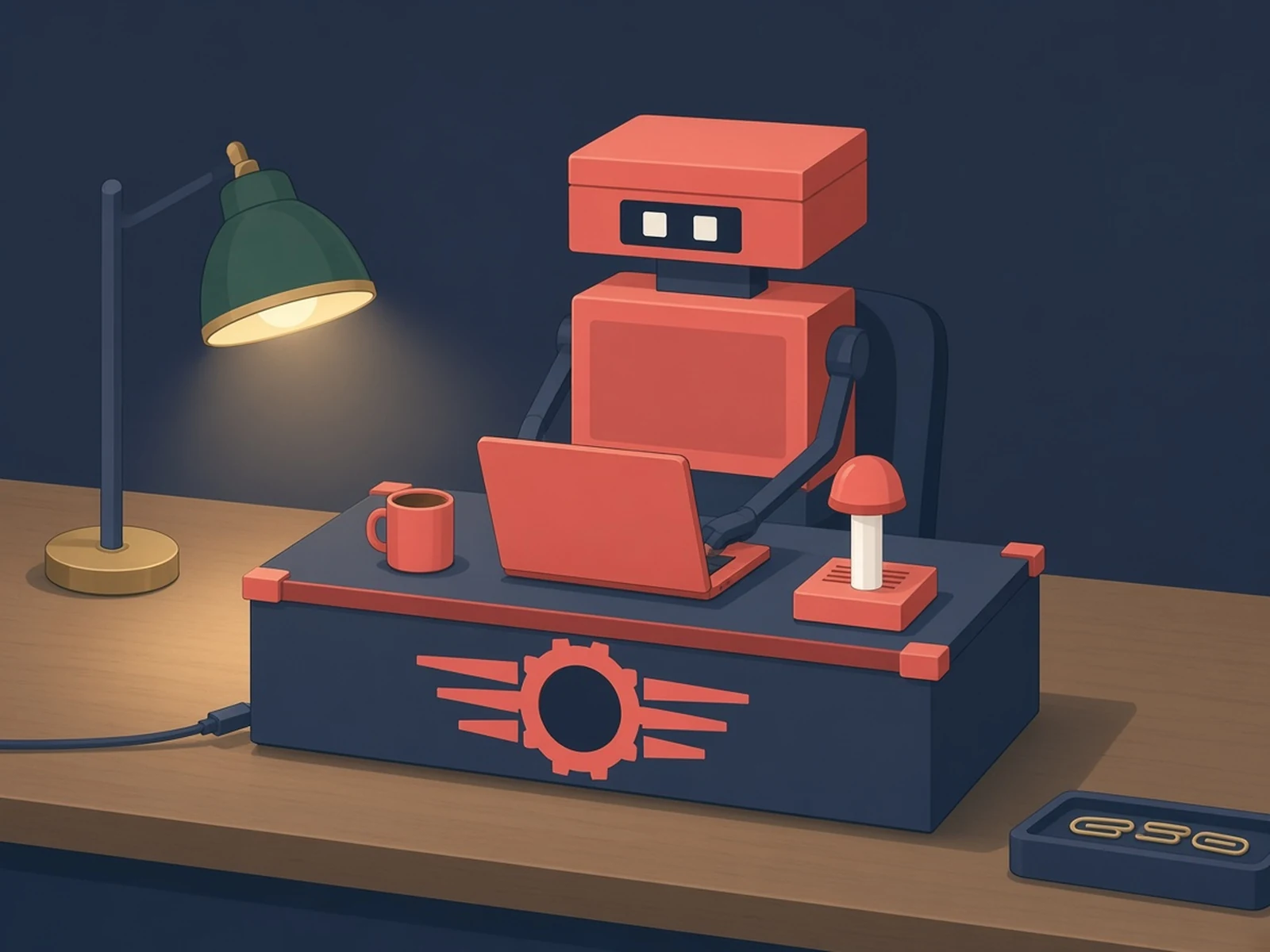
A little desk robot that looks around, types and rings a bell to show what your AI coding agent is doing right now.
What you need
How hard
Intermediate. Order a PCB from a fab, print the body, plug in the modules, flash from the browser and run one npx command. The author calls it a fair first hardware project for a software engineer.
Key Facts
- Board: Waveshare ESP32-C3-Zero on the open-source main control board
- Main board carries PCA9685 servo driver, MAX98357A I2S amp and USB-C
- Moves: 5x SG90 micro servos (head, neck, both hands, body)
- Face: 0.91in 128x32 SSD1306 OLED; sound: 8 ohm 1 W speaker
- Agents: Claude Code, Cursor, Antigravity via npx -y tiny-engineer setup; others via HTTP API
- Power: 5 V, at least 2 A
- License: MIT (software), CERN-OHL-S-2.0 (hardware)
About This Project
Tiny Engineer, by Krzysztof Jamroz, gives your AI coding agent a body: a small 3D-printed robot that sits on your desk and acts out what the agent is doing. When the agent reads files it looks around, when it writes code it types, when it thinks or waits it looks up, and when it finishes the task it rings a bell. The brain is a Waveshare ESP32-C3-Zero that plugs into the project's open-source main control board, which carries a PCA9685 servo driver, a MAX98357A I2S audio amp and USB-C. On top of that you plug in five analog micro servos (Tower Pro SG90 by default, for the head, neck, both hands and body), a Waveshare 0.91in 128x32 SSD1306 OLED for the face and an 8 ohm 1 W mini oval speaker. The board is not sold yet: you order it from any PCB fab from the KiCad files (the docs walk through JLCPCB with PCB assembly, where you may only have to solder two header rows for the ESP32), and the author is polling interest in a roughly $15-20 assembled version. The body prints in PLA or PETG, or you can order the prints, and it goes together with M2 thread-forming screws. Power it from a 5 V supply that can deliver at least 2 A, because five stalled servos plus Wi-Fi and audio will brown out a 1 A phone charger. You flash the firmware from a browser (Chrome or Edge) over a USB-C data cable, then the robot joins your 2.4 GHz Wi-Fi. Run npx -y tiny-engineer setup to hook it into Claude Code, Cursor or Antigravity; Codex, Windsurf or any script can drive it through its HTTP API (POST /anim, and POST /play for speech), and there is a USB serial mode for networks that block it. The author rates it medium difficulty: a fair first hardware project for a software engineer, not a one-LED kit. Software is MIT licensed and the hardware (CAD and KiCad) is CERN-OHL-S-2.0.
Source & Attribution
Illustration
Parts Needed
- Waveshare ESP32-C3-Zero
- Tiny Engineer main control board
- Tower Pro SG90 micro servos (x5)
- Waveshare 0.91inch OLED module
- 8 ohm 1 W mini oval speaker
- M2 thread-forming screws and nuts
- 5 V / 2 A USB power supply
- USB-C data cable
Steps
- 1
Shop and order the board
Buy five servos of one model (SG90 by default) plus the ESP32-C3-Zero, OLED and speaker. Order the main control board from a PCB fab using the KiCad files; with top-side assembly you only solder the two 1x9 header sockets for the ESP32.
- 2
Print the body
Print the parts for your servo model in PLA or PETG (testers first), or order the prints.
- 3
Connect
Plug the ESP32, OLED, servos and speaker into the board. Speaker on SPK+/SPK- only, using the connector or the pads, never both; SPK- is not ground. Power from a 5 V supply rated for at least 2 A.
- 4
Flash
Seat the ESP32 on the board, open the web flasher in Chrome or Edge, and install the latest release over a USB-C data cable. Use the setup AP's Assembly support to center the servos before assembly.
- 5
Assemble and join Wi-Fi
Follow the assembly guide, finish the setup wizard so it joins your 2.4 GHz Wi-Fi, then check http://tiny-engineer.local/health.
- 6
Hook up your agent
Run npx -y tiny-engineer setup for Claude Code, Cursor or Antigravity. Other tools can POST to /anim (and /play for speech), or use USB serial.
Bill of Materials
Parts list
8 parts · 6 linked
Heads up: some Buy links are affiliate links. If you buy through one, MCU Atlas may earn a small commission at no extra cost to you. It never changes which parts we list. How this works



Not included: 3D printer and PLA or PETG filament (or ordered prints), Soldering iron for the ESP32 header sockets on one-side PCB assembly, A computer running a supported coding agent
Related Projects