Trail Mate: offline Meshtastic and MeshCore handheld for the LilyGO T-Deck and T-Lora Pager
Open-source firmware that turns a LilyGO T-Lora Pager or T-Deck into an offline handheld for LoRa chat, offline maps, walking routes and team awareness, with no phone needed.
What it is
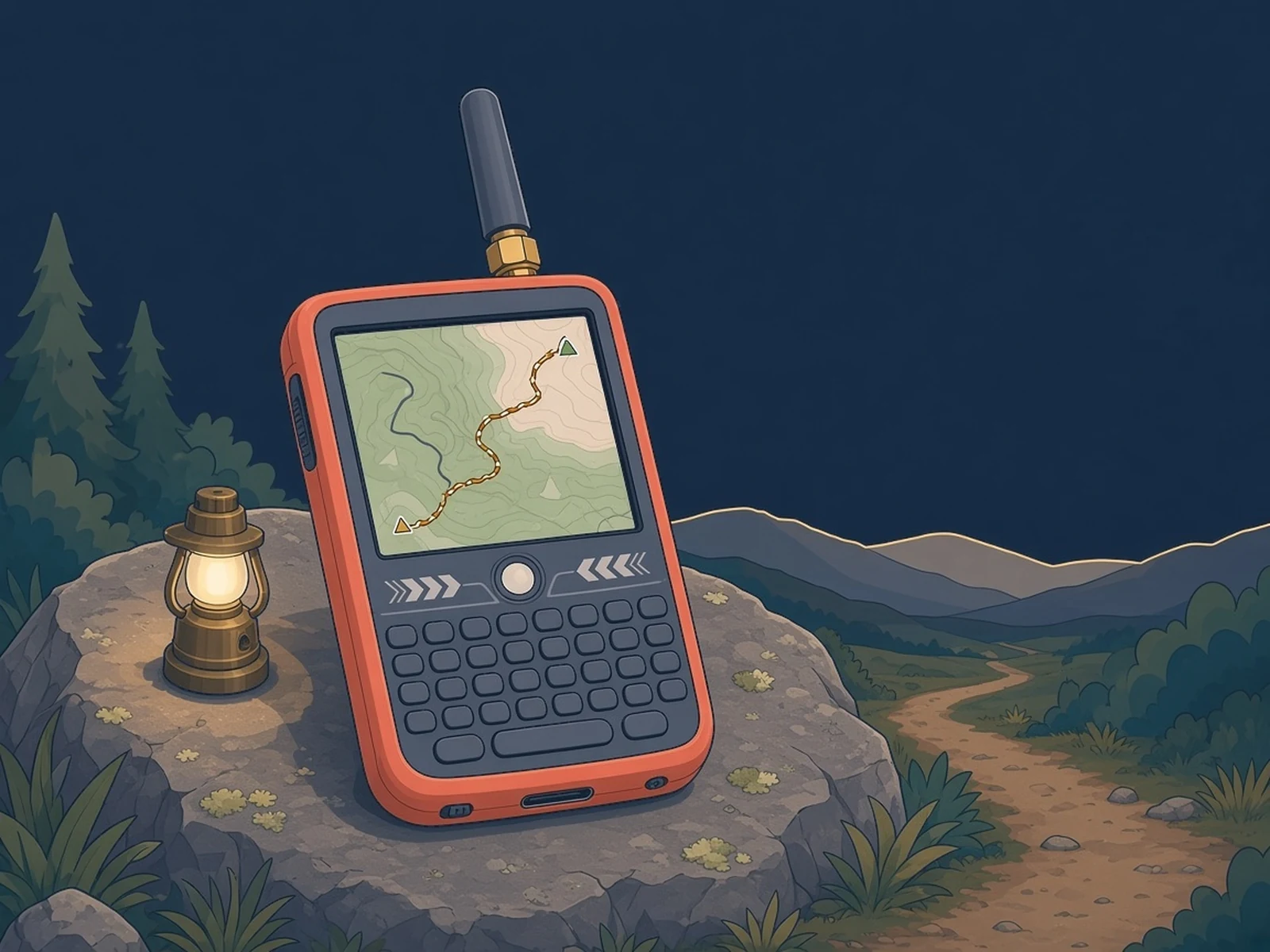
Firmware that turns a LilyGO keyboard handheld into an offline trail companion: LoRa mesh chat, offline maps and walking routes, no phone or internet.
What you need
- LilyGO T-Lora Pager or a LilyGO T-Deck
- microSD card for offline maps
- USB-C data cable
How hard
Intermediate. Flashing is a browser install, but offline maps need preparing in Trail Mate Center, and you set the radio region and chat network yourself.
Photos
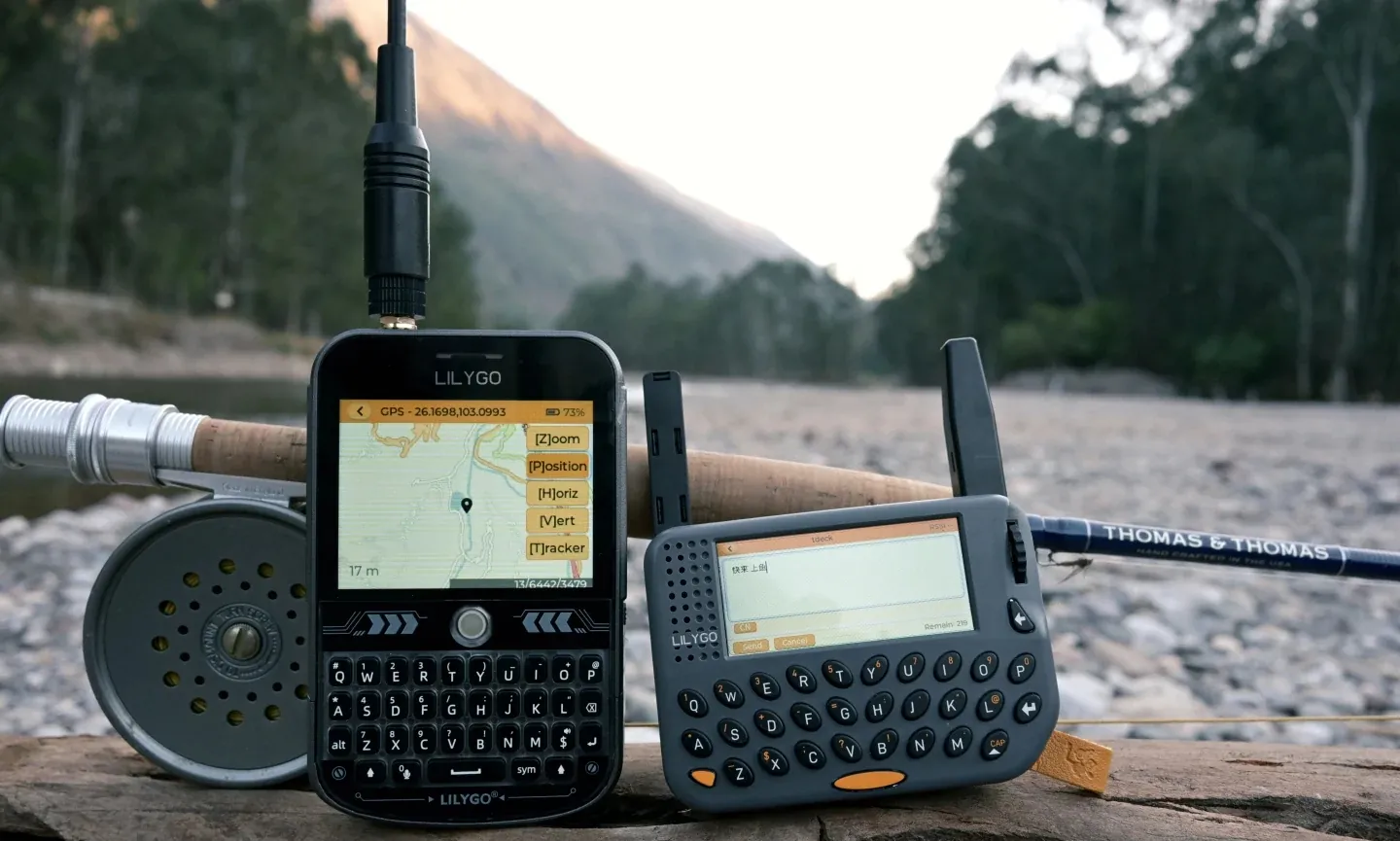
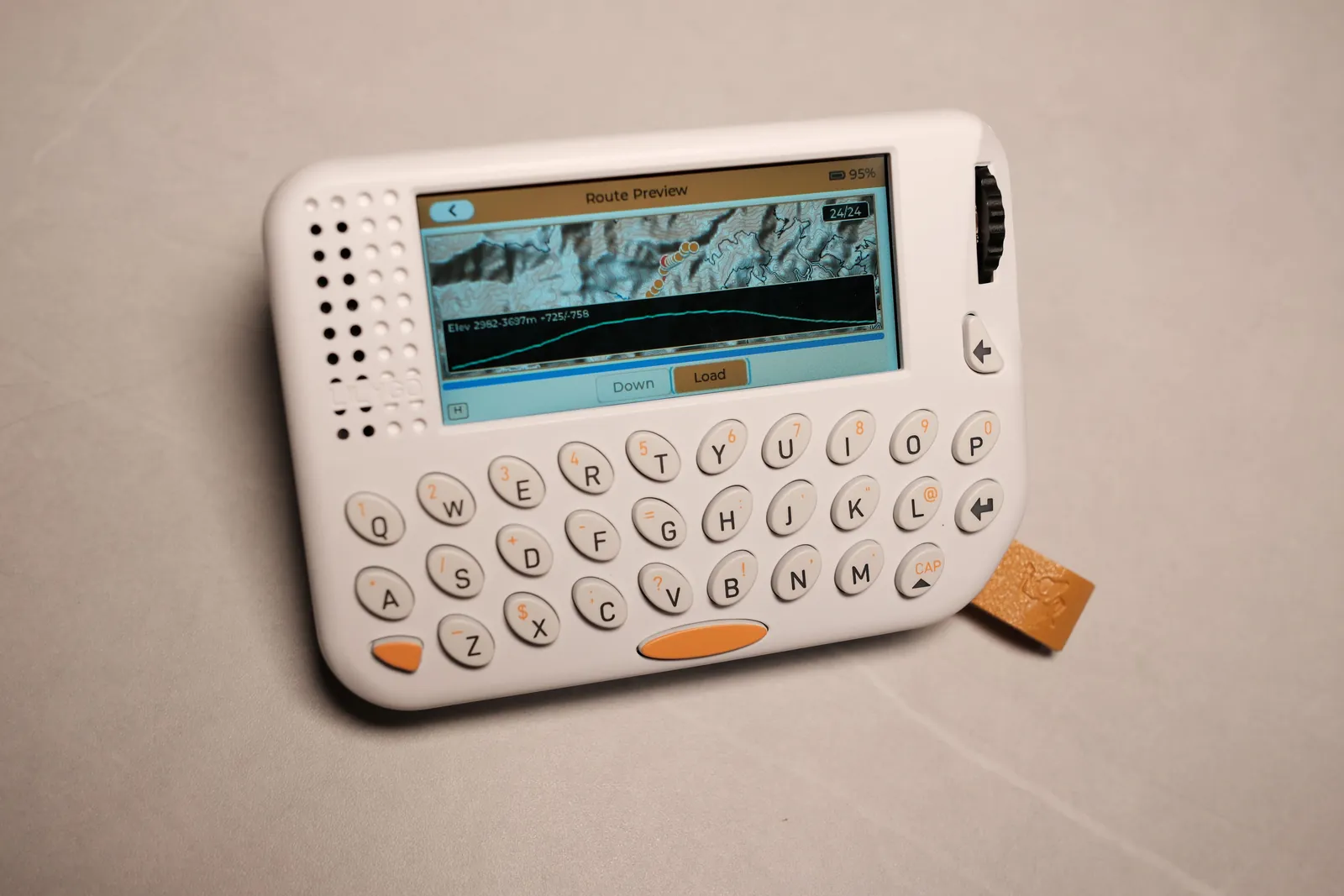
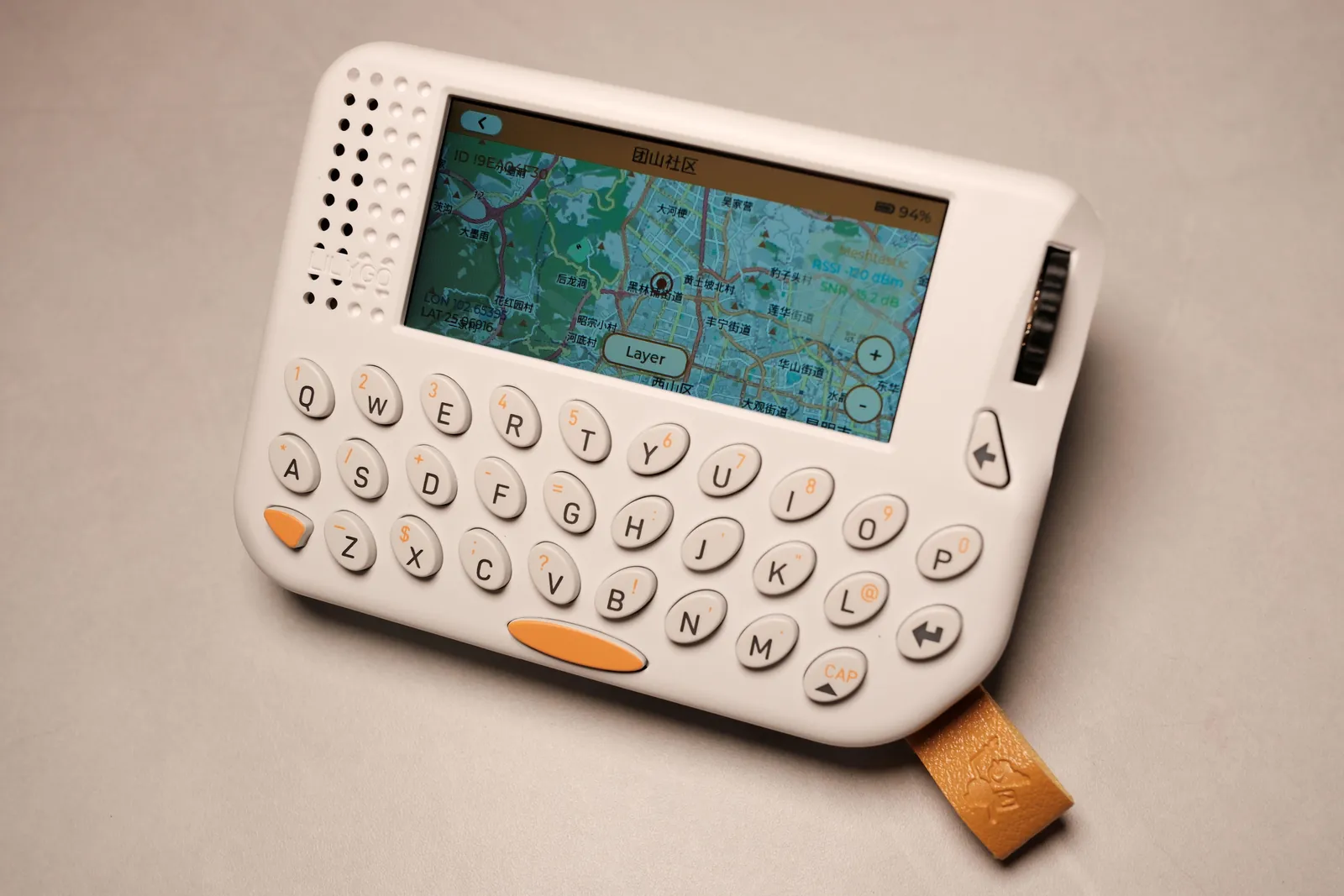
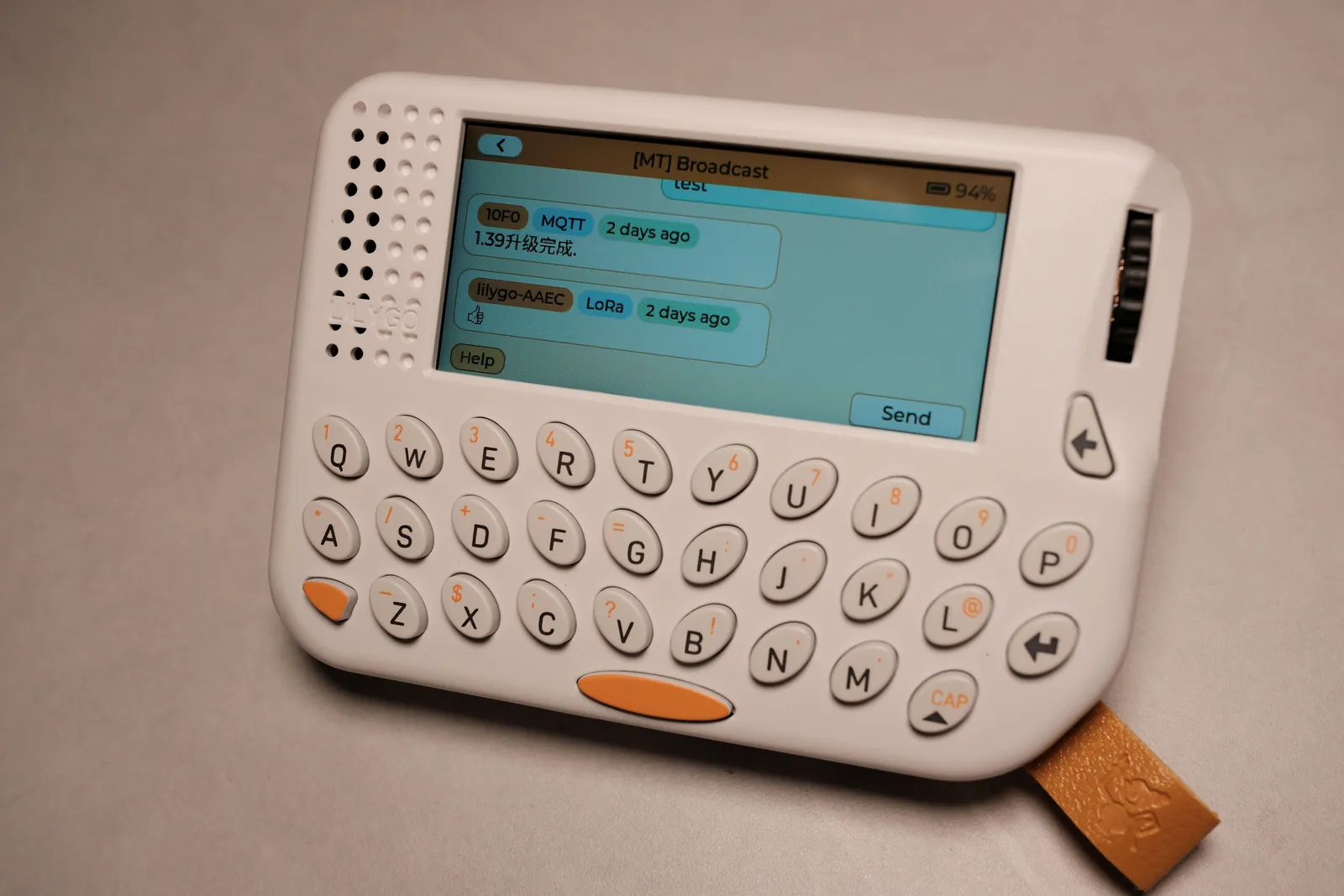
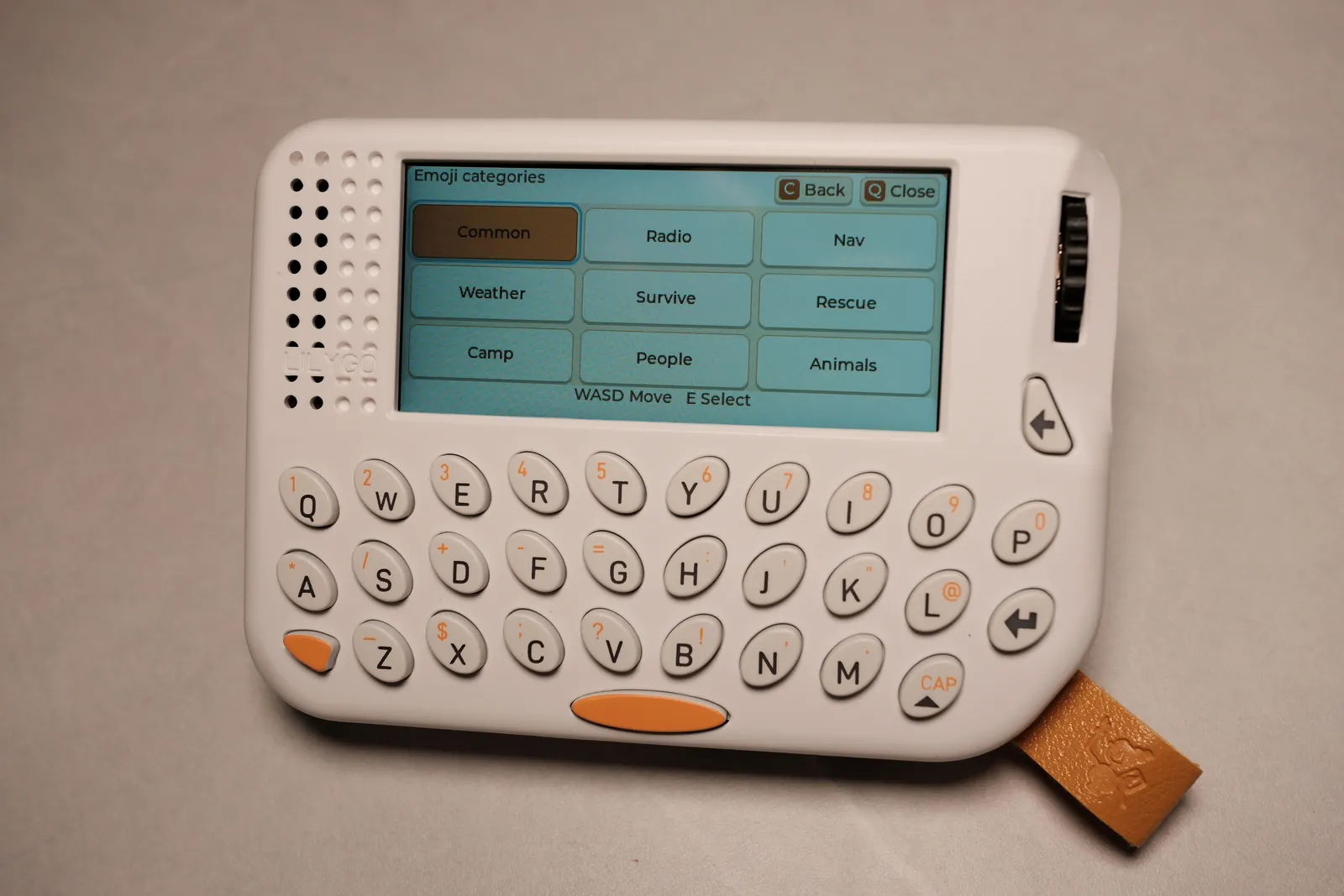
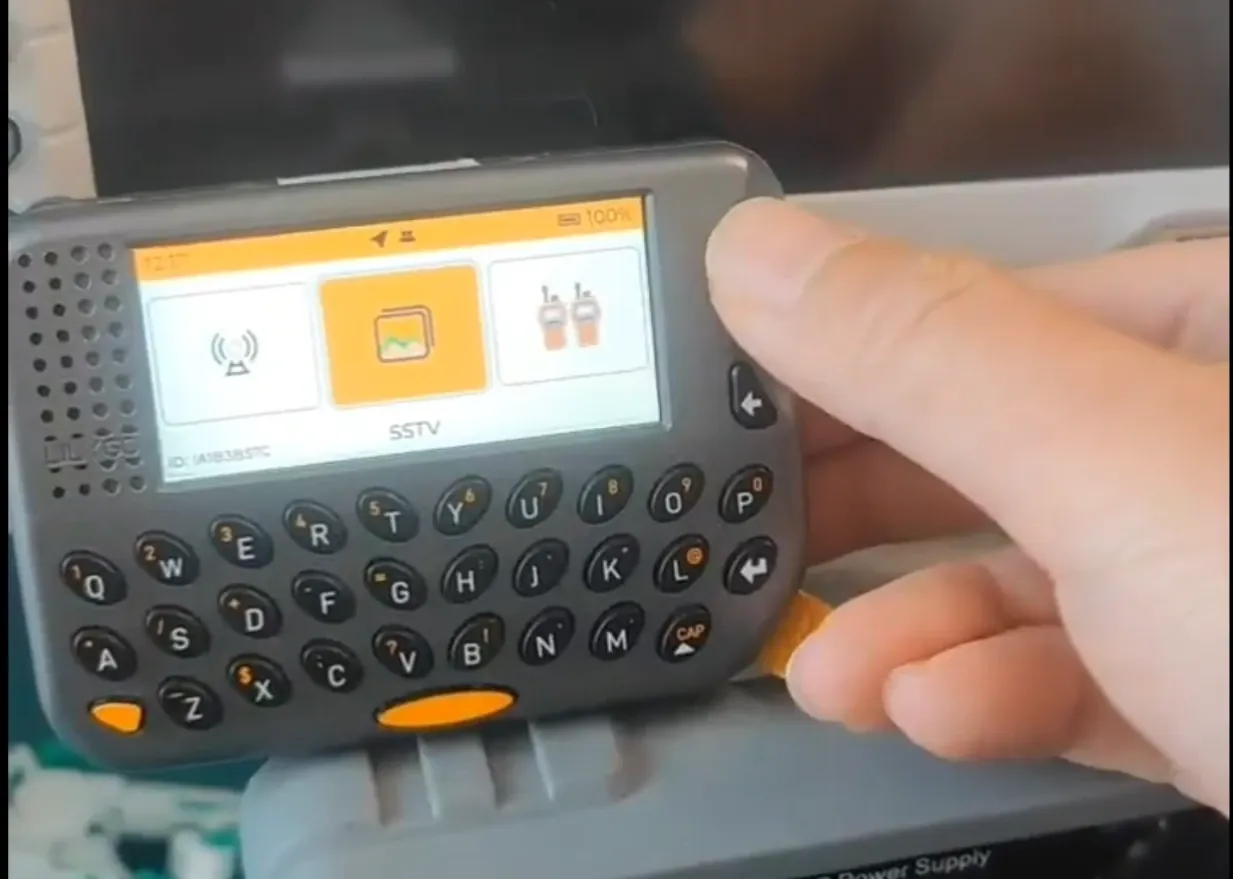
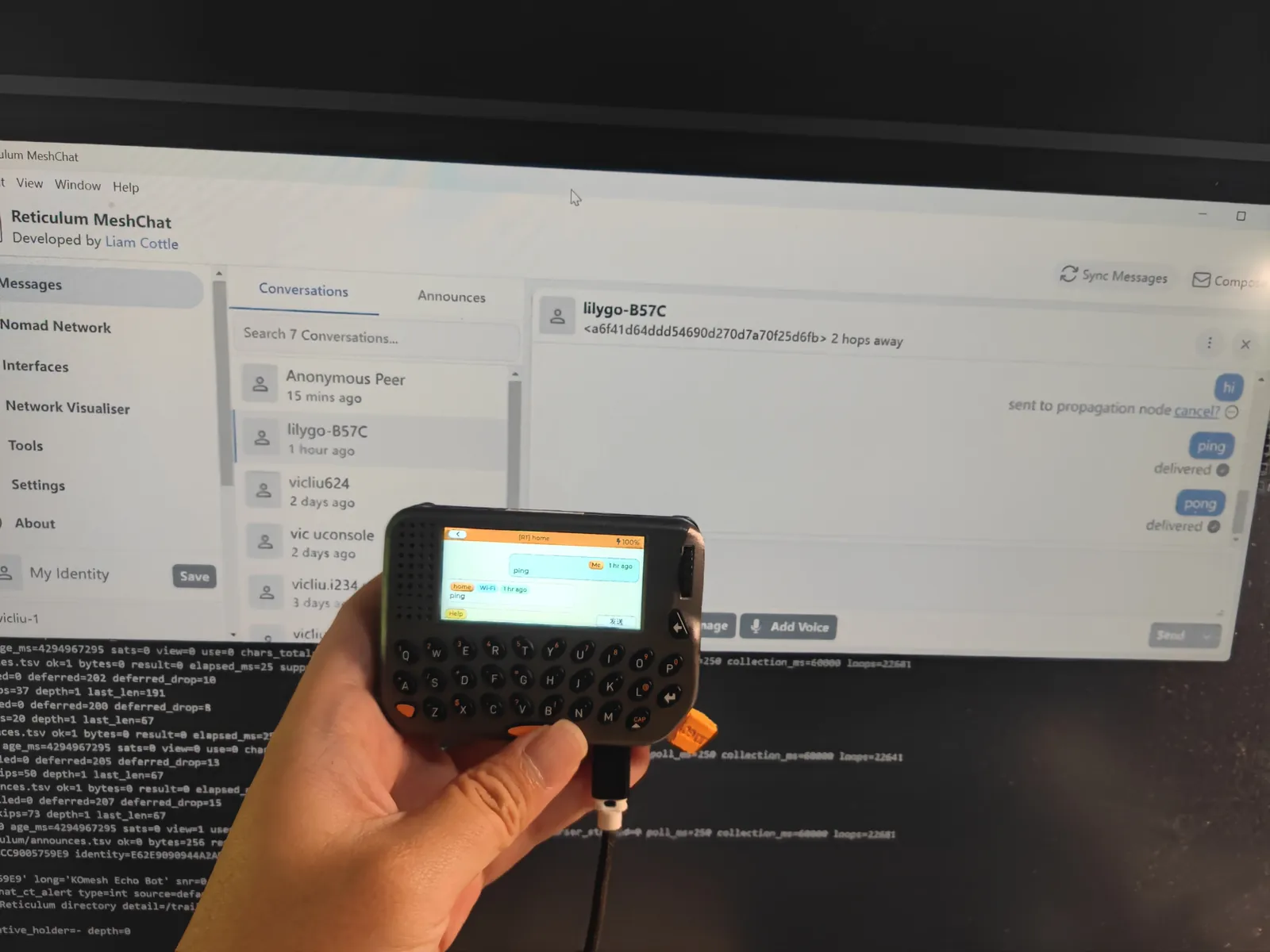
Photos: u/Infinite-Zombie5875 on Reddit
Key Facts
- Main test devices: LilyGO T-Lora Pager (SX1262, default target) and LilyGO T-Deck
- Chat over Meshtastic, MeshCore or Reticulum/LXMF, one at a time, no bridging
- Offline TMAP map packages on the SD card, prepared in Trail Mate Center
- On-device walking route planning on PSRAM-capable devices, followed offline
- Also: tracks, KML routes, GNSS sky plot, MP3 player from /Music on SD, widgets
- Browser installer, Releases images, or build with PlatformIO / ESP-IDF
- License: AGPL-3.0
About This Project
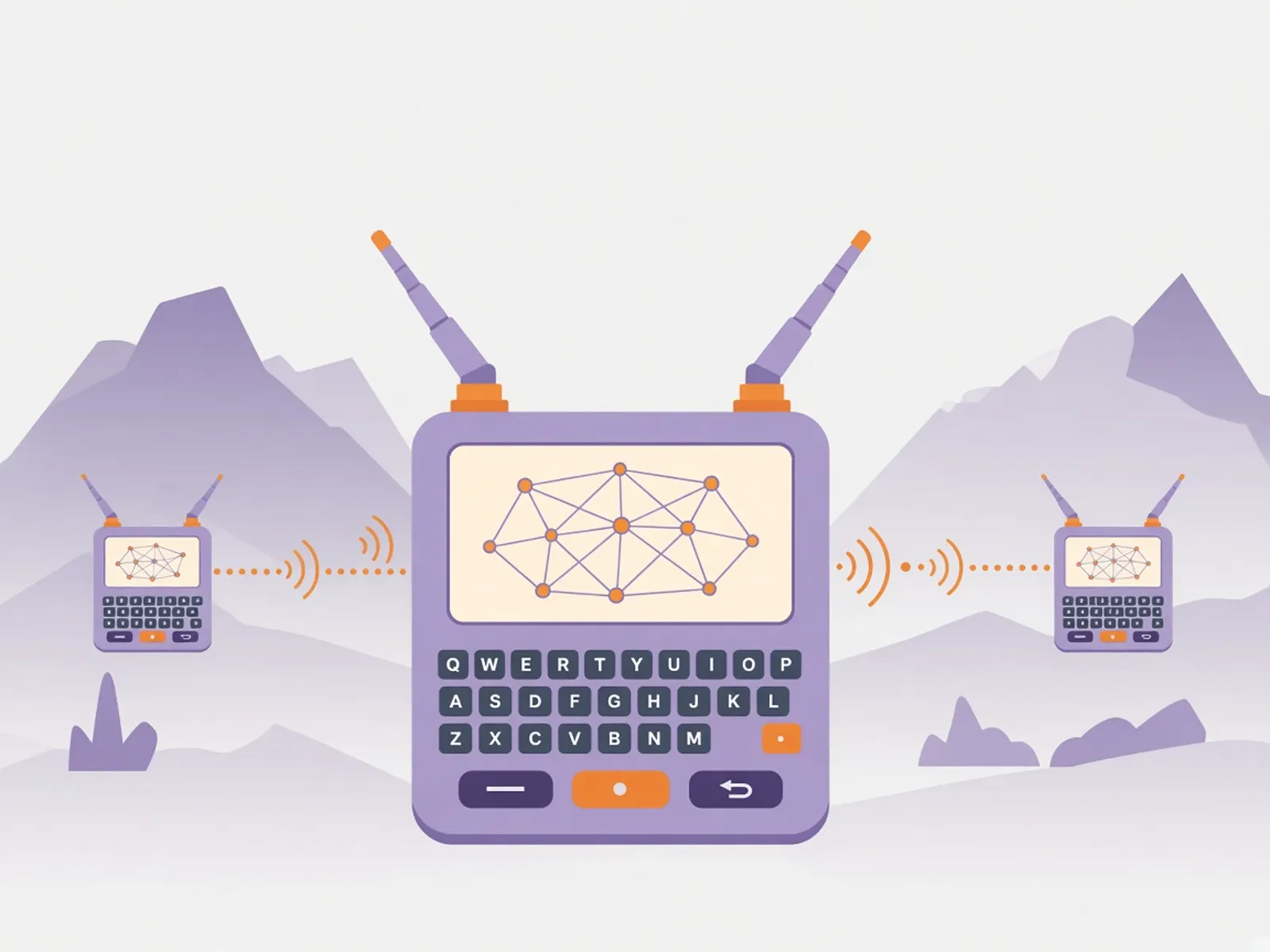
Trail Mate, by vicliu624, is firmware for keyboard LoRa handhelds that works without the internet or a phone. You pick one chat network at a time: Meshtastic, MeshCore or Reticulum/LXMF (the firmware doesn't bridge between them). Offline maps come as TMAP packages that you prepare for a region in Trail Mate Center and copy to the SD card, with OSM, terrain or satellite views plus the routing graph and place search for that area. On devices with PSRAM you can plan a walking route on the device itself (Tracker → Menu → Nav → New), save it and follow it in Map with turn hints, remaining distance and replanning, all offline. It also records tracks, follows KML routes, has a GNSS sky plot, plays MP3s from a /Music folder on the SD card and has a widget screen. The device is your account: plug it into a computer over USB and the browser tools use it to sign the trails or Geocaches you publish, with no website login. The author's two main test devices are the LilyGO T-Lora Pager (SX1262), the default and most complete target, and the LilyGO T-Deck. Other boards in the repo are less mature: the Pager LR1121 version, Seeed Wio Tracker L2 Pro, two simplified nRF52 targets (GAT562 Mesh EVB Pro and T-Echo-Lite, messaging only), and bring-up ports for the T-Deck Pro, T-Watch S3, M5Stack Tab5 and T-Display P4. Install it from the browser installer or from the board-specific Releases files (v1.0.1 fixes USB browser management on the Pager and T-Deck), or build it with PlatformIO, ESP-IDF or CMake. Set the radio region for your country before transmitting, and read the project's responsible-use section first. Licensed AGPL-3.0.
Source & Attribution
Parts Needed
- LilyGO T-Lora Pager (SX1262) or LilyGO T-Deck
- microSD card
- USB-C data cable
Steps
- 1
Pick your device
Check the device support table. The T-Lora Pager SX1262 (target tlora_pager_sx1262) and the T-Deck (tdeck) are the main tested devices.
- 2
Install the firmware
Use the browser installer at vicliu624.github.io/trail-mate, or download the board-specific image from Releases. Use 1.0.1 or later on the Pager and T-Deck for USB browser management.
- 3
Set region and network
Set the radio region for your country and choose Meshtastic, MeshCore or Reticulum/LXMF. Only one runs at a time.
- 4
Prepare offline maps
Prepare your area in Trail Mate Center, including the routing graph and place search data, and copy the TMAP files to the SD card.
- 5
Plan a route
On a PSRAM-capable device open Tracker → Menu → Nav → New, choose start and destination, calculate the walking route and follow it in Map.
Bill of Materials
Parts list
4 parts · 4 linked
Heads up: some Buy links are affiliate links. If you buy through one, MCU Atlas may earn a small commission at no extra cost to you. It never changes which parts we list. How this works
1× LilyGO T-Lora Pager (SX1262)
LilyGO's official AliExpress store sells several versions: pick the SX1262 version for your region's band (433, 868, 915 or 920 MHz), or the LR1121 version.

Not included: A computer with a browser for the web installer and tools, Trail Mate Center to prepare offline map packages for your area
Related Projects