VA5: a $20 ESP32-S3 voice assistant with no personality until you write one
A push-to-talk ESP32-S3 voice assistant with a round animated face that talks through the OpenAI Realtime API, and whose whole persona (prompt, voice, language and face) you set from your phone.
What it is
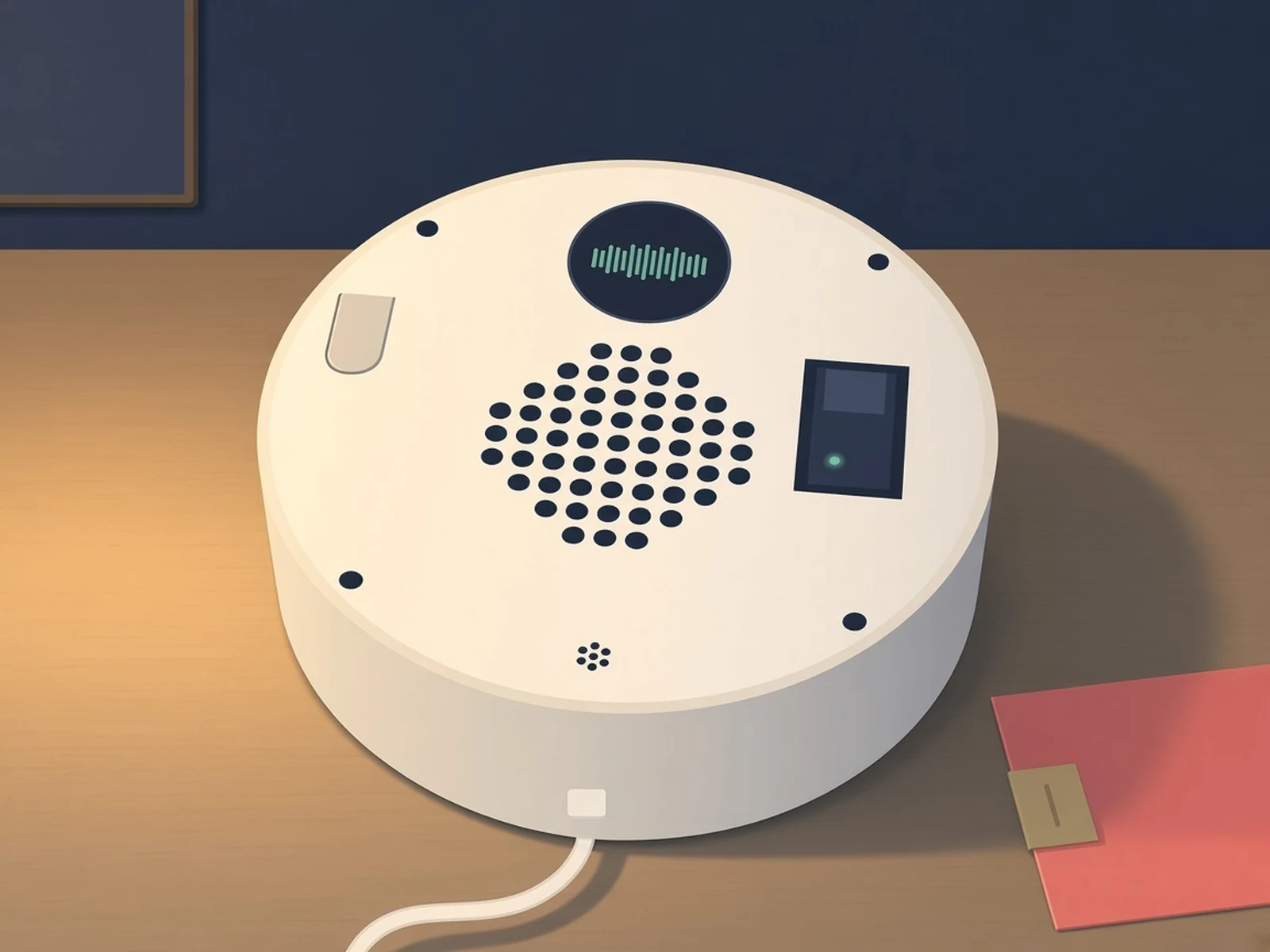
A round push-to-talk voice assistant with an animated face; you write who it is from your phone, and it answers through OpenAI's Realtime API.
What you need
How hard
Intermediate. Wire it on a breadboard or solder the parts to the repo's PCB, flash the firmware and the LittleFS emoji images, then add your Wi-Fi and OpenAI API key.
Key Facts
- Push to talk: hold the button, speak, release, and it replies out loud
- Runs on the OpenAI Realtime API with your own API key, so OpenAI usage is billed to you
- Persona prompt up to 12 KB, 10 voices, a reply language and a custom animated face, all set from a web page on the device
- Personas export and import as .zip files; a gallery of ready-made ones lives in the repo
- ESP32-S3 N16R8 dev board, INMP441 mic, MAX98357A amp and speaker, 1.28in GC9A01 round display
- Breadboard build or the repo's 2-layer KiCad PCB; optional PCM5102A headphone DAC
- Author puts the parts at under $20, plus a 3D-printed 145 mm round case
- License: GPL-3.0
About This Project
VA5 (Voice Assistant 5), by Udi Tirosh, is a push-to-talk voice assistant built from an ESP32-S3 dev board, an INMP441 microphone, a MAX98357A amplifier and speaker, a 1.28in GC9A01 round display and one big button, in a round 3D-printed case. The author puts the parts at under $20. Hold the button, talk, let go, and it answers out loud through the OpenAI Realtime API over a secure WebSocket, using your own OpenAI API key (so you pay OpenAI for usage directly). The point is that it has no character until you give it one: a web page served by the device lets you write a persona prompt of up to 12 KB, pick one of ten OpenAI voices and a reply language, and swap the animated emoji face for your own GIF, PNG, JPG or MP4, with no reflashing. Personas export as a .zip, and a Browse gallery pulls ready-made ones from the repo (Ada Lovelace, Marie Curie, Isaac Newton, Abraham Lincoln, Winston Churchill, Nietzsche, Yoda, Daffy Duck and more). It came out of classrooms, where students research a figure, write the persona and then have to hold a conversation with it. The model also calls a few built-in tools: it picks the face's mood, changes its own volume when you ask it to speak up, and can show its IP address on screen. The board's built-in status LED shows listening, thinking and speaking states, and the device remembers up to six Wi-Fi networks, set up through a captive portal on first boot. You can breadboard it with jumper wires, or order the 2-layer KiCad PCB from the gerbers in the repo; an optional PCM5102A DAC adds a 3.5 mm headphone jack. Firmware is Arduino (ESP32 core 3.3.8), built in the Arduino IDE or PlatformIO, and the emoji frames go onto a separate LittleFS partition. The board needs to be the N16R8 version (16 MB flash, 8 MB PSRAM). GPL-3.0 licensed.
Source & Attribution
Illustration
Parts Needed
- ESP32-S3 N16R8 dev board
- INMP441 I2S microphone
- MAX98357A I2S amplifier
- 1-3 W 4/8 ohm speaker (up to 57 mm)
- 1.28in GC9A01 240x240 round display
- 12x12 mm push button
- Breadboard and jumper wires, or the repo PCB
- Optional: PCM5102A DAC for headphones
- M2 and M3 self-tapping screws, 3D-printed case
Steps
- 1
Wire it up
Follow the pin tables in the README: mic on GPIO40-42, amp on GPIO17/47/21, display on SPI GPIO6/7 with CS 5, DC 4, RST 2, and the button on GPIO1. Or solder the same parts onto the repo's PCB.
- 2
Add your keys
Copy voice_agent_5/config.h.sample to config.h and add your OpenAI API key (Wi-Fi is optional here; you can set it later). config.h stays out of git.
- 3
Flash firmware and faces
With PlatformIO run pio run -t upload, then pio run -t uploadfs for the emoji frames. In the Arduino IDE use the README's board settings and the LittleFS upload plugin.
- 4
Join Wi-Fi
On first boot it opens an open network named VOICE-AGENT-XXYY. Join it, add your Wi-Fi in the captive portal and reboot.
- 5
Give it a persona
Open http://voice-agent-XXYY.local, write a persona prompt, pick a voice and language, or load one from the gallery. The default persona is obsessed with Pokemon.
- 6
Talk
Hold the button, speak, release. The LED goes pink while listening, blue while thinking and cyan while speaking.
Bill of Materials
Parts list
12 parts · 7 linked
Heads up: some Buy links are affiliate links. If you buy through one, MCU Atlas may earn a small commission at no extra cost to you. It never changes which parts we list. How this works



Not included: 3D-printed case (STLs in the repo), Optional custom PCB (gerbers in the repo, ordered from a PCB fab), An OpenAI API key (usage billed by OpenAI), A computer with the Arduino IDE or PlatformIO
Related Projects