esp32-nut: share a USB UPS on your network without a Raspberry Pi
ESP32-S3 (Wi-Fi) or ESP32-P4 (Ethernet) firmware that reads a USB UPS and serves it as a standard NUT server to Home Assistant, Synology, TrueNAS and upsmon.
What it is
A tiny bridge that makes a USB-only UPS visible to your whole network.
What you need
- ESP32-S3 dual USB-C board or Waveshare ESP32-P4-ETH for Ethernet
- USB-C OTG adapter
- USB wall charger
- USB data cable
How hard
Intermediate: one solder bridge on the S3 board, then a browser install.
Key Facts
- Standard NUT server protocol, up to 8 clients
- USB HID Power Device Class UPSes only; serial/Megatec models don't work
- ESP32-S3 over Wi-Fi, or ESP32-P4 over Ethernet (PoE on supported boards)
- Browser installer; leave "Erase device" unchecked to keep settings
- GPL-3.0 (MIT up to v1.8.0)
About This Project
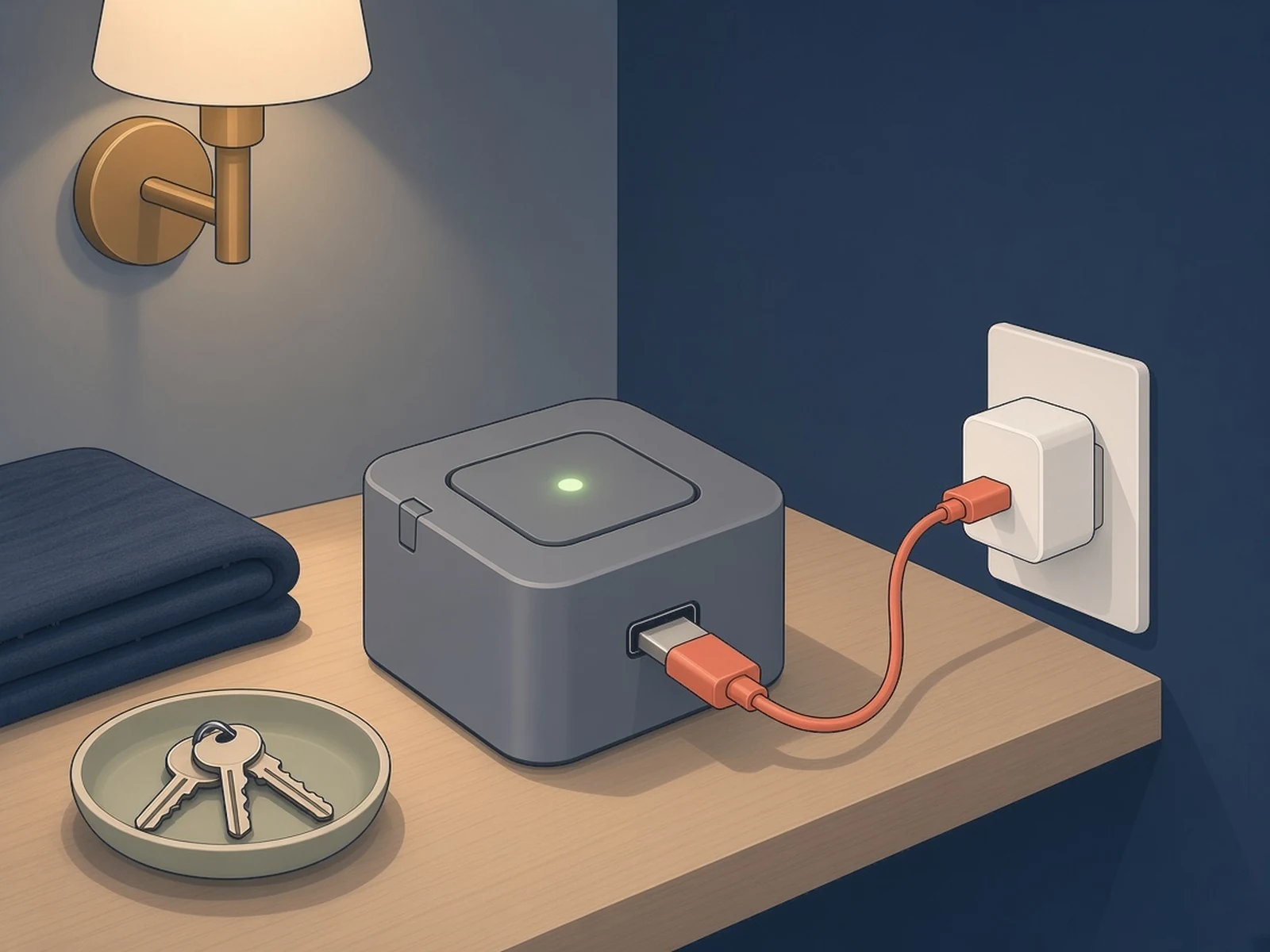
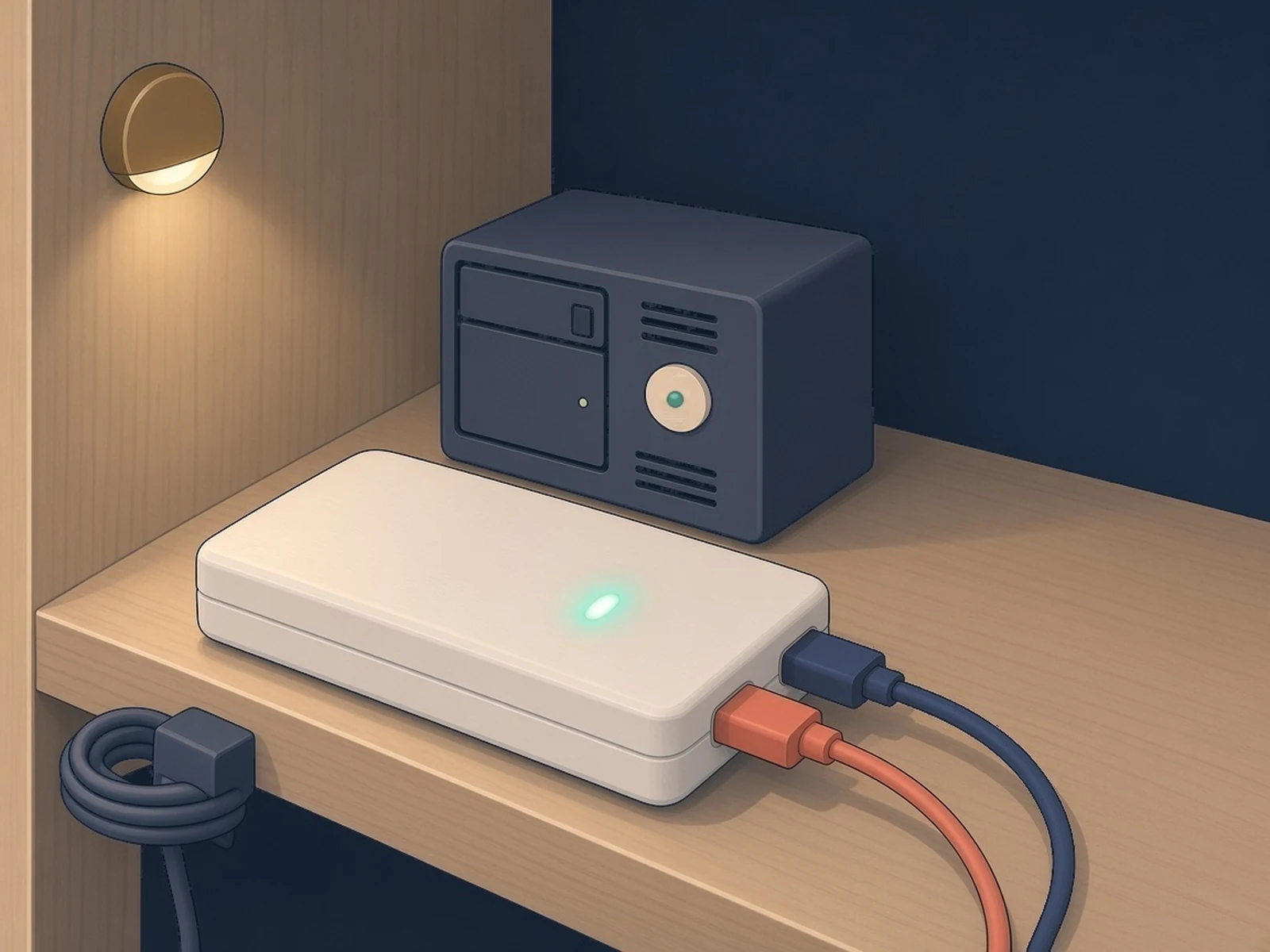
esp32-nut is firmware by Pasquale Cuorpo that turns an ESP32-S3 (Wi-Fi) or an ESP32-P4 board (wired Ethernet, PoE on boards that have it) into a standalone Network UPS Tools (NUT) server. The board talks to a USB UPS over USB Host and shares its data with any NUT client (upsc, upsmon, Home Assistant, PeaNUT, TrueNAS, Synology), up to 8 at once, so a USB-only UPS can warn your network of an outage and shut machines down cleanly without a Pi or PC running 24/7. It also runs UPS tests and commands and changes the settings your UPS allows, from a login-protected web UI. The README warns that the web UI runs over plain HTTP, so use it only on a trusted network. Only UPSes that use the USB HID Power Device Class work. Older serial (Megatec) models don't. Unknown brands fall back to a generic driver, and you can export a USB diagnostics file for the author. APC Back-UPS BX units lock up their USB at intervals (NUT on Linux sees this too); since v1.7.1 the board restarts itself after each lockup. On a generic dual USB-C ESP32-S3 board you solder the USB-OTG pads on the back to enable host mode, power the board from a USB charger on the COM/UART port, and connect the UPS to the USB port through a USB-C OTG adapter. On the Waveshare ESP32-P4-ETH the UPS plugs into the 4-pin USB 2.0 HS header (J3); the README lists P4 chip revision v1.x as tested, v3.1+ as untested and v2.x / v3.0 as unsupported. Install from the browser at maverick1982.github.io/esp32-nut; leave "Erase device" unchecked to keep your settings. A 3D-printable case is on Printables.
Source & Attribution
Illustration
Parts Needed
- ESP32-S3 dual USB-C board or Waveshare ESP32-P4-ETH
- USB-C OTG adapter
- USB wall charger
- USB data cable
- A USB UPS (HID Power Device Class)
Steps
- 1
Check your UPS
It must be a USB HID Power Device Class UPS. Serial (Megatec) models won't work.
- 2
Prepare the board
On a generic dual USB-C ESP32-S3, solder the USB-OTG pads on the back to enable host mode. On the Waveshare ESP32-P4-ETH, check the chip revision: v1.x is tested, v2.x and v3.0 aren't supported.
- 3
Install the firmware
Open maverick1982.github.io/esp32-nut in Chrome or Edge, connect the S3 by its UART port and install. Leave "Erase device" unchecked if you're upgrading and want to keep your settings.
- 4
Set it up
S3: join the NUT_ESP32_Config access point, enter your Wi-Fi and NUT username and password, then create the web UI login straight away. P4: plug in the network cable, find esp32-nut-xxxxxx on your router, then set NUT credentials and a web UI login (it starts with none). The web UI is plain HTTP, so keep it on a trusted LAN and don't reuse a password. A double reset reopens the access point with the web UI open and no login, so keep that window short. The UPS Commands page can switch off the UPS's outlets.
- 5
Connect the UPS and clients
Plug the UPS's USB cable into the S3's USB port through the OTG adapter (or the P4's J3 header), then add it as a NUT server in Home Assistant, Synology, TrueNAS or upsmon. Our tip: plug the board's USB charger into one of the UPS's outlets, so the bridge stays up during an outage.
Bill of Materials
Parts list
5 parts · 3 linked
Heads up: some Buy links are affiliate links. If you buy through one, MCU Atlas may earn a small commission at no extra cost to you. It never changes which parts we list. How this works



Not included: USB UPS (HID Power Device Class), 3D-printed case (optional, Printables 1794471)
Related Projects