SvitloBot ESPHome: a power-outage notifier that's just an ESP board on a USB charger
ESPHome firmware that pings the SvitloBot service while it has power. When the pings stop, your Telegram channel says the power's gone. No mains wiring at all.
What it is
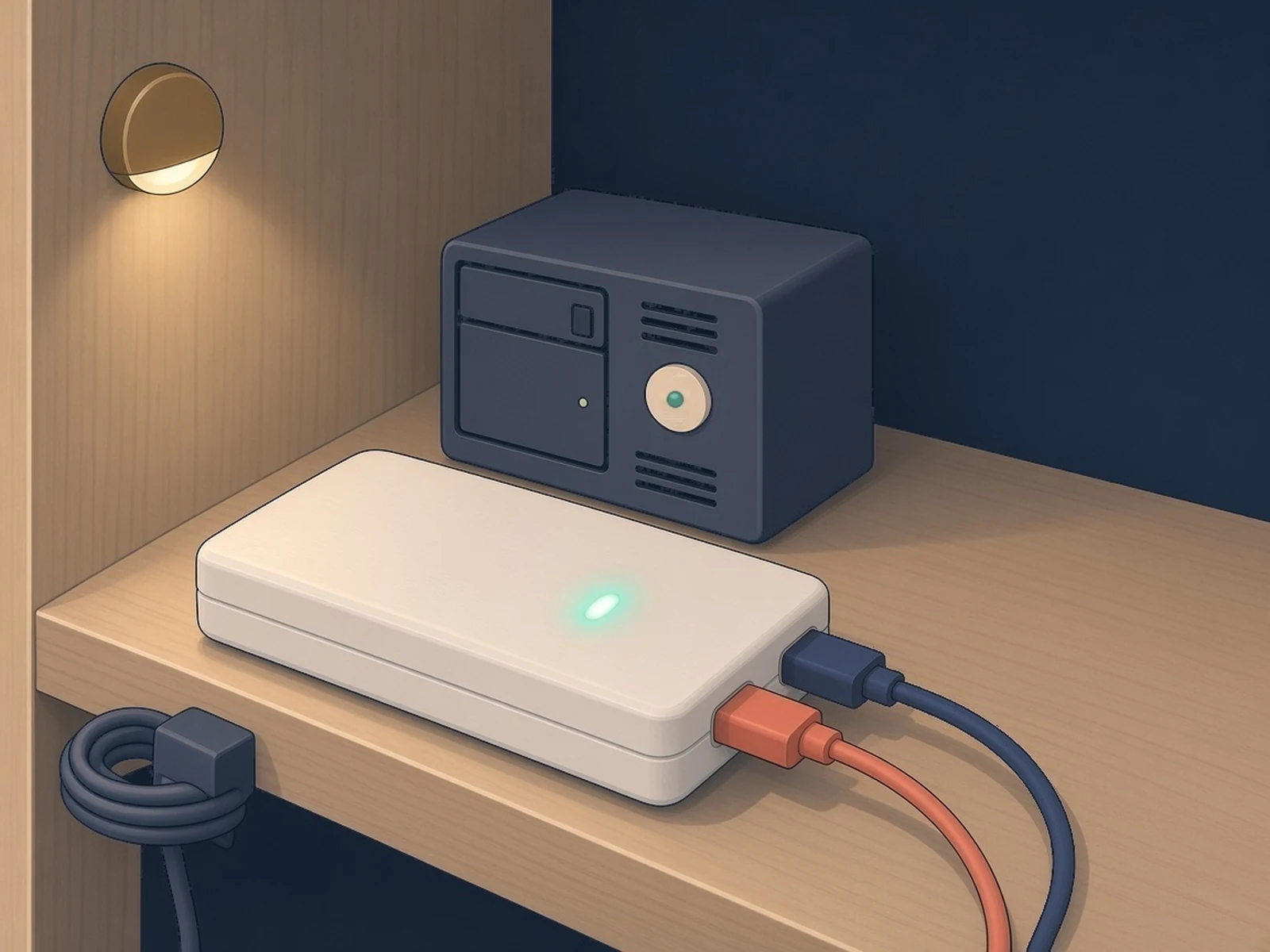
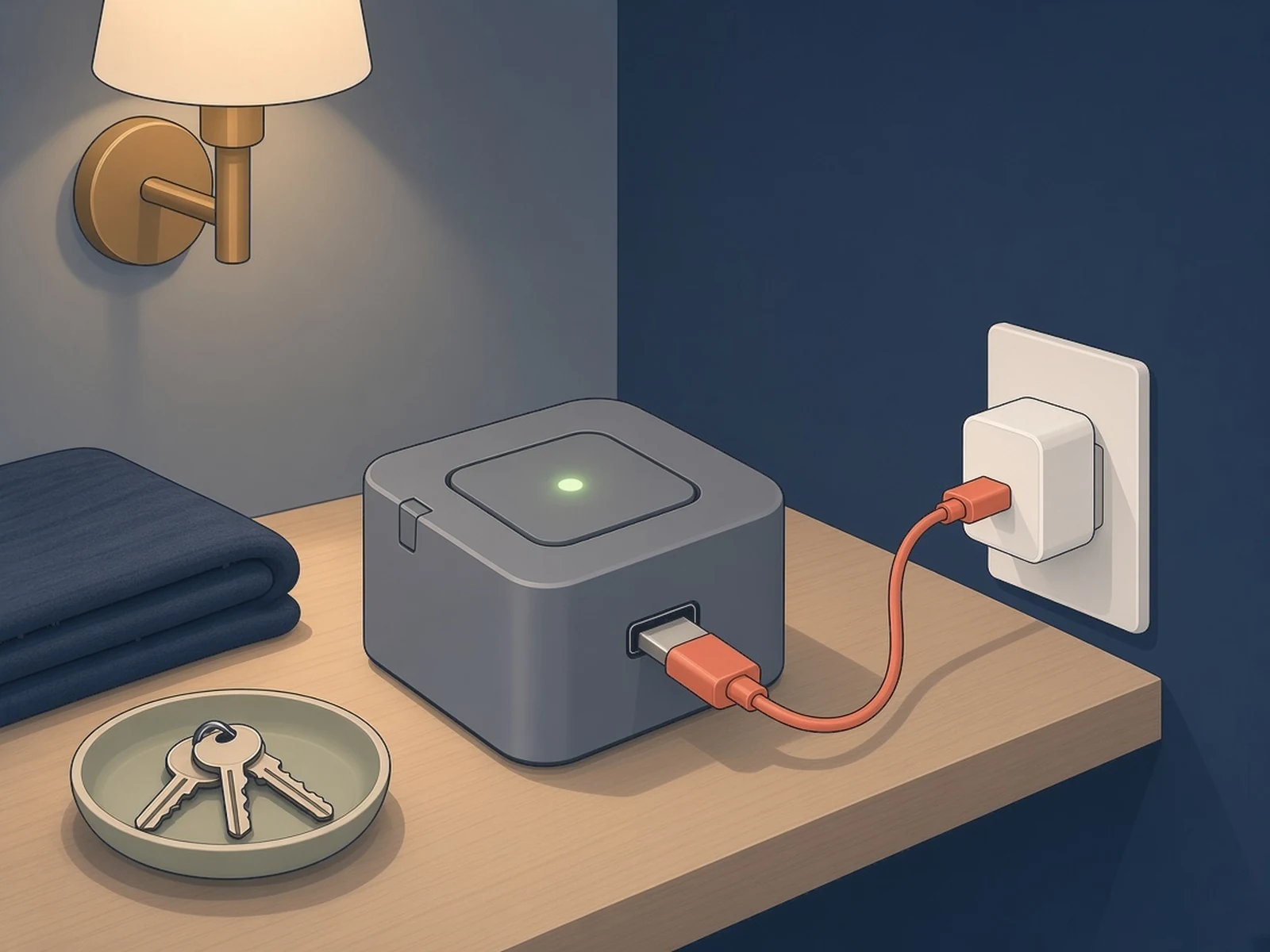
An ESP board on a phone charger that tells Telegram when the power goes off and comes back.
What you need
- Any ESP32 or ESP8266 board AtomS3R has a ready-made build
- USB wall charger
- USB data cable
How hard
Beginner: browser install, paste one key.
Key Facts
- No mains wiring: the board runs from a plug-in USB charger
- Heartbeat every 55 s (adjustable only with an optional package in your own ESPHome build)
- Telegram channel posts when the heartbeats stop and when they come back
- Variants for SvitloBot, healthchecks.io or any custom URL
- GPL-3.0; works with any ESP32 or ESP8266
About This Project
SvitloBot ("light bot") is a Ukrainian service that posts to a Telegram channel when the power at a home goes off and comes back. This ESPHome firmware by Andrew J. Swan turns a small ESP32 or ESP8266 board into the sensor. There's no sensing circuit: you plug the board into a wall socket through an ordinary USB phone charger. While there's power, it boots, joins Wi-Fi and sends a heartbeat to the SvitloBot API about once a minute (every 55 s in the ready-made firmware; an optional interval package makes it adjustable if you build it yourself in ESPHome). When the power goes, the board switches off, the pings stop, and the service posts that the power has gone. The docs list its advantages over an old phone doing the same job: no battery to swell, the size of a matchbox, and low enough power for 24/7 use. Install it from the browser with the web installer, or build it from the ESPHome YAML. Create a channel bot through svitlobot.in.ua, copy the key it gives you for a smartphone, and paste it into the "SvitloBot Key" field in the device's web page. Firmware variants also exist for healthchecks.io and for any custom URL, and an optional ESP-NOW failover package can relay through another board. Home Assistant can adopt the device. Why now: on 30 Oct 2026 Ukrenergo said hourly outage schedules would apply in some regions on 31 October, for all categories of consumers, after massive Russian attacks on energy facilities (LB.ua). What it tells you: the service only hears the board while both the power and your internet connection are up, so a router or ISP outage looks the same as a power cut.
Source & Attribution
Illustration
Parts Needed
- Any ESP32 or ESP8266 board (ready-made builds for M5Stack Atom Lite / AtomS3R, Waveshare ESP32-S3-Zero / S3-GEEK)
- USB wall charger
- USB data cable
- Telegram
Steps
- 1
Create your channel bot
Set up a SvitloBot channel through svitlobot.in.ua and copy the key it gives you for a smartphone.
- 2
Flash the board
Open the web installer at andrewjswan.github.io/svitlobot in Chrome or Edge, pick the SvitloBot variant for your board and install over USB. ESPHome users can build from the YAML instead.
- 3
Join Wi-Fi and paste the key
Connect the board to your 2.4 GHz Wi-Fi, open its web page and paste the key into the "SvitloBot Key" field.
- 4
Plug it in
Plug the board into a wall socket through an ordinary USB charger on the circuit you want to watch. Don't use a UPS or power bank, or it won't notice the outage. Never open a socket or wire anything into mains.
- 5
Know the limits
The service hears the board only while both power and internet are up, so an internet outage also stops the heartbeats.
Bill of Materials
Parts list
5 parts · 3 linked
Heads up: some Buy links are affiliate links. If you buy through one, MCU Atlas may earn a small commission at no extra cost to you. It never changes which parts we list. How this works



Not included: Telegram account and channel, 2.4 GHz Wi-Fi
Related Projects