ESPHome battery touch remote for Home Assistant
A modular, battery-powered touchscreen remote for Home Assistant, built with ESPHome and LVGL on a Freenove ESP32-S3 2.8in display. It sleeps by itself and wakes on touch.
What it is
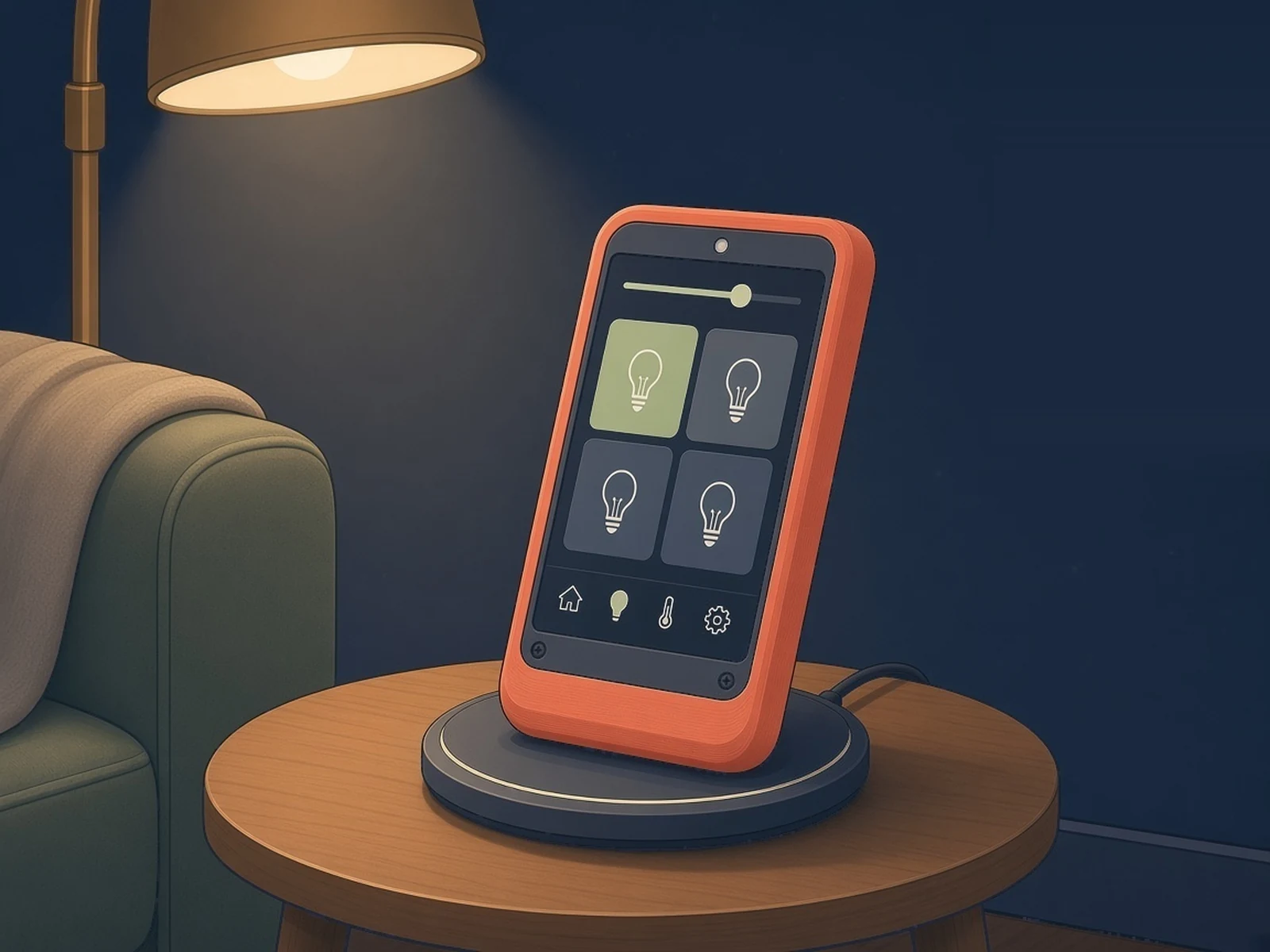
A battery touchscreen remote for your living room that controls Home Assistant lights, LEDs, an Apple TV and appliances, and sleeps when you put it down.
What you need
- Freenove ESP32-S3 2.8in touch display FNK0104B, the touch version
- LiPo battery 102050, 1000 mAh, JST 1.25
- Qi charging receiver optional
How hard
Intermediate. No soldering, but you edit ESPHome YAML with your own Home Assistant entities and enable Home Assistant actions for the device.
Key Facts
- Board: Freenove ESP32-S3 Display 2.8in (FNK0104), ILI9341 240×320, FT6336U capacitive touch
- Power: LiPo 102050, 1000 mAh, JST 1.25, on the board's battery connector
- Pages: Lights, LED zones, Apple TV remote, Appliances, Power, Settings
- Deep sleep after 20 s idle; a touch wakes it in about 5 s
- Optional Qi wireless charging receiver (USB-C out) and 3D-printed case
- ESPHome + LVGL; first flash over USB, then OTA
- License: MIT
About This Project
Luca Pizzorno's touch remote is an ESPHome configuration for the Freenove ESP32-S3 Display 2.8in (FNK0104), the version with the ILI9341 240×320 screen and FT6336U capacitive touch. It runs on a 1000 mAh LiPo plugged into the board's battery connector. You pick the pages you want and how many entities go on each: Lights (on/off tiles that follow the real state in Home Assistant, plus All on and All off), LED (zones with on/off, six quick colours and brightness), TV (an Apple TV remote: power, arrows, OK, volume, play/pause, Menu, Home), Appliances (time left and pause/resume for a washer, dryer or dishwasher) and Power (live home consumption as four coloured bars). The bottom navigation bar adjusts to the pages you keep, and a settings page has screen brightness and a Stay awake switch for over-the-air updates. After 20 seconds without a touch it goes into deep sleep, and a touch wakes it in about 5 seconds. The battery icon guesses whether it is charging from the voltage trend, because the board doesn't route the charge signal to the processor. Optional extras are a Qi wireless charging receiver with USB-C output (the author's is about 76 × 46 mm, so check the size against the case) and a 3D-printed case from the repo. Setup: copy the esphome folder into your ESPHome config, fill in secrets.yaml, edit ha-remote.yaml, flash over USB the first time and over the air after that, then turn on "Allow the device to perform Home Assistant actions" for the device in Home Assistant, or the buttons won't control anything. The interface is in English or Italian. The author says it was built with help from an AI assistant and shares it as a hobby project. MIT licence.
Source & Attribution
Illustration
Parts Needed
- Freenove ESP32-S3 Display 2.8in (FNK0104B, touch)
- LiPo 102050 1000 mAh with JST 1.25
- Qi receiver with USB-C output (optional)
- USB-C data cable
Steps
- 1
Copy the config
Copy the esphome/ folder into your ESPHome configuration (for the Home Assistant add-on, /config/esphome/), keeping the remote/ subfolder.
- 2
Secrets
Create secrets.yaml from secrets.yaml.example, or add the missing keys to your existing one.
- 3
Pick pages and entities
Edit the packages: section of ha-remote.yaml. Delete pages you don't need (for example the tv: block without an Apple TV) and copy blocks to add lights, zones or appliances.
- 4
Flash
Flash over USB the first time; later updates go over the air. The first compile downloads fonts, so it needs internet.
- 5
Allow actions
Add the device in Home Assistant with its API key, then enable "Allow the device to perform Home Assistant actions" in its options. Before an OTA update, wake it and turn on Stay awake.
Bill of Materials
Parts list
4 parts · 4 linked
Heads up: some Buy links are affiliate links. If you buy through one, MCU Atlas may earn a small commission at no extra cost to you. It never changes which parts we list. How this works



1× LiPo battery
Get a 102050 1000 mAh cell with a JST 1.25 plug
Not included: Home Assistant with the ESPHome add-on or ESPHome installed, 3D-printed case (optional; files in case/), An Apple TV, only if you keep the TV page
Related Projects