InkCast: a battery-powered ESP32-S3 e-paper weather station (3.97in)
A battery-powered 3.97in e-paper weather station on an ESP32-S3 that sips about 5-6 mAh a day — roughly a year of forecasts on one 18650 cell.
What it is
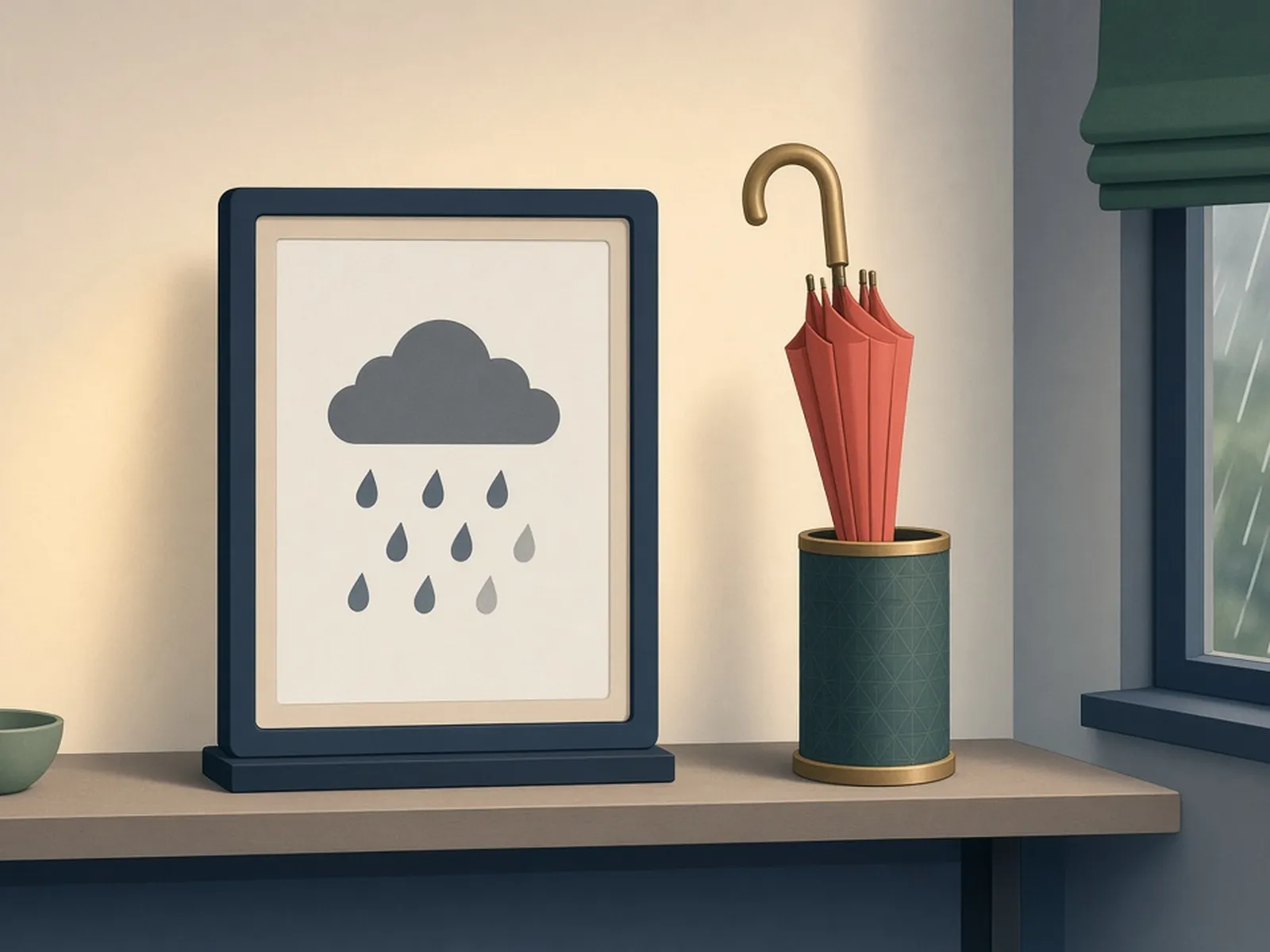
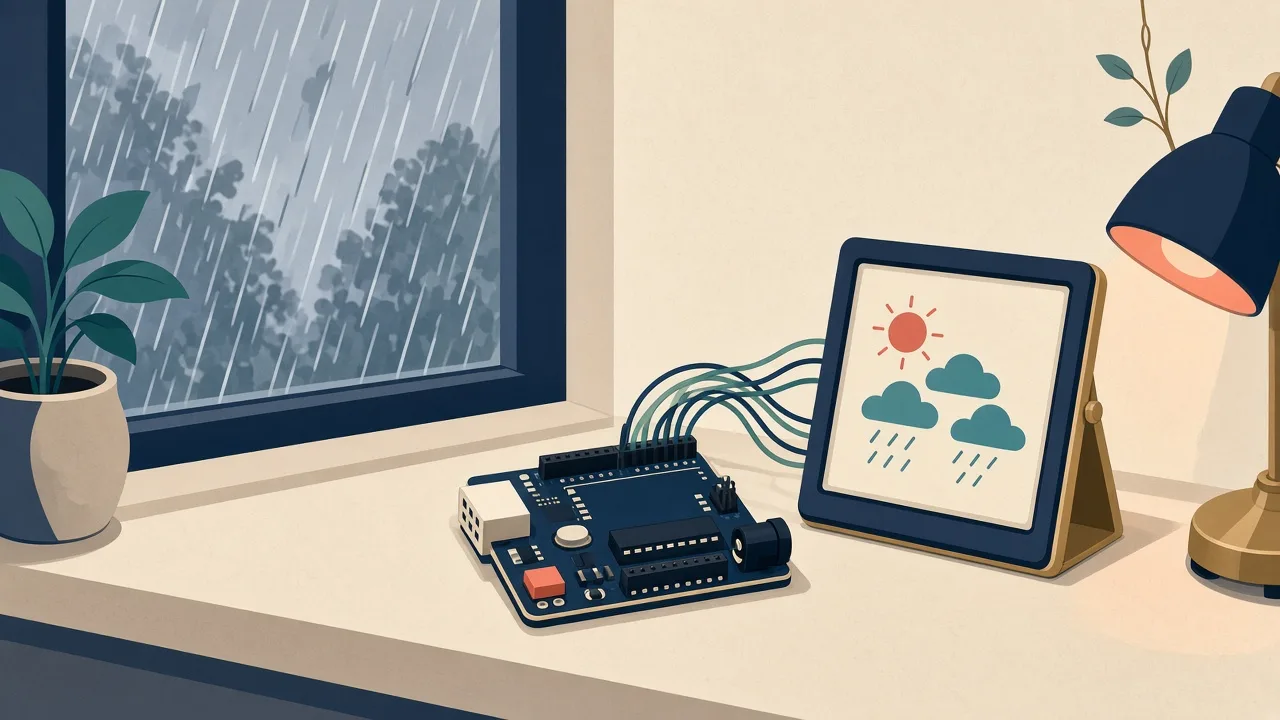
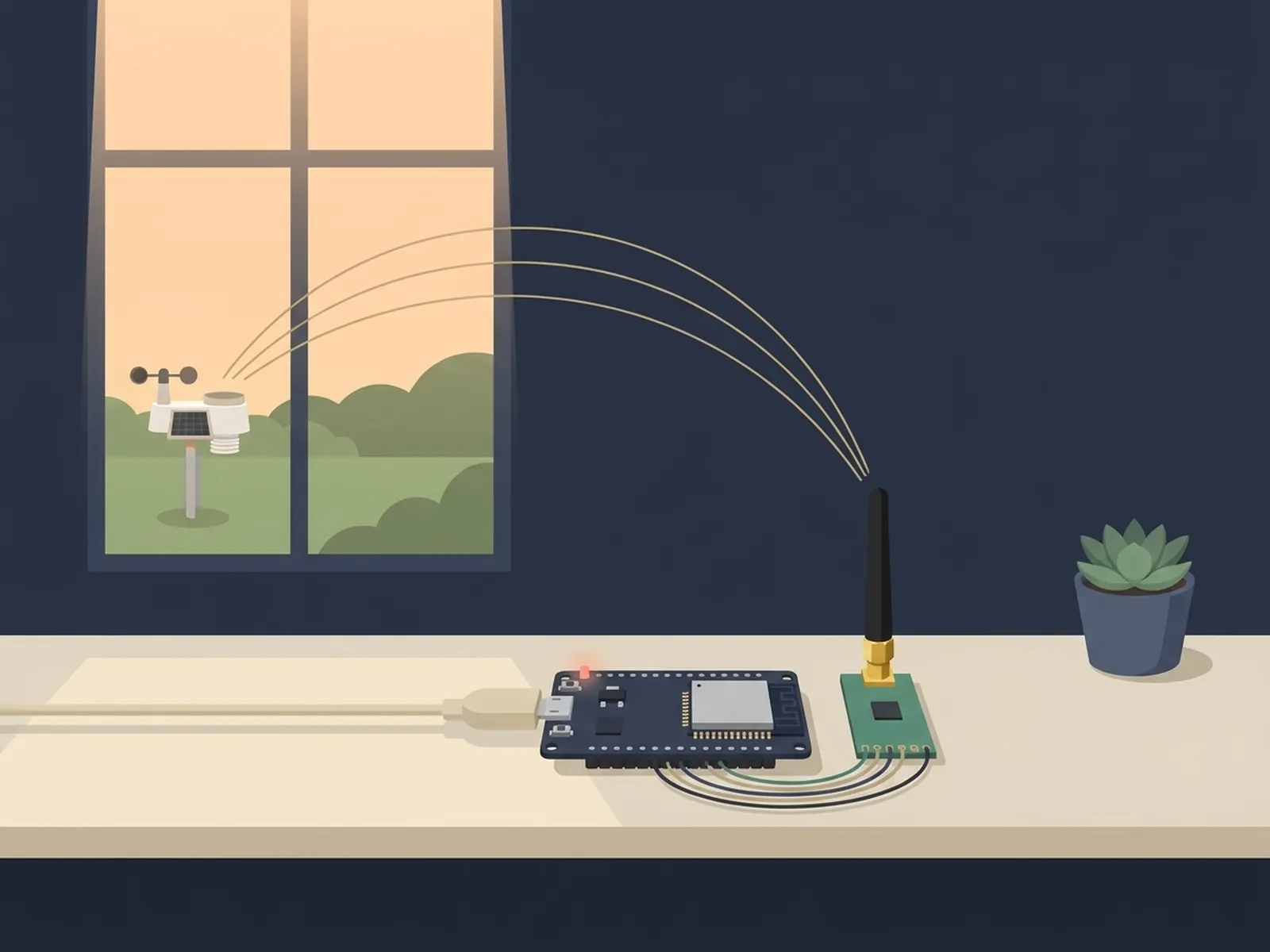
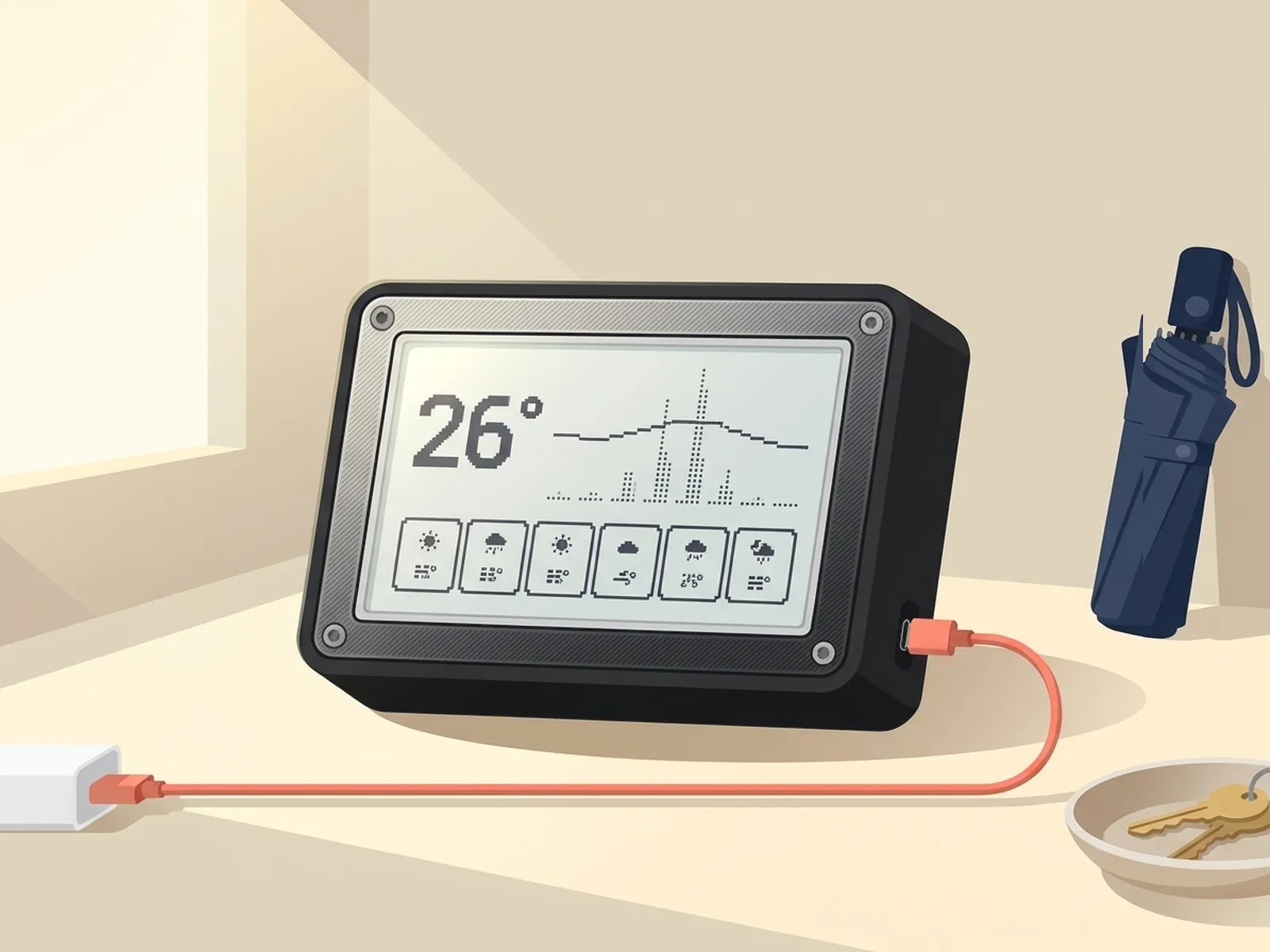
A battery-powered wall weather station: an ESP32-S3 wakes every couple of hours, pulls a forecast over Wi-Fi, paints it on a 3.97in e-paper screen and goes back to deep sleep — about a year of updates on one 18650 cell (maker-reported).
What you need
- LILYGO T-Energy-S3 board ESP32-S3 with an 18650 holder and charging built in
- 3.97in 800x480 e-paper panel (GDEY0397T81P) successor of the README's EOL GDEM0397T81P, same interface
- DESPI-C02 SPI adapter the panel's FPC plugs into it
- One 18650 cell + Arduino IDE no API key needed — Open-Meteo is the default
How hard
Intermediate: six wires between board and adapter, one FPC ribbon to seat, one secrets.h to fill in — but you must set a non-default partition scheme or the firmware won't fit.
Photos
Photos: Blisart/InkCast
Key Facts
- Board: LILYGO T-Energy-S3 (ESP32-S3, 16MB flash, 8MB PSRAM)
- Display: 3.97in 800x480 e-paper (GDEM0397T81P; EOL, successor GDEY0397T81P)
- Weather: Open-Meteo by default (no API key) or OpenWeatherMap One Call 3.0
- Power: one 18650 cell; maker-reported ~5-6 mAh/day at the 2-hour refresh
- Refresh interval: 1-1440 minutes, default 120
- Extras: web admin panel, Wi-Fi AP fallback, 3D-printed enclosure (STLs published)
About This Project
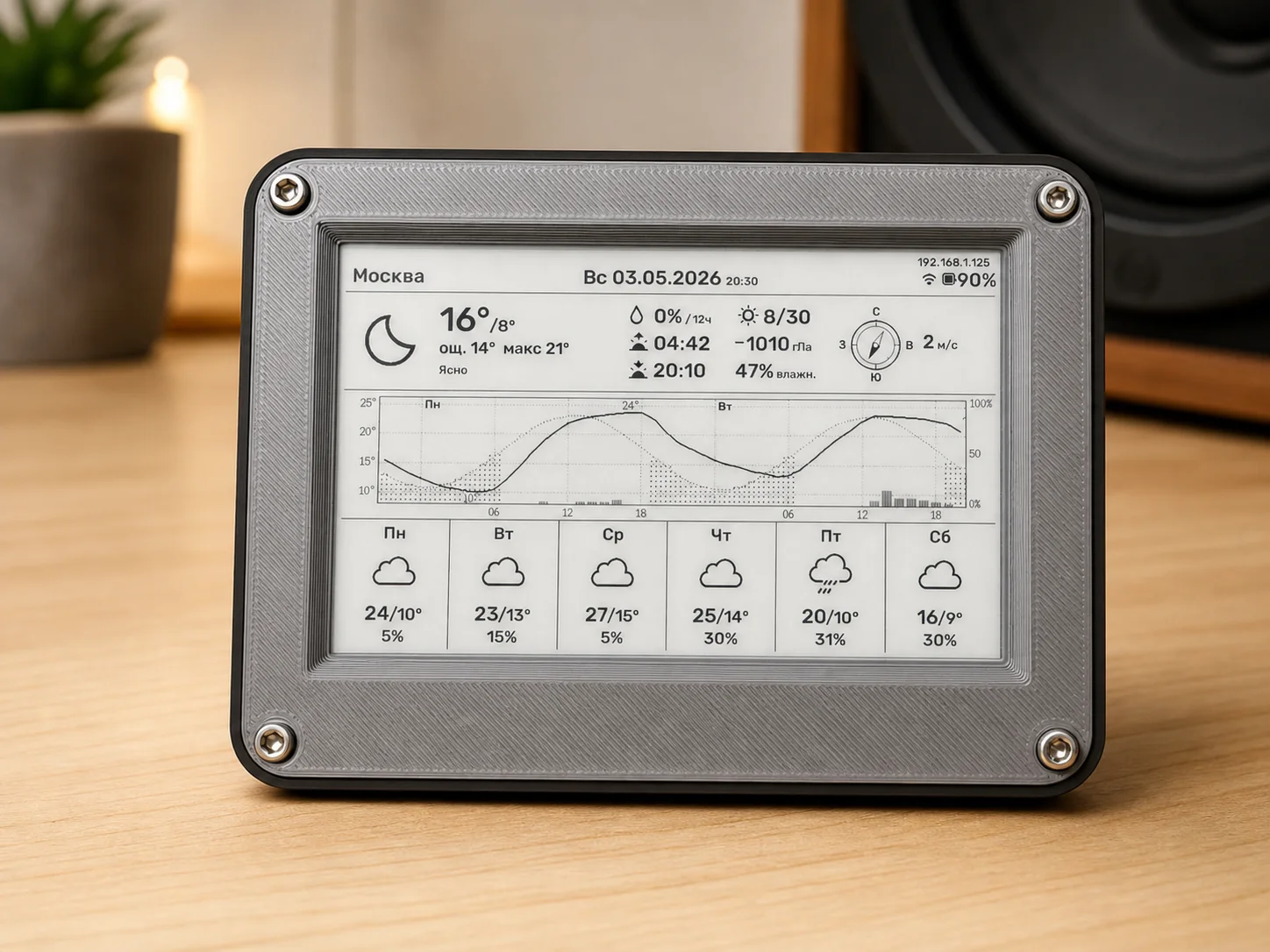
InkCast is a wall-mounted weather station by Blisart built on three parts: a LILYGO T-Energy-S3 (an ESP32-S3 board with a 18650 cell holder and power management), a 3.97in 800x480 black-and-white e-paper panel (Good Display GDEM0397T81P), and the little DESPI-C02 SPI adapter the panel plugs into. The screen shows current conditions with a feels-like temperature, min/max, precipitation probability, sunrise and sunset, a 48-hour temperature-and-precipitation chart, a 6-day forecast, battery level and Wi-Fi status — and keeps all of it on screen with zero power, because e-paper only draws current when it refreshes.
The power budget is the headline. The maker reports about 5-6 mAh per day at the default 2-hour refresh interval, which works out to roughly a year on a 2000 mAh 18650 cell (about 1.5 years on 3000 mAh) — maker-reported figures, not our bench test. The panel itself sips hardest only during the refresh: Good Display's datasheet lists 0.003 mW in deep sleep. One gotcha the README calls out: while USB is connected to a computer, the firmware stays in debug mode and never deep-sleeps, so a battery-life test with the cable in will lie to you.
Weather data comes from Open-Meteo by default — free and with no API key, which removes the single most annoying step of most ESP32 weather builds. OpenWeatherMap One Call 3.0 is a supported alternative if you prefer it. Settings (provider, location, Wi-Fi, refresh interval from 1 to 1440 minutes) live in a web admin panel exposed in debug mode, and if saved Wi-Fi credentials fail, the station opens an access point named ESP-Weather-Setup for first-time provisioning.
Wiring is one SPI bundle: DIN to GPIO11, CLK to GPIO12, CS to GPIO10, DC to GPIO9, RST to GPIO8, BUSY to GPIO7, plus 3.3V and GND — the panel's FPC ribbon seats into the DESPI-C02 connector with the contacts facing down. The README warns that GPIO numbering can differ across T-Energy-S3 board revisions, so check the silkscreen before soldering. Firmware is plain Arduino IDE: ESP32 board support 2.0.14+, GxEPD2 1.5.5+, ArduinoJson 7 and U8g2_for_Adafruit_GFX, with Wi-Fi credentials in a secrets.h you copy from the provided example. Pick the ESP32S3 Dev Module board, 16MB flash — and read the partition note, because the firmware (fonts and weather icons) does not fit the default 1.25MB app partition. A desktop simulator in the repo lets you iterate on the layout without flashing hardware at all.
One buying note before you order: Good Display marks the README's exact panel, the GDEM0397T81P, as end-of-life. The listed successor GDEY0397T81P keeps the same 800x480 resolution, SSD1677 controller and 24-pin 0.5mm FPC, and Good Display's buy-lcd store listed it on 2026-11-13 (dated price in the parts list below); in the EU, OpenELAB still listed the original EOL GDEM0397T81P at €22.60 that day. The firmware drives this size through GxEPD2's single 3.97in class, GxEPD2_397_GDEM0397T81 — we have not verified the GDEY successor panel on hardware, so if you buy the new variant and the screen misbehaves, the panel swap is the first thing to check.
Next steps in the e-ink lane: our buyer's guide (/guides/which-e-paper-module-to-buy/) compares the three e-paper modules our e-ink builds use, the Watchy smartwatch (/projects/watchy-open-source-esp32-e-ink-smartwatch/) wears the smallest of them, the 7.5in weather display (/projects/low-power-esp32-e-paper-weather-display-7-5in/) is the same idea as a wall dashboard, and OpenEPaperLink (/projects/openepaperlink-reuse-e-ink-shelf-labels-with-an-esp32-access-point/) drives a whole fleet of recycled shelf labels.
Source & Attribution
How to Build It
Parts Needed
- LILYGO T-Energy-S3 board — ESP32-S3 with an 18650 holder and charging built in
- 3.97in 800x480 e-paper panel (GDEY0397T81P) — successor of the README's EOL GDEM0397T81P, same interface
- DESPI-C02 SPI adapter — the panel's FPC plugs into it
- One 18650 cell + Arduino IDE — no API key needed, Open-Meteo is the default
Steps
- 1
Gather the parts and print the enclosure
Gather the BOM above and (optionally) print the enclosure STLs from Printables or Thingiverse.
- 2
Seat the panel's FPC ribbon
Seat the panel's FPC ribbon in the DESPI-C02 connector (lift the latch, contacts facing down, close the latch).
- 3
Wire the adapter to the board
Wire the adapter to the T-Energy-S3: DIN-GPIO11, CLK-GPIO12, CS-GPIO10, DC-GPIO9, RST-GPIO8, BUSY-GPIO7, plus 3.3V and GND — check your board revision's silkscreen first.
- 4
Install the Arduino IDE and libraries
Install the Arduino IDE with ESP32 board support 2.0.14 or newer, plus the GxEPD2 (1.5.5+), ArduinoJson (7.0+) and U8g2_for_Adafruit_GFX (1.8.0+) libraries.
- 5
Create your secrets.h
Copy inkcast/secrets.h.example to inkcast/secrets.h and fill in your Wi-Fi credentials (an OpenWeatherMap key is optional — Open-Meteo needs none).
- 6
Set your location in config.h
Set your city, latitude and longitude defaults in inkcast/config.h.
- 7
Pick the board and partition scheme
Select the ESP32S3 Dev Module board with USB CDC On Boot enabled, 16MB flash and a large partition scheme (16M Flash 3MB APP/9.9MB FATFS or Huge APP) — the firmware does not fit the default 1.25MB app partition.
- 8
Upload and watch the serial log
Upload the sketch and open the serial monitor at 115200 baud to watch boot, Wi-Fi and screen-update logs.
- 9
Configure provider, location and refresh interval
In debug mode, open the admin URL from the serial log (or connect to the ESP-Weather-Setup access point at http://192.168.4.1) to set weather provider, location and refresh interval.
- 10
Unplug it and let it sleep
Unplug USB once configured — the station only deep-sleeps (and hits its year-long battery life) when USB is disconnected.
Bill of Materials
Parts list
5 parts · 0 linked
Heads up: some Buy links are affiliate links. If you buy through one, MCU Atlas may earn a small commission at no extra cost to you. It never changes which parts we list. How this works
1× LILYGO T-Energy-S3
1× GDEM0397T81P — 3.97in 800x480 e-paper panel
1× 18650 Li-ion cell
1 set× M3 heat-set inserts x4, M3x8 screws x8, M2x6 screws x4
Not included: 3D-printed enclosure (STLs free on Printables/Thingiverse), wire, solder, USB-C cable, shipping
Learn
Docs & guides
Read these before you buy. These pages explain things; they don't sell anything.
- InkCast repository and READMEWiring tables, board settings, the partition warning and the debug-mode rules — everything this page summarizesDocs
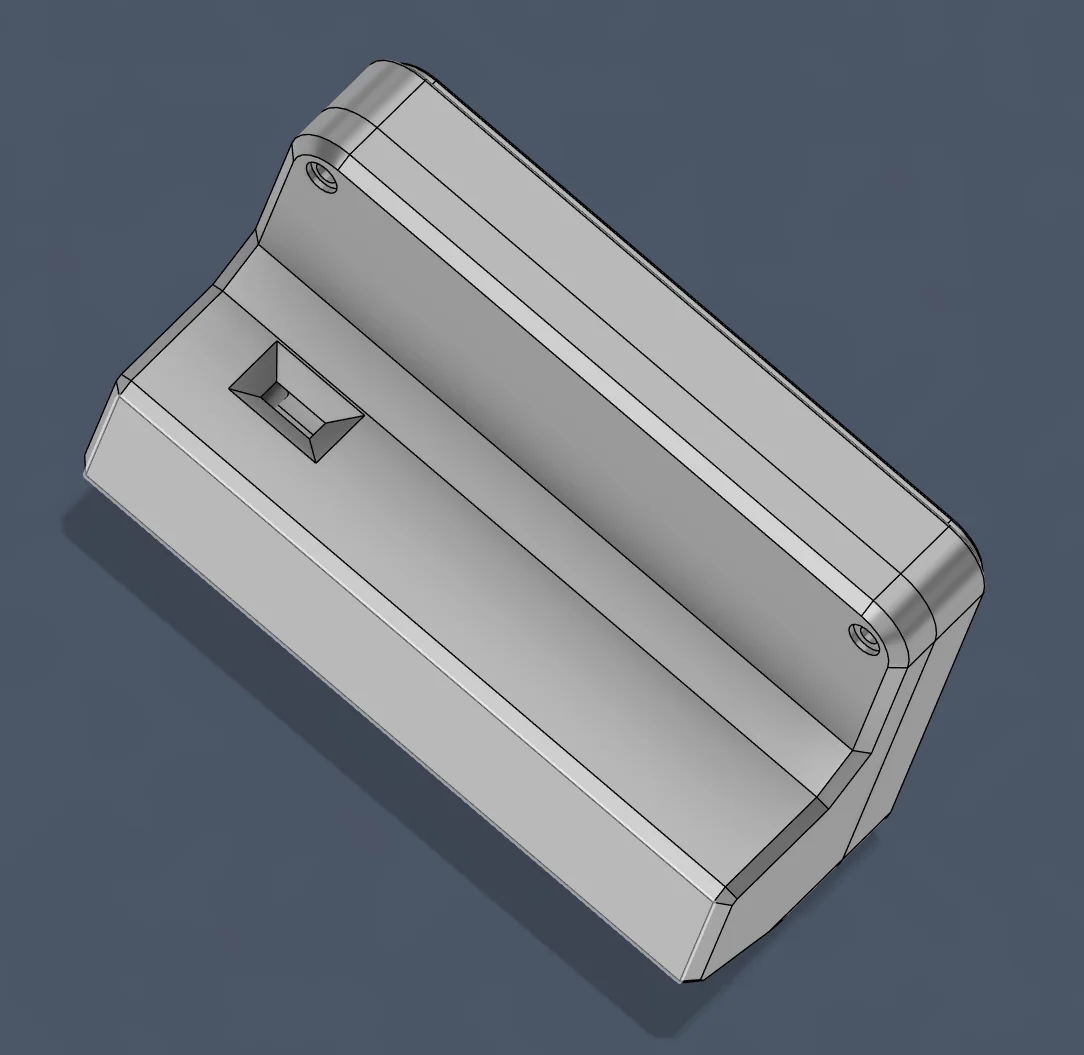
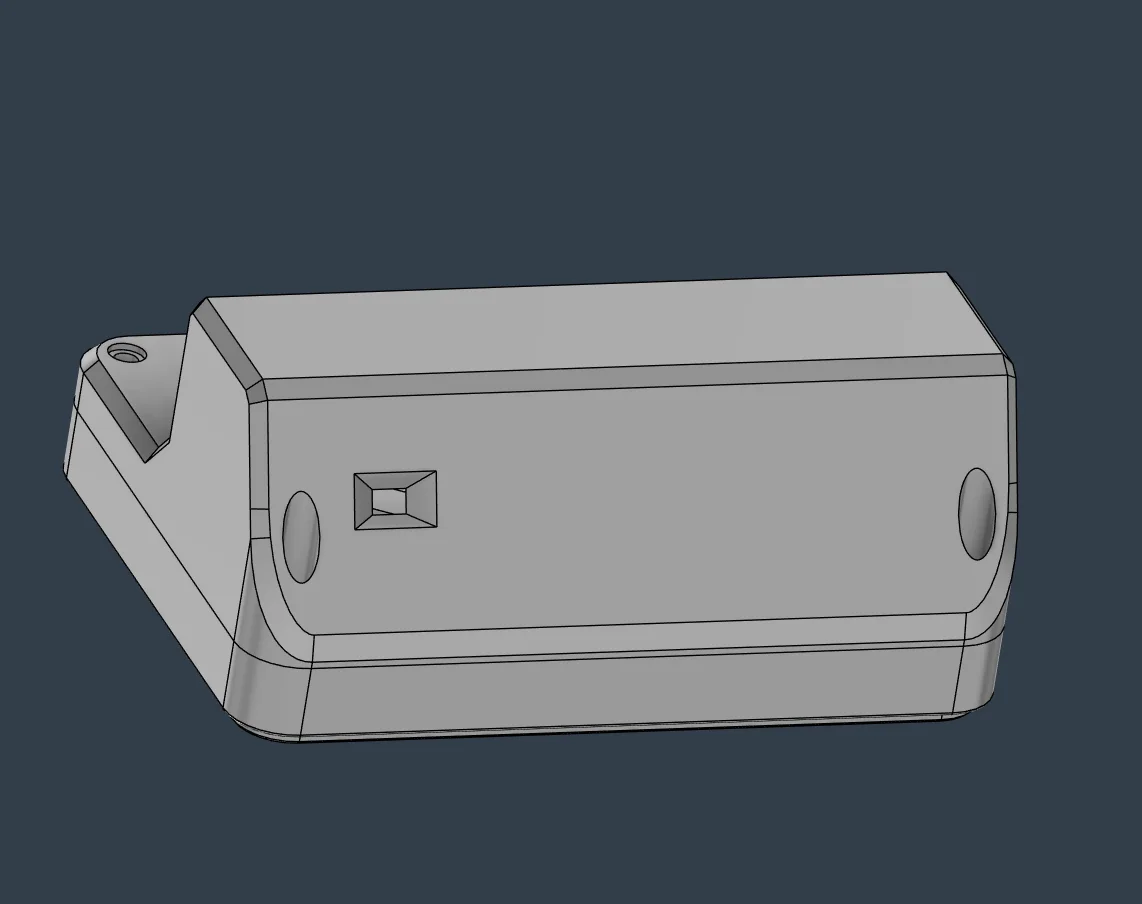
- Enclosure STLs on PrintablesThe 3D-printable wall enclosure with USB-C and power-switch cutouts (also on Thingiverse)Docs
- GDEY0397T81P panel page (Good Display)Maker's page for the successor panel — 800x480, SSD1677, 24-pin FPC, full spec tableDocs
- Open-Meteo forecast APIThe default weather source — free for non-commercial use, no API key, which is why this build is a gentle first stationDocs
- GxEPD2 libraryThe e-paper driver the firmware uses; the 3.97in class is GxEPD2_397_GDEM0397T81Docs
Related Projects