LoRa mesh panic button for Meshtastic: one press sends an encrypted alert
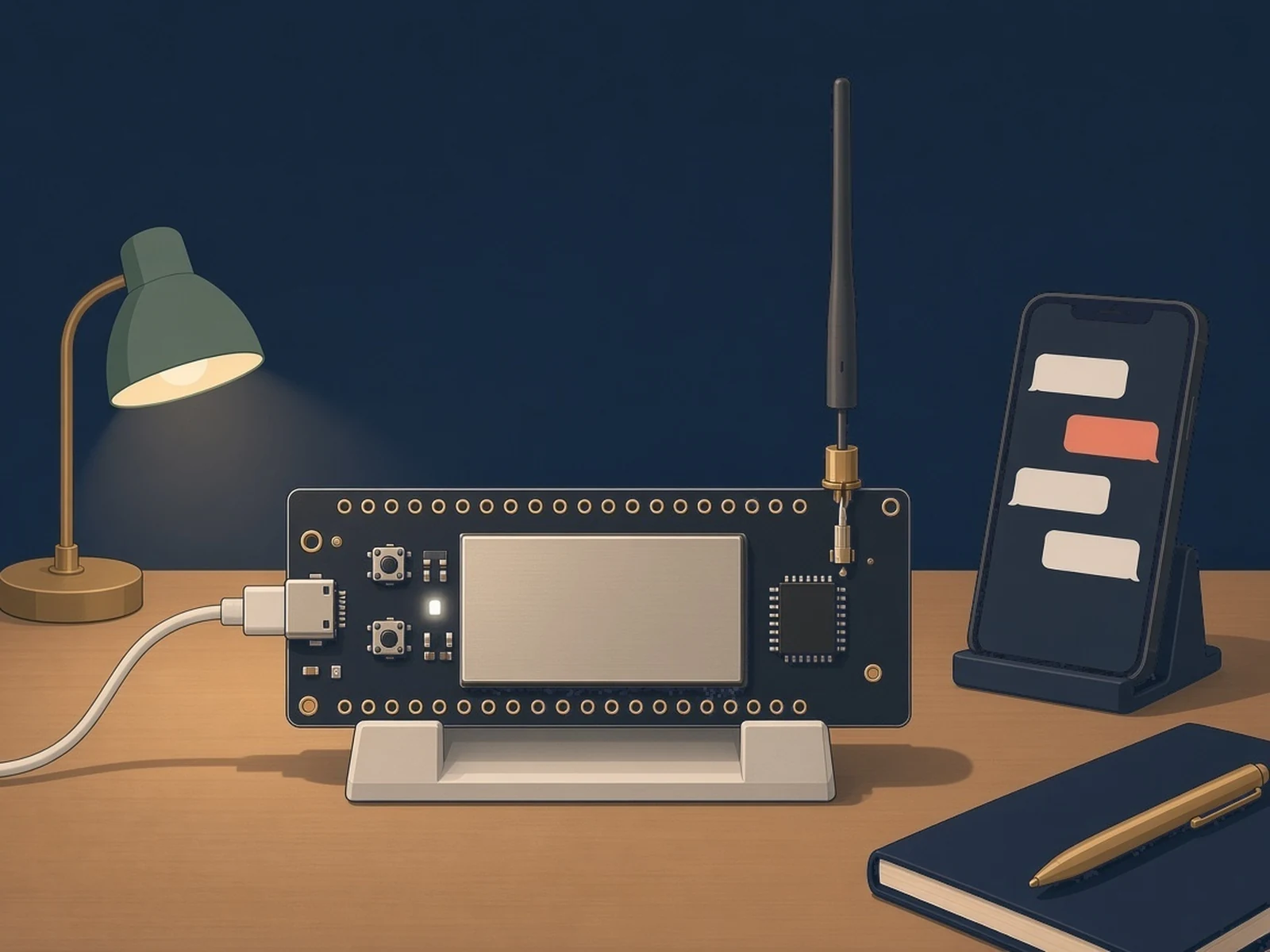
A tiny LoRa board that sleeps until you press its button, then sends one encrypted text on a private Meshtastic channel so the phones on your mesh get the alert. Not a certified safety device.
What it is
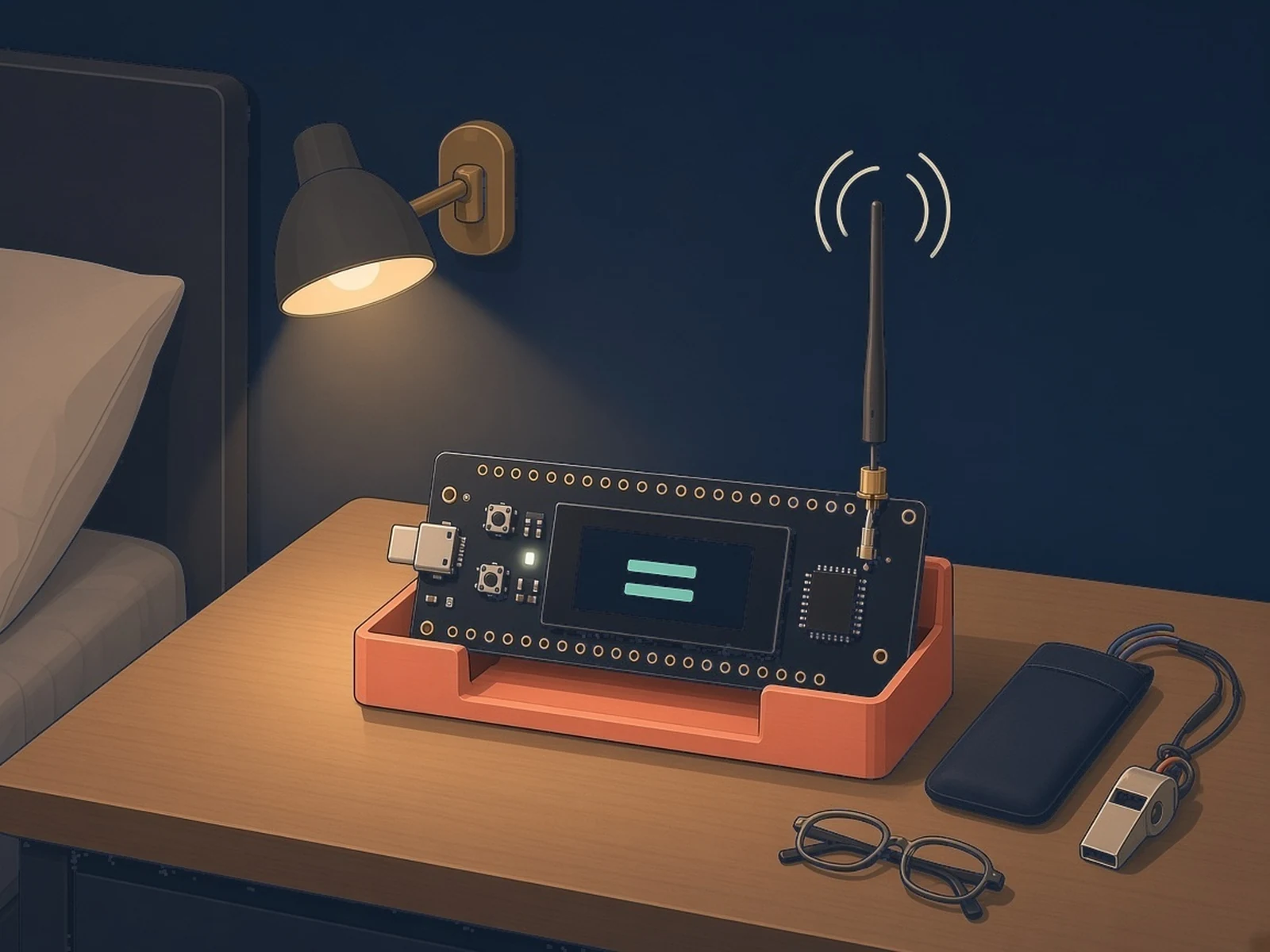
A one-button LoRa alert: press it and the phones on your Meshtastic mesh get an encrypted message. Not a certified safety device.
What you need
- Heltec WiFi LoRa 32 V3 or a V4, or a Seeed XIAO LoRa kit
- LoRa antenna always fitted before power
- USB-C data cable
- A Meshtastic node in range any hardware, stock firmware
How hard
Intermediate: no wiring on the Heltec, but you flash with PlatformIO and set the channel with Python scripts over a short USB window.
Key Facts
- SAFETY: Not a certified safety device. LoRa has no delivery guarantee: the button sends once, without acknowledgement. Test coverage from where the button will actually be used, and do not rely on it alone for life safety.
- Boards: Heltec WiFi LoRa 32 V3 or V4 (PRG button), Seeed XIAO ESP32-S3 + Wio-SX1262 kit, or Seeed XIAO nRF52840 (Sense) + Wio-SX1262 for XIAO (remove the kit's GNSS board)
- Always connect the LoRa antenna before powering the board: transmitting without one can damage the radio
- Needs at least one stock Meshtastic node in range. Default radio settings: EU_868, LongFast (869.525 MHz); in the US the README gives 906.875 MHz for the default channel, untested
- Send-only: one press, one message, no acknowledgement, retry or position
- Firmware: PlatformIO; setup scripts: Python 3.10+ with pyserial. MIT licence (nRF52840 board files LGPL-2.1+)
About This Project
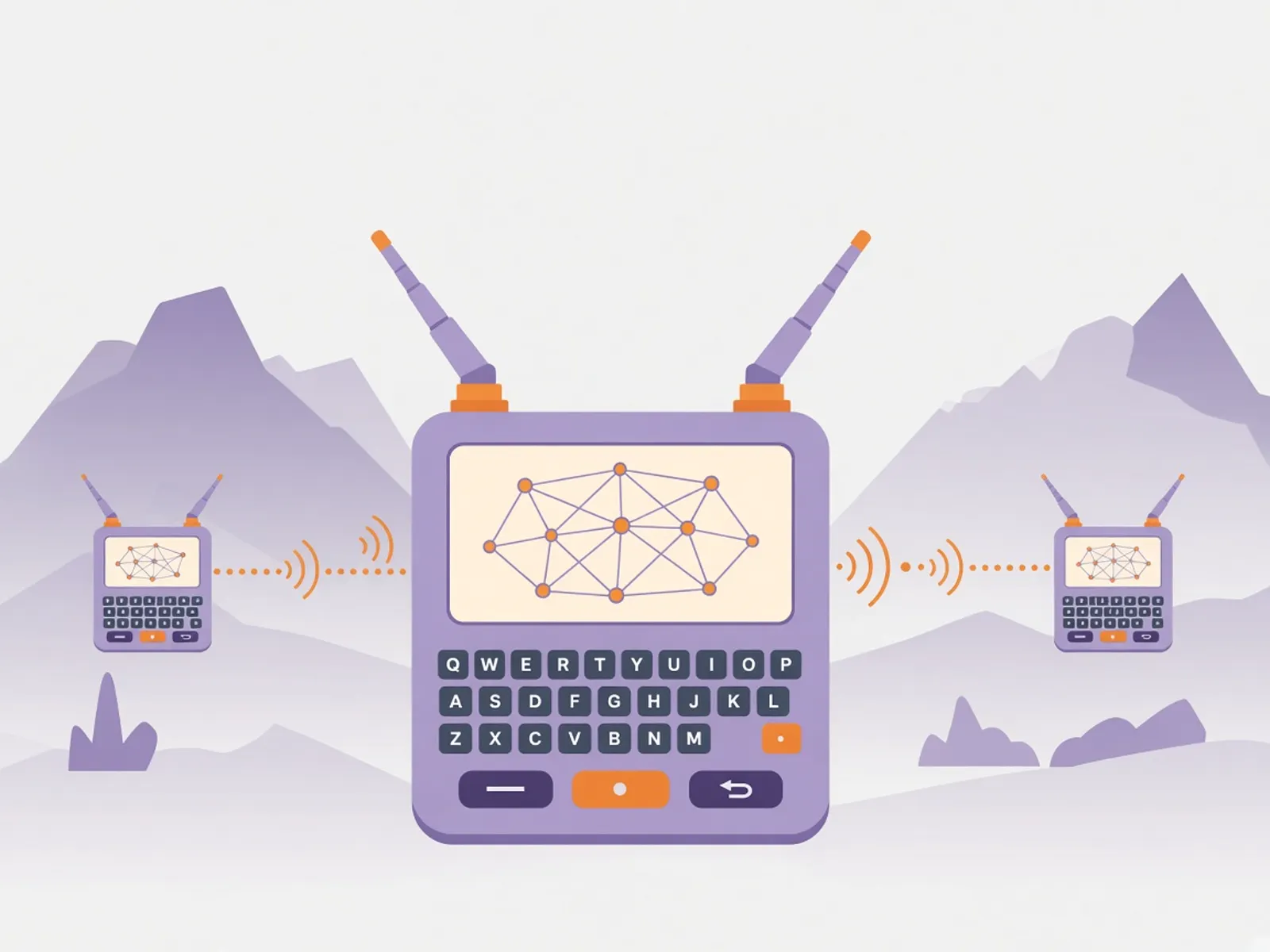
This panic button by Guillaume Pilot and Luc Juggery turns a Heltec WiFi LoRa 32 or a Seeed XIAO LoRa kit into a one-button alert for a Meshtastic mesh. The board sleeps; a press wakes it, it sends one message ("button pressed" by default) on a private, encrypted channel, and it goes back to sleep. Ordinary Meshtastic nodes relay it, and every phone that has the same channel sees the alert. You make the channel link with the repo's Python script, add it to the phones, then give it to the button over USB; it is stored on the board, not in the firmware. A Meshtastic MQTT gateway can forward alerts to a server. It is not affiliated with Meshtastic and uses no Meshtastic code: it speaks the same radio format. The authors are clear about the limits: it is send-only, with no acknowledgement and no retry, it is set up for Europe's 868 MHz band (other regions need a frequency change and are untested), and it is not a certified safety device.
Source & Attribution
Illustration
Parts Needed
- Heltec WiFi LoRa 32 V3 or V4, or a Seeed XIAO ESP32-S3 + Wio-SX1262 kit, or a XIAO nRF52840 + Wio-SX1262 for XIAO
- LoRa antenna
- USB-C data cable
- A Meshtastic node in range
- Phones with the Meshtastic app
Steps
- 1
Read the warning
This is not a certified safety device. The button sends once with no acknowledgement, LoRa has no delivery guarantee, and you shouldn't rely on it alone for life safety.
- 2
Make a private channel
Run the repo's make_channel_url.py to create a channel name and random key as a Meshtastic link. Treat the link like a password: anyone with it can read and send.
- 3
Add it to the phones
Open the link on each phone that should get alerts and accept the channel. The node each phone connects to must hold the channel too.
- 4
Fit the antenna and flash
Screw on the LoRa antenna before powering the board. Flash with PlatformIO (heltec-v3, heltec-v4 or xiao-s3), or on the XIAO nRF52840 build the UF2 file and copy it to the board's drive after a quick double-press of reset.
- 5
Give the button its channel
The board listens on USB for only 5 seconds after a plug-in or reset, so start configure_button.py with the channel link first, then plug in or reset. Without a channel the button sends nothing.
- 6
Test where it will be used
Press the button from the places it will actually be used and check that every phone gets the message. The firmware is set for Europe's 868 MHz band; other regions need the frequency changed in the code and are untested.
Bill of Materials
Parts list
8 parts · 4 linked
Heads up: some Buy links are affiliate links. If you buy through one, MCU Atlas may earn a small commission at no extra cost to you. It never changes which parts we list. How this works

1× A Meshtastic node in range (any hardware, stock firmware)
Not included: Battery and enclosure: the README doesn't specify any, A phone with the Meshtastic app for each person who should get alerts, A computer with PlatformIO and Python 3.10+ (pyserial)
Related Projects