MiSTer marquee on an ESP32 round display or Cheap Yellow Display
Firmware that turns a cheap ESP32 colour screen into a full-colour marquee for a MiSTer FPGA, showing the logo of the core you load, over USB or WiFi.
What it is
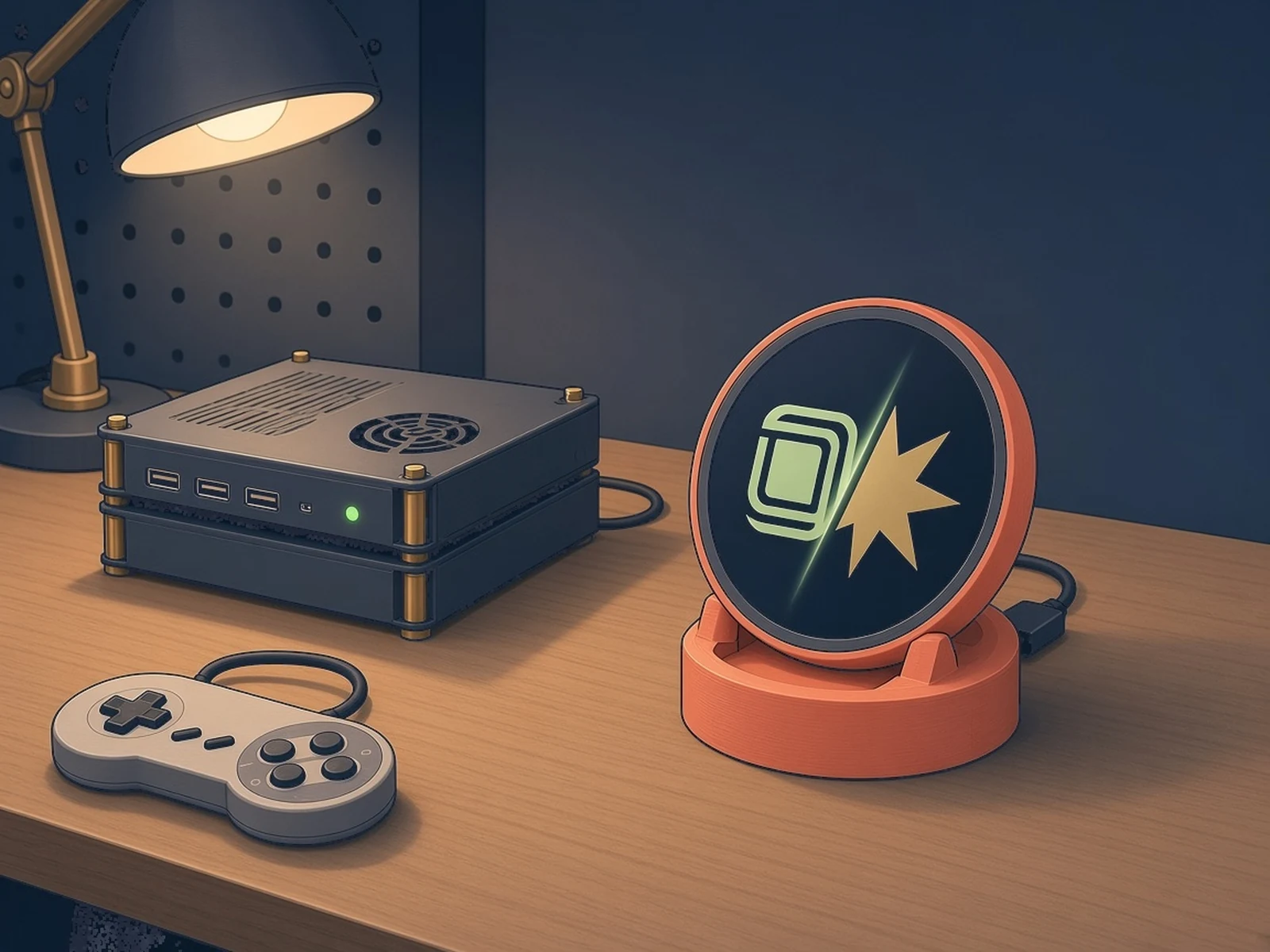
A small colour screen for your MiSTer that shows the logo of whatever game system you load, like an arcade cabinet marquee.
What you need
- ESP32-2432S028R Cheap Yellow Display or the Sunton ESP32-2424S012C round board
- USB data cable
- A MiSTer FPGA not included
How hard
Beginner with the CYD or Sunton board: flash from the browser and plug it into the MiSTer. The Super Mini + GC9A01 build needs jumper wiring.
Photos
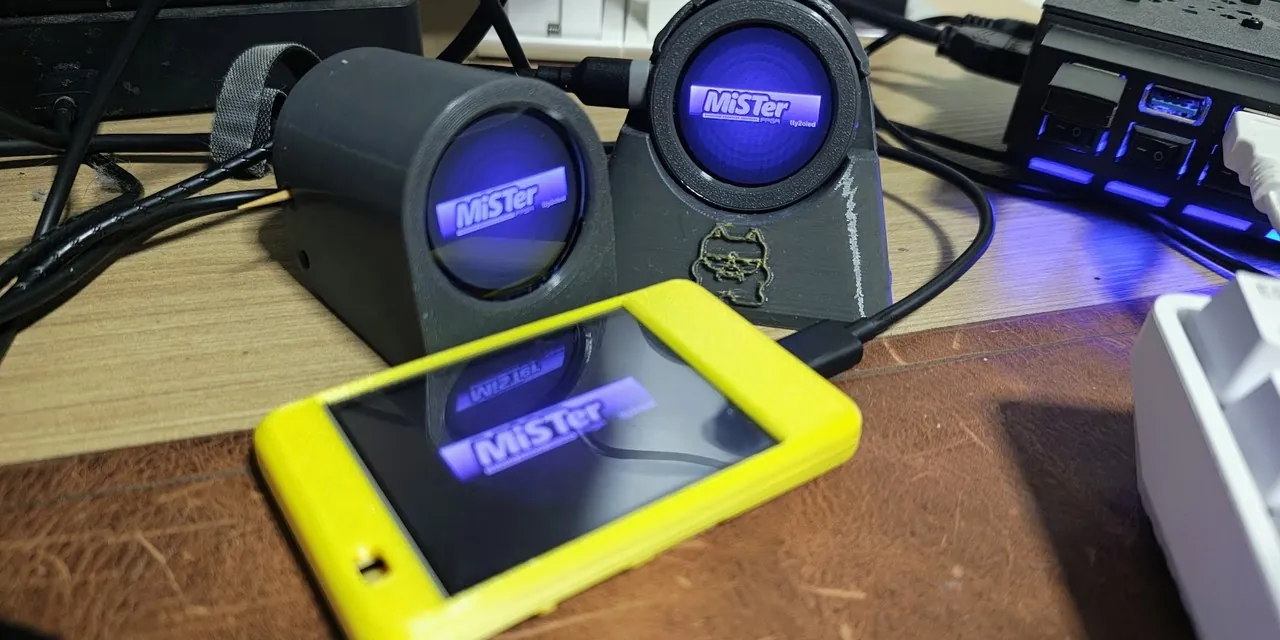
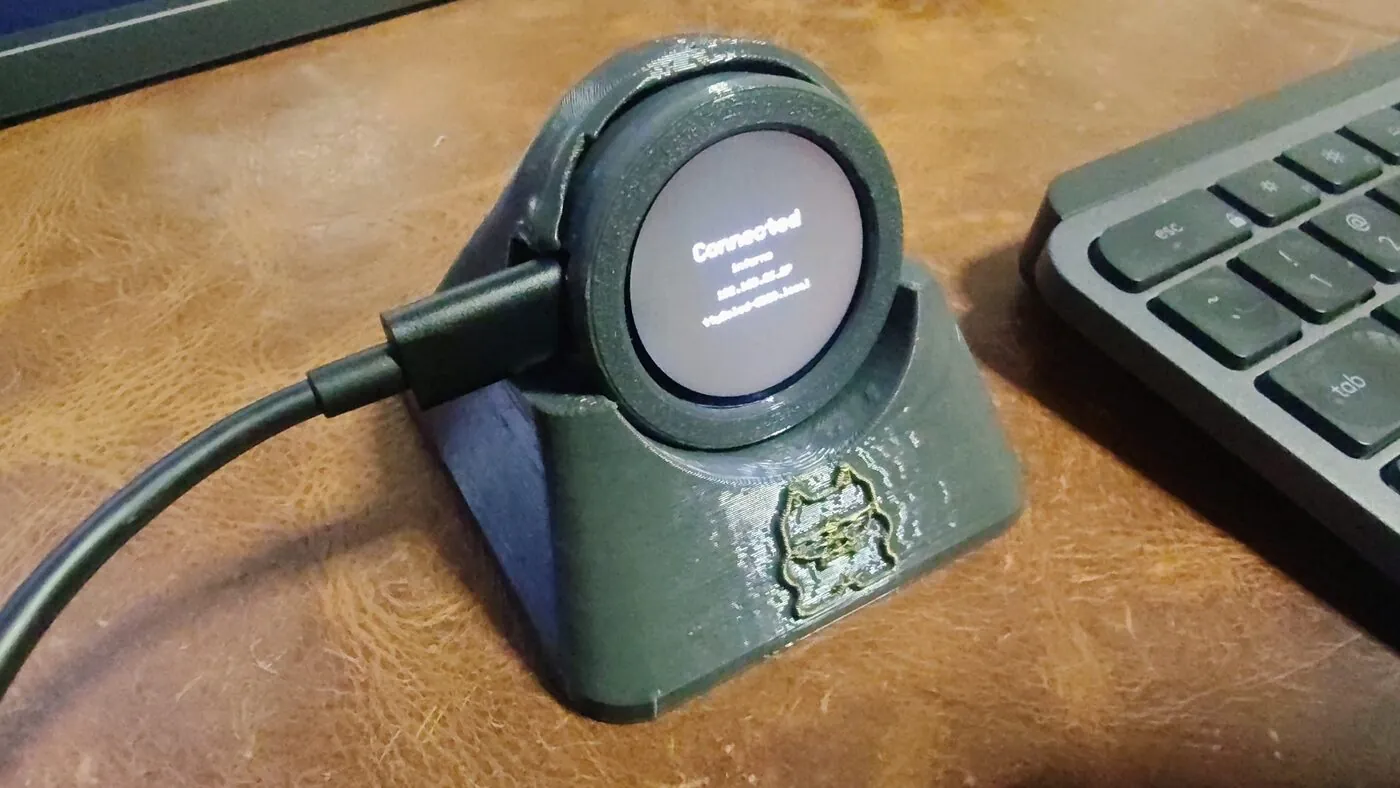
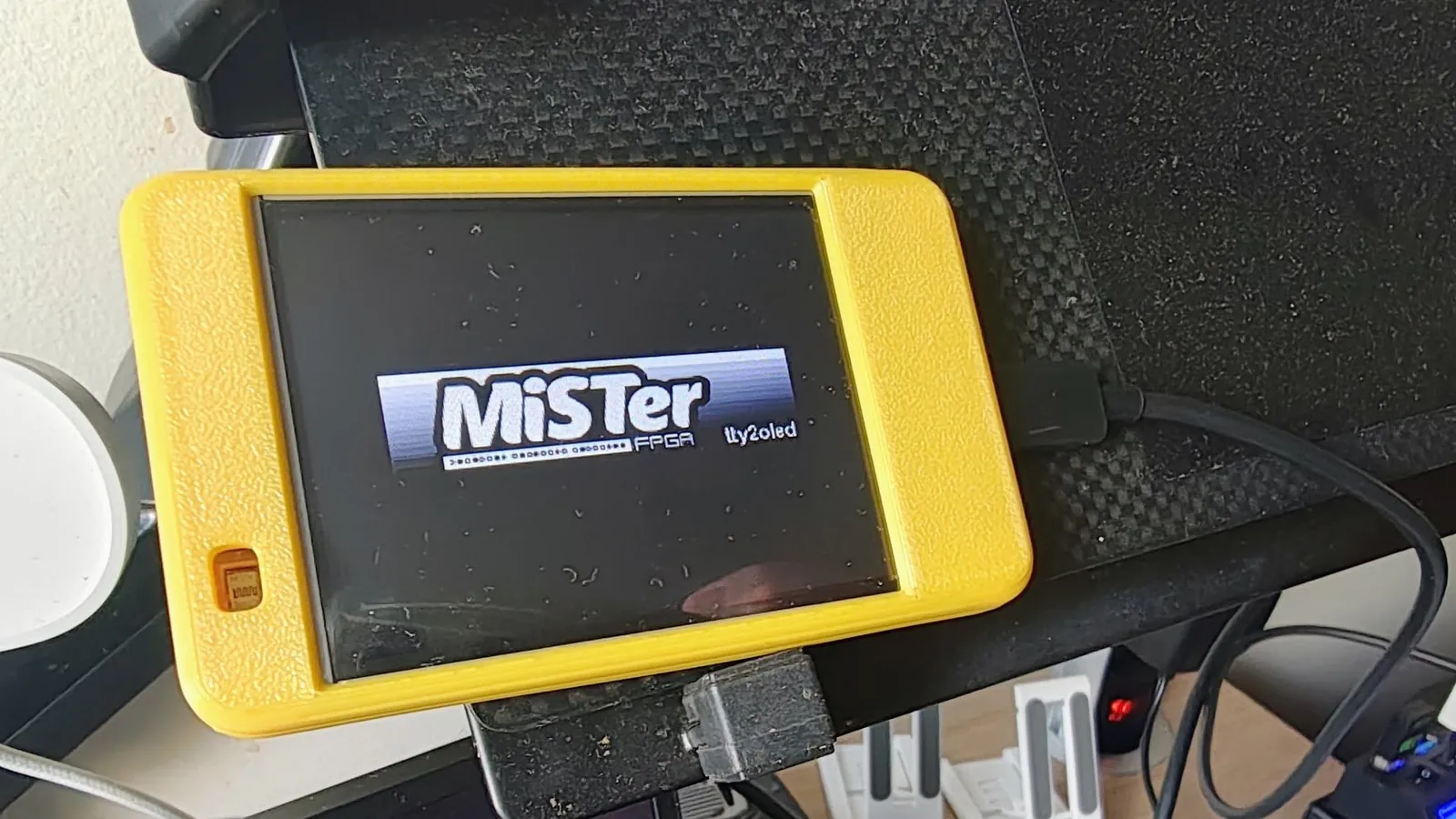
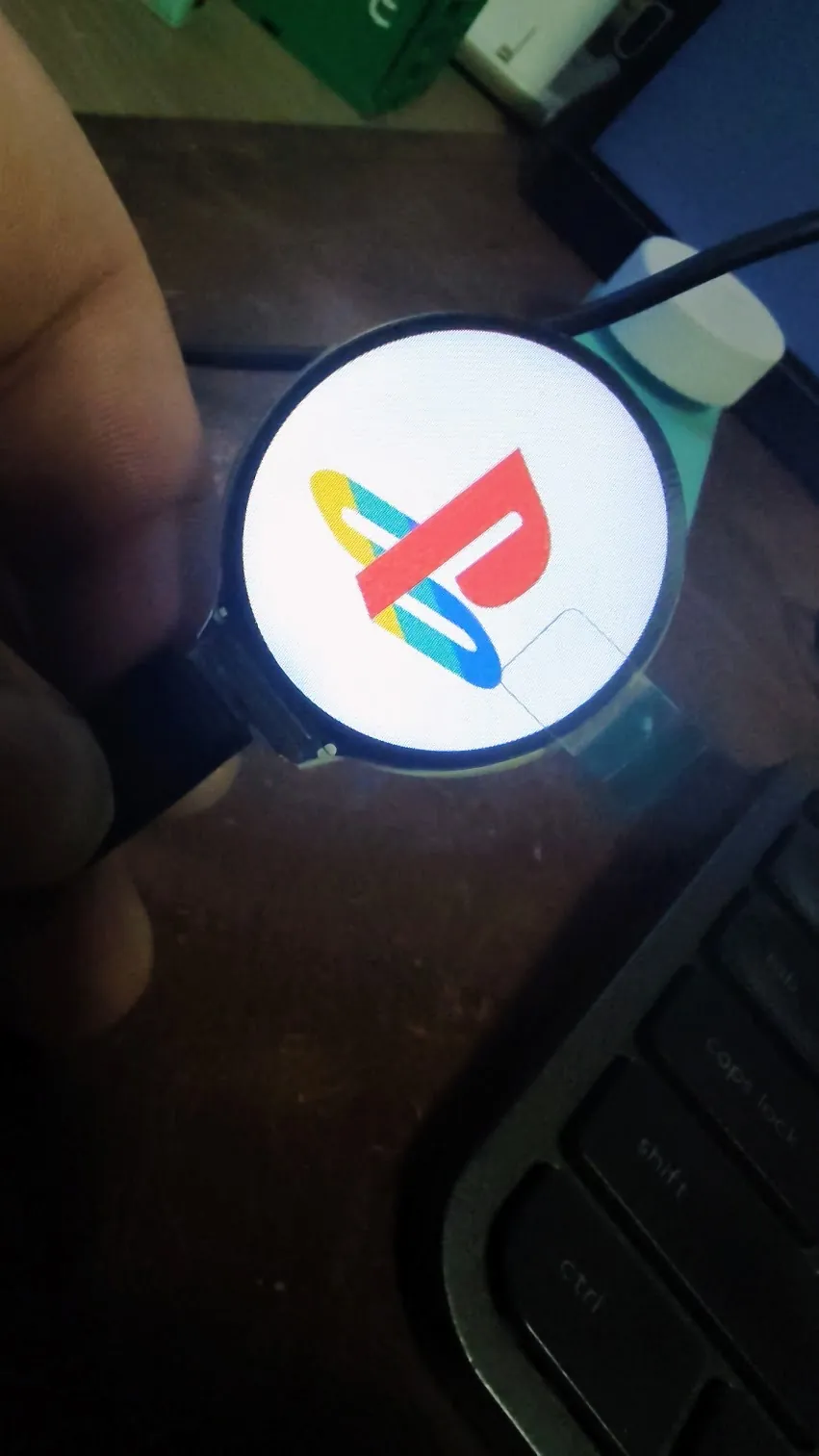
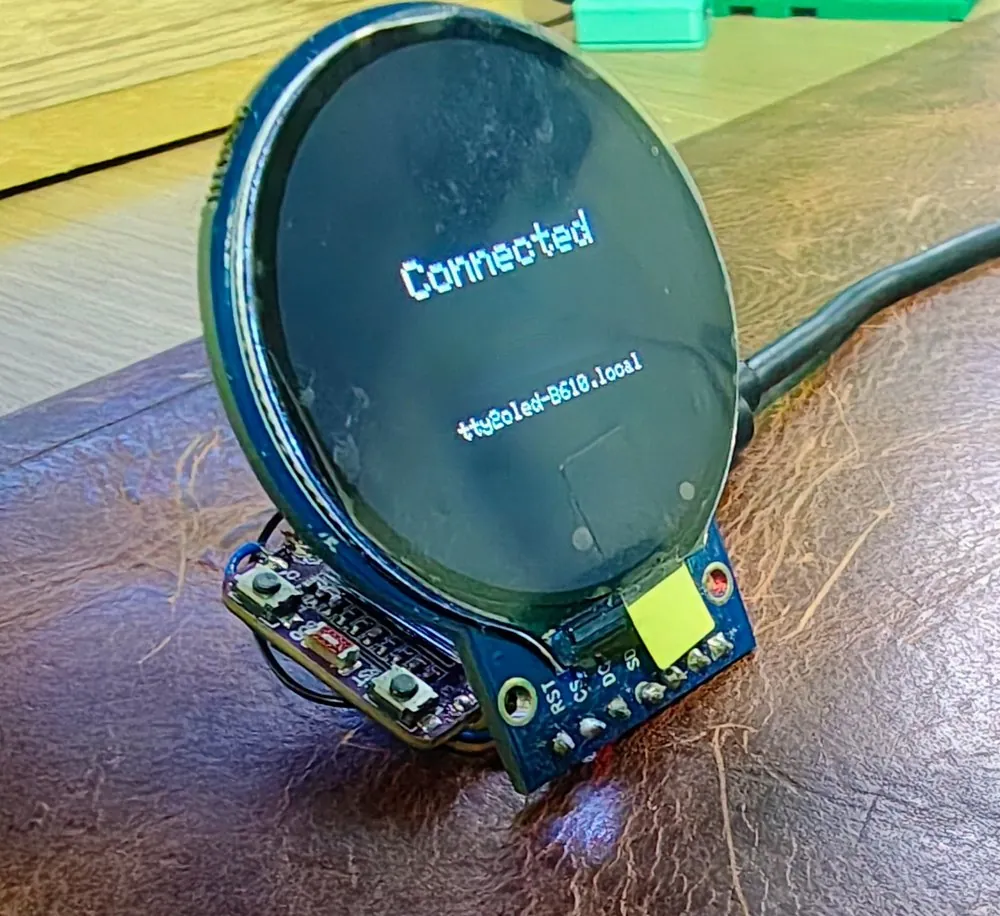
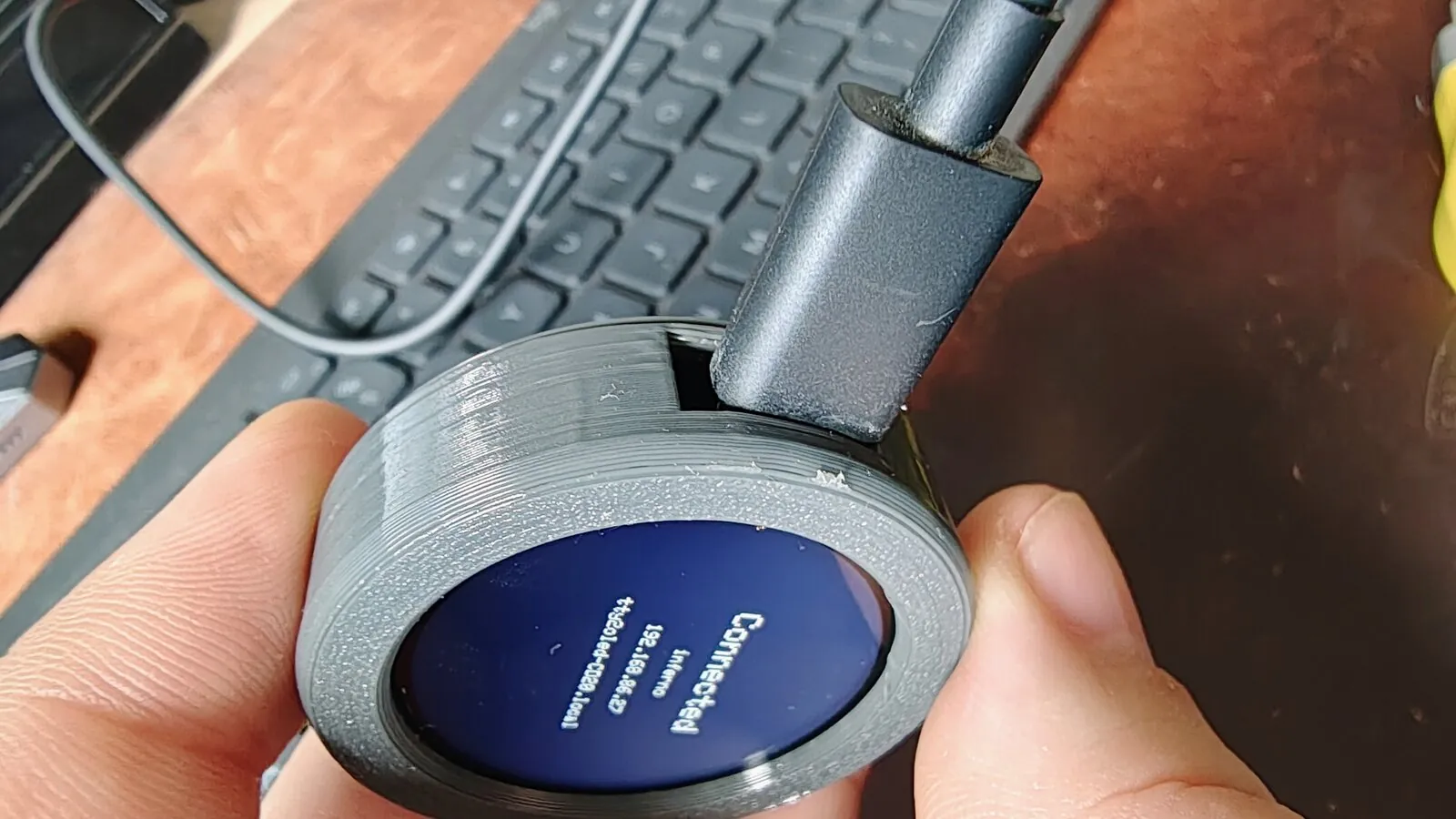
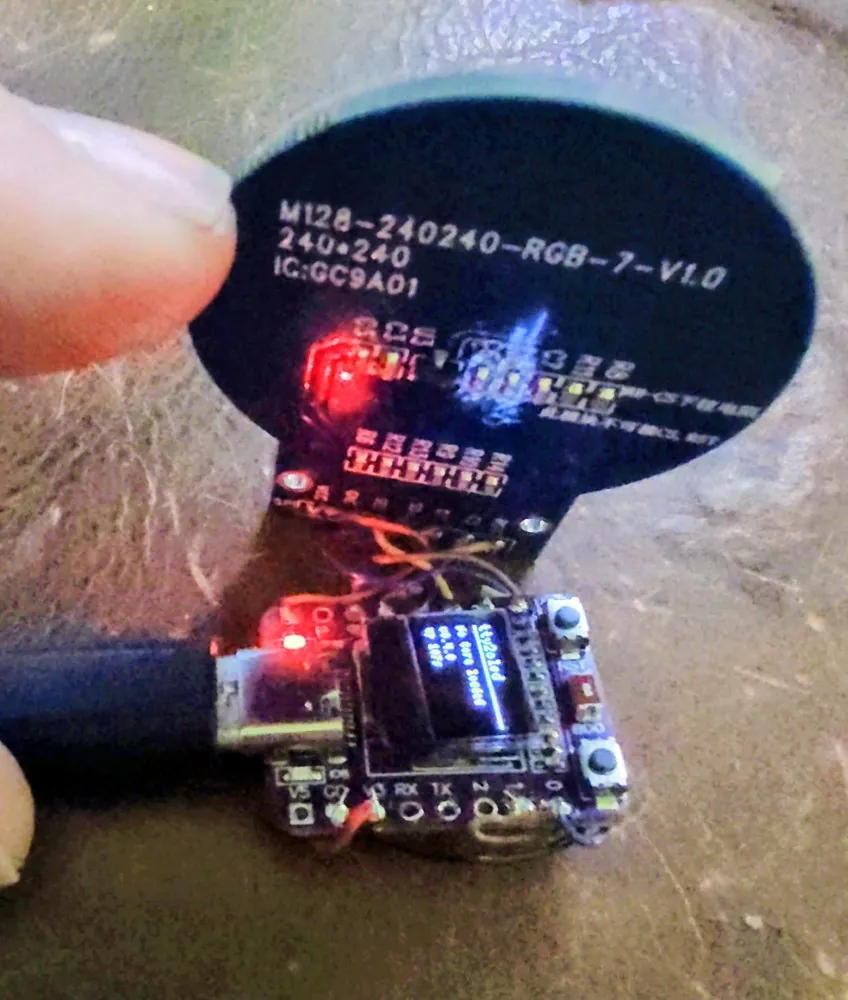
Photos: doccaz/mister-tty2oled-esp32
Key Facts
- Works with the stock tty2oled.sh over USB and its grayscale logo library
- Full-colour art with wipe, iris and fade transitions, made in a browser app
- WiFi: one MiSTer can drive up to three displays; MQTT notifications
- Boards: ESP32-C3 Super Mini + GC9A01, Sunton ESP32-2424S012C, ESP32-2432S028 CYD
- Flash from the browser; WiFi setup network with a QR code on first boot
- Needs a MiSTer FPGA to drive it
- License: GPL-3.0-or-later (art packs and reference submodule excluded)
About This Project
MiSTer is an FPGA retro gaming system, and tty2oled is the add-on that shows the logo of the core you're running on a small screen. Erico Mendonca's mister-tty2oled-esp32 re-implements that display side for cheap ESP32 colour screens, and it speaks the same protocol, so the unmodified tty2oled.sh on the MiSTer drives it over USB and the existing grayscale logo library works as is, optionally tinted with a fixed colour, gradient or random colours. It adds full-colour art with wipe, iris and fade transitions, made and previewed in a browser web app. Over WiFi, one MiSTer can drive up to three displays at once through a Go daemon on the MiSTer, and the display can send MQTT notifications. Four boards are supported: an ESP32-C3 Super Mini (with or without its 0.42in status OLED) wired to a separate 1.28in GC9A01 round display; the Sunton ESP32-2424S012C, an ESP32-C3 with the round GC9A01 already on it and nothing to wire; and the 2.8in ESP32-2432S028 Cheap Yellow Display, which shows the same 240×240 art centred on its wider screen and adds touch-to-wake, an automatic brightness option using its light sensor, and an RGB transfer LED. Flash from the browser (Chrome, Edge or Opera on a desktop); your WiFi settings survive updates. On first boot the display opens its own setup network and shows a QR code. A free pack of 77 colour logos from public-domain sources installs through the MiSTer Downloader, and there are 3D-printable cases. You need a MiSTer to drive it. GPL-3.0-or-later; the art packs and some included reference material are under their own terms.
Source & Attribution
Parts Needed
- ESP32-2432S028R CYD, Sunton ESP32-2424S012C, or ESP32-C3 Super Mini + GC9A01 round display
- USB data cable
- A MiSTer FPGA running tty2oled
Steps
- 1
Flash
Open the web flasher in Chrome, Edge or Opera on a desktop and pick your board. Hold BOOT while plugging in a C3 board; the CYD doesn't need it.
- 2
Wire (Super Mini only)
Wire the GC9A01 to the Super Mini using the pin table in docs/hardware.md, or edit firmware/src/pins.h to match your wiring.
- 3
Join WiFi (optional)
On first boot the display opens its own setup network and shows a QR code.
- 4
Connect to the MiSTer
Plug it into the MiSTer over USB and the stock tty2oled.sh drives it, or install the WiFi daemon to skip the cable and run up to three displays.
- 5
Add colour art
Install the free colour art pack through the MiSTer Downloader, or make your own in the marquee web app.
Bill of Materials
Parts list
6 parts · 6 linked
Heads up: some Buy links are affiliate links. If you buy through one, MCU Atlas may earn a small commission at no extra cost to you. It never changes which parts we list. How this works



Not included: A MiSTer FPGA running tty2oled, A desktop computer with Chrome, Edge or Opera for the web flasher, 3D-printed case (optional)
Related Projects