Flashduck: an ESP32-S3 desktop duck robot that walks, watches and talks
Shanmao Tech's six-servo desk duck: an ESP32-S3 kit in a 3D-printed duck shell that walks, moves its neck and beak, shows one animated eye and answers when you talk to it.
What it is
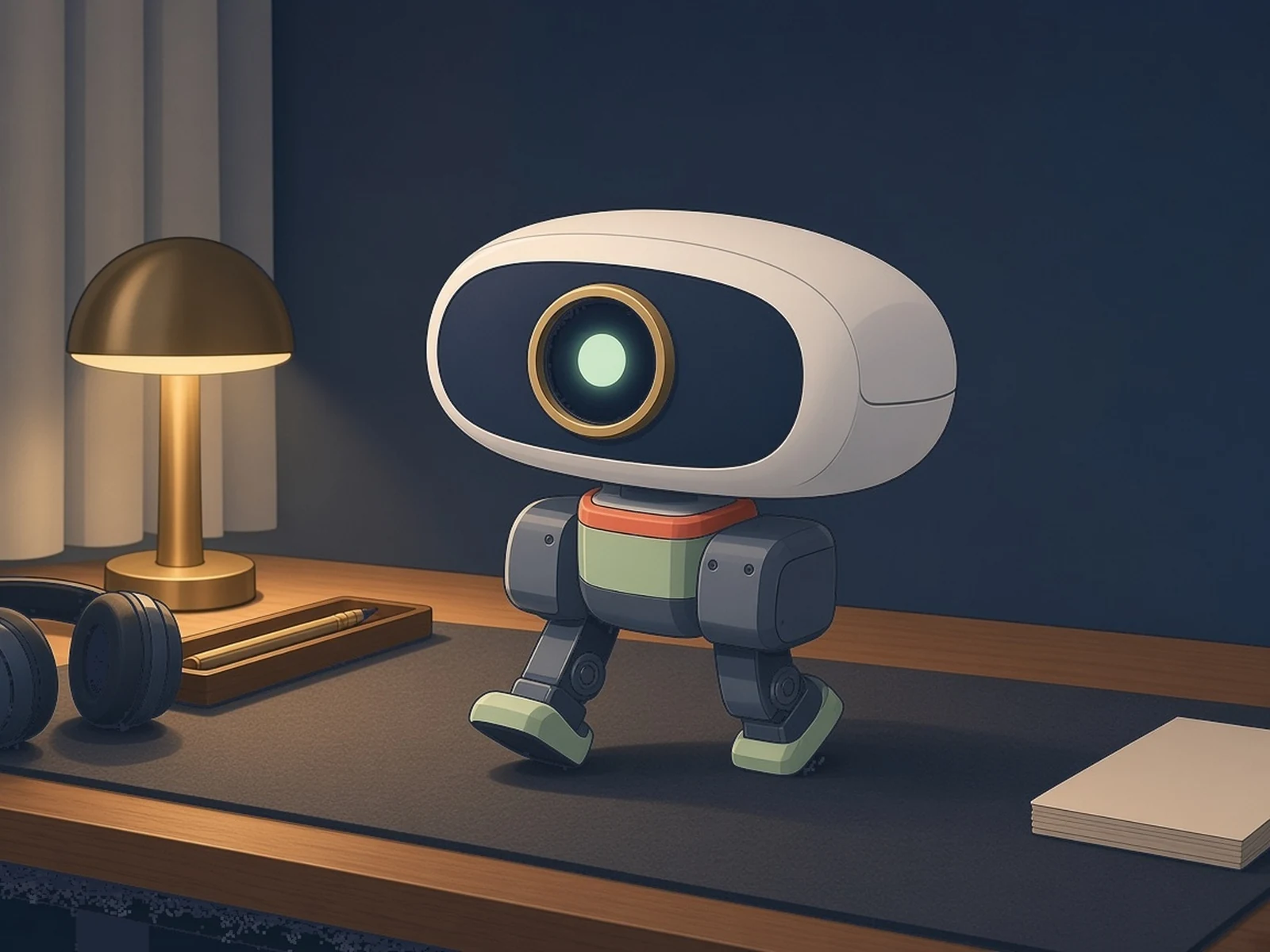
A six-servo duck robot for your desk that walks, shows one animated eye and talks back, built on Shanmao Tech's ESP32-S3 kit.
What you need
- Shanmao 1 six-servo DIY kit official kit, sold on Taobao
- Flashduck 3D-printed shell 17 pieces, from MakerWorld
- USB-C data cable
How hard
Intermediate: no soldering, but you print 17 parts, assemble the servos and build the firmware with ESP-IDF. The voice mode needs a xiaozhi server, and the wake word is Chinese.
Key Facts
- Hardware: the official Shanmao 1 six-servo DIY kit (ESP32-S3 controller with camera expansion, six MG90-class clutch servos, 1.54in 240×240 ST7789 screen, I2S mic and speaker, rechargeable Li-ion battery)
- Kit sold on Shanmao Tech's official Taobao store; we haven't found another seller
- Shell: 13 part types, 17 printed pieces, on MakerWorld (China site). No soldering
- Two firmwares, one at a time: voice assistant (wake word “小鸭小鸭”, needs xiaozhi.me or a self-hosted xiaozhi-esp32-server) or DuckClaw (on-device agent you message on DingTalk)
- Build with ESP-IDF 6.0.1 or newer; walking gait tuned from a web page and saved on the robot
- Licences: voice firmware MIT; DuckClaw CC BY-NC-SA 4.0 (non-commercial); shell and hardware follow their own pages' terms
About This Project
Flashduck is a small desktop duck robot from Shanmao Tech (闪猫科技, GitHub @FlashCat-Jordan). It is a duck-shaped remix of the company's official Shanmao 1 six-servo DIY kit: you keep the kit's electronics, print a new 17-piece duck shell, and flash new firmware. Six servos move the legs, feet, neck and beak, so it can walk, turn, jump, shake its head and open its mouth, while a 1.54in screen shows a single eye that changes with what it is doing. There are two separate firmwares and you flash one or the other: a voice assistant (MIT licence) that wakes on a Chinese wake word and talks through a xiaozhi voice server, and DuckClaw (CC BY-NC-SA 4.0), an agent that runs on the robot and chats with you over DingTalk. An optional camera lets it look at things, and you can tune its walk from a web page on your network. No soldering: the build is printing, screws and servo horns. The kit is sold on Shanmao Tech's Taobao store, and the assembly guide is on their site.
Source & Attribution
Illustration
Parts Needed
- Shanmao 1 DIY kit (official)
- Flashduck 3D-printed shell (17 pieces)
- USB-C data cable
Steps
- 1
Get the kit
Flashduck uses the electronics of Shanmao Tech's official six-servo kit: controller, servos, screen, audio and battery. The README links their Taobao store and assembly guide.
- 2
Print the shell
Download the duck shell from MakerWorld and print all 17 pieces. A spare beak and spare feet are a good idea.
- 3
Assemble
Follow the official guide: legs and feet first, then the body, neck and head. No soldering. Move each joint by hand before you power up to check nothing binds.
- 4
Pick a firmware
Choose the voice assistant (talks through a xiaozhi.me account or your own xiaozhi server) or DuckClaw (an on-robot agent you message on DingTalk). Only one runs at a time; flashing one replaces the other.
- 5
Build and flash
Install ESP-IDF 6.0.1 or newer, clone the repo and run its build script for the voice firmware (or idf.py for DuckClaw), then flash with esptool over a USB-C data cable. The repo includes a script that checks your setup first.
- 6
Connect and tune
After reset, follow the Wi-Fi setup prompt. Then open the robot's web page on your network to tune its walk; the settings survive a reboot.
Bill of Materials
Parts list
3 parts · 2 linked
Heads up: some Buy links are affiliate links. If you buy through one, MCU Atlas may earn a small commission at no extra cost to you. It never changes which parts we list. How this works
1× Shanmao 1 DIY kit (official)
Sold on Shanmao Tech's official Taobao store (Chinese). The assembly guide is at shanmaotech.cn/flashduck. We haven't found another seller.
1× Flashduck 3D-printed shell (17 pieces)
Not included: 3D printer and filament, A computer with ESP-IDF 6.0.1+ and Python 3, Voice assistant: an account on xiaozhi.me or your own xiaozhi-esp32-server, DuckClaw: a DingTalk account and a model service
Related Projects