InkQuest: an e-paper text-adventure handheld that writes its own stories
An ESP32-C3 handheld with a 2.9-inch e-paper screen and a clicky rotary encoder that plays choose-your-own-adventure stories generated by Gemini — new story, four choices, every turn. About 20 hours of play per charge by the maker's estimate.
What it is
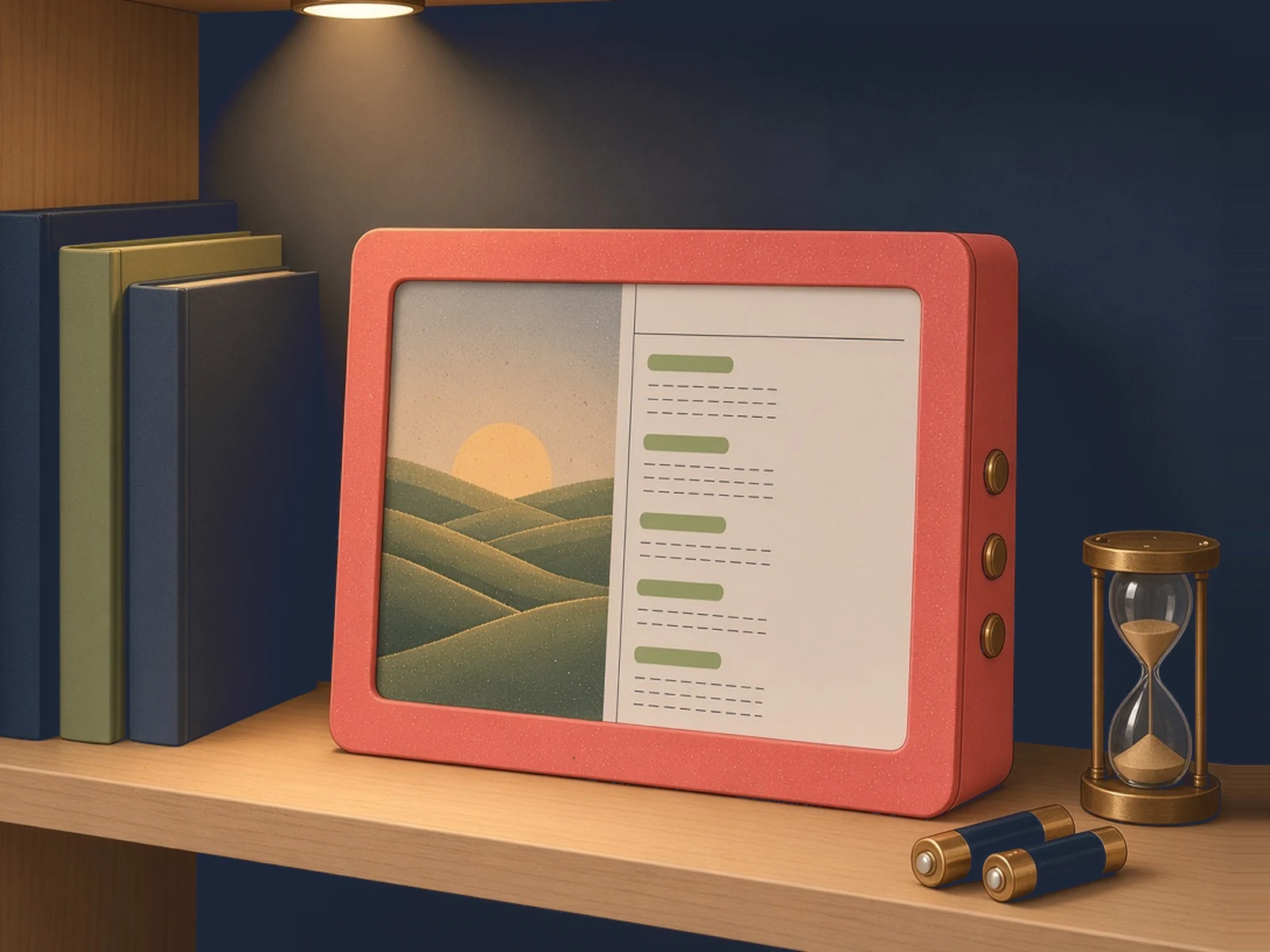
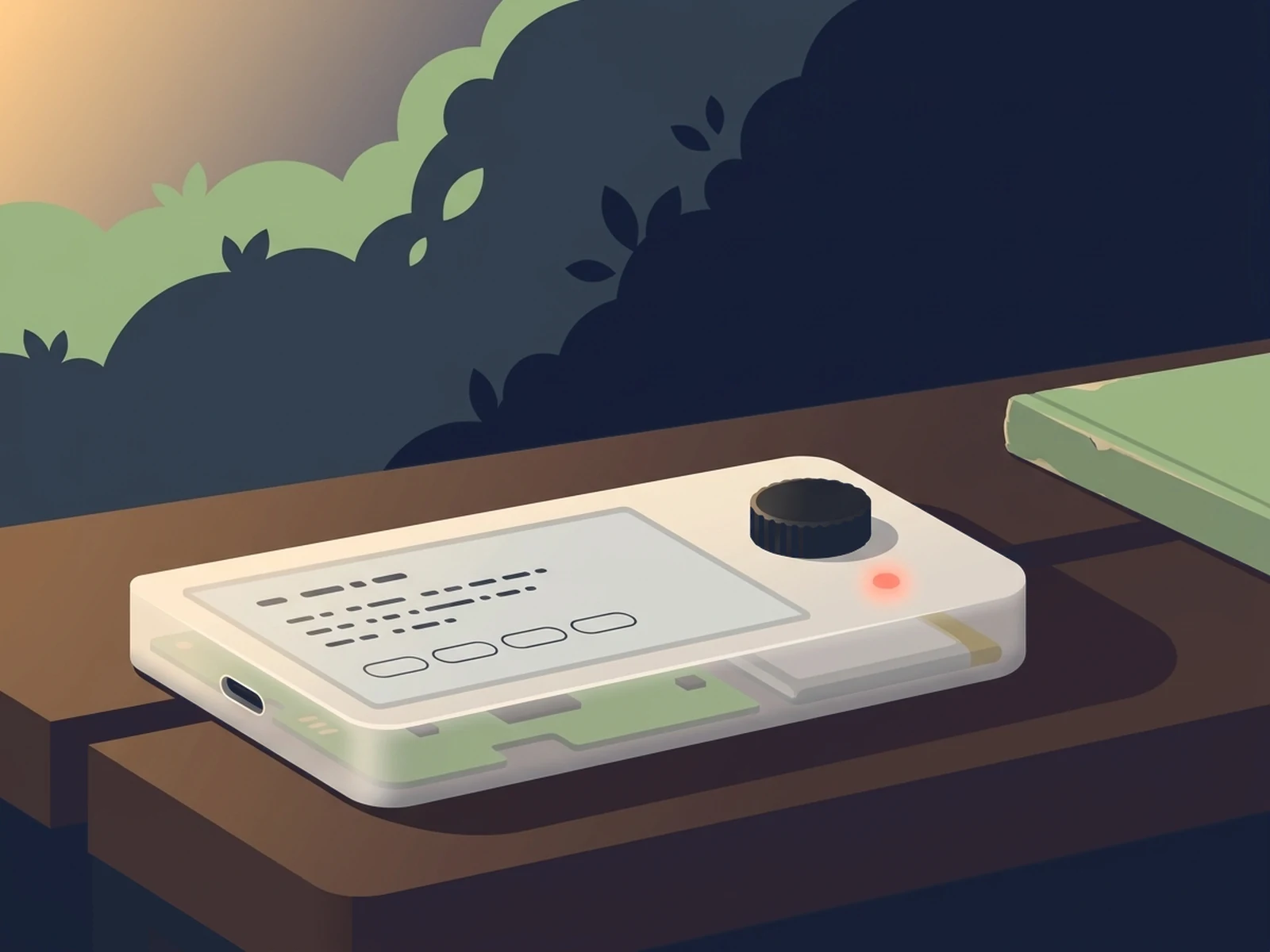
A handheld that plays AI-generated choose-your-own-adventure stories on a 2.9-inch e-paper screen: pick from four choices with a clicky encoder, and a colour-shifting LED sets the mood. Open source (GPL-3.0) down to the PCB and case files.
What you need
- Seeed XIAO ESP32-C3 the brain (charging is undocumented — external charger needed)
- WeAct 2.9in e-paper module maker's BOM row is in the repo
- EC11 rotary encoder clicky
- WS2812B LED one, for mood
- 1,200 mAh 1S LiPo (JST-PH) ~20 h per charge, maker's estimate
How hard
Intermediate: a custom PCB (Gerbers in the repo) or breadboard, 0805 soldering, a LiPo cell and a printed case. The firmware is Arduino IDE; first boot sets up Wi-Fi, and you bring a Gemini API key.
Key Facts
- Choose-your-own-adventure handheld: turn/push a rotary encoder to pick from 4 choices; a WS2812B LED matches the story's atmosphere
- ESP32 keeps the last 5 turns in a buffer, sends buffer + choice to the Gemini API, gets back the next story segment and 4 new choices
- Seeed XIAO ESP32-C3 + 2.9-inch WeAct e-paper module; deep sleep after about 3 minutes of inactivity, wake on encoder press
- 1,200 mAh (603450) LiPo; around 20 hours of use per charge by the maker's ESTIMATE — no test published; charging undocumented, plan for an external charger
- First boot: Wi-Fi setup through a captive portal; needs internet plus a Gemini API key to generate stories
- Fully open: GPL-3.0 firmware (Arduino), EasyEDA schematics + Gerbers, Fusion CAD files for the slim 1.6 cm 3D-printed case, Instructables build guide
- Custom PCB with 0805 passives, JST-PH battery connector, PH3.5 board connectors; a soldering build, not a kit you can buy
- Featured on Hackaday 7 November 2026; repo created 26 October 2026 — flash the Arduino source from the repo
About This Project
InkQuest is what happens when an e-reader and a gamebook have a child. Jeremy-Ngai-Sew-Poh's handheld (featured on Hackaday on 7 November 2026) pairs a Seeed XIAO ESP32-C3 with a 2.9-inch WeAct e-paper module, a tactile rotary encoder and one WS2812B addressable LED that shifts colour to match the story's mood. You turn or push the knob to pick from four choices; the ESP32 keeps the last five turns in a buffer, sends them with your choice to Google's Gemini API (model gemini-3.1-flash-lite), and gets back the next story segment and four new choices to render on the e-paper. The result is a choose-your-own-adventure that never runs out of pages.
The maker estimates around 20 hours of use from the 1,200 mAh cell, with no test or methodology published in the repo, and the device deep-sleeps after about three minutes of inactivity — press the encoder and it wakes where you left off. First boot sets up Wi-Fi the usual ESP32 way: the handheld opens a hotspot named ESP32_Setup, and the captive portal asks for your home Wi-Fi and a Gemini API key — both saved on the device, surviving reboots. After that it needs internet and that key to generate stories. Everything is open: the firmware is GPL-3.0, with the Arduino source, EasyEDA schematics and Gerbers, and Fusion CAD files for the slim (1.6 cm) 3D-printed enclosure all in the GitHub repo, plus a step-by-step Instructables build guide.
It is a build, not a product: a custom PCB (order the Gerbers or breadboard it), a handful of 0805 passives, and light soldering. Know the honest limits before you plan one: the repo does not document how the battery is recharged (there is no charging module in the BOM — plan for an external charger), the panel hardware could show red but the firmware drives black-and-white only, and the Gemini call skips TLS certificate verification (setInsecure() in the sketch — fine for a toy, worth knowing). Hackaday's writers suggested the obvious community mod — swap the Gemini backend for a library of human-written stories, or even a port of Zork — which would make the handheld work offline. Until then, an API key is part of the BOM. MCU Atlas is not affiliated with the maker, Jeremy-Ngai-Sew-Poh; the project is GPL-3.0, and building one means your copy of the firmware falls under that licence too.
Source & Attribution
Illustration
How to Build It
Parts Needed
- Seeed XIAO ESP32-C3 and a 2.9in WeAct e-paper module
- EC11 rotary encoder and one WS2812B LED
- 1,200 mAh 1S LiPo with JST-PH plug
- The repo's PCB Gerbers (or a breadboard), 0805 passives, printed case
- Wi-Fi plus a Gemini API key from Google
Steps
- 1
Get the files
Clone or download the InkQuest repo: firmware/ has the Arduino source, easyeda/ has the EasyEDA schematics and Gerbers (the README still names this folder hardware/), cad/ has the Fusion assembly and 3D print files for the 1.6 cm slim case.
- 2
Build the board
Order the Gerbers from a PCB fab and solder the 0805 passives (2x 1M, 1x 330, 3x 10K resistors; 470nF and 100uF capacitors), the JST-PH battery connector and the PH3.5 board connectors — or prototype the same circuit on a breadboard first.
- 3
Wire the peripherals
The XIAO ESP32-C3 is the brain; the WeAct 2.9in e-paper module, the EC11 encoder and the single WS2812B LED connect per the schematic. Double-check battery polarity before plugging in the JST-PH cell.
- 4
Flash the firmware
Open firmware/ in the Arduino IDE with ESP32 board support installed, add your Gemini API key where the code asks, and flash over USB.
- 5
First boot: Wi-Fi and a key
On first boot the handheld opens a hotspot named ESP32_Setup; join it and the captive portal asks for your home Wi-Fi and a Gemini API key — both saved on the device, surviving reboots. From then on it needs internet and your Gemini key: each turn sends the last five story turns plus your choice, and gets back the next segment and four new choices.
- 6
Play (and sleep)
Turn the encoder to choose, push it to confirm, and the e-paper renders the next page while the LED matches the mood. After about three minutes of inactivity it deep-sleeps; press the encoder to wake back into the story. The maker estimates about 20 hours per charge.
- 7
Make it yours (GPL-3.0)
The whole project is GPL-3.0, so modifications are welcome and must stay open: Hackaday's suggestion of a local story library — or a Zork port — would make it work offline.
Bill of Materials
Parts list
7 parts · 4 linked
Heads up: some Buy links are affiliate links. If you buy through one, MCU Atlas may earn a small commission at no extra cost to you. It never changes which parts we list. How this works

1× WeAct 2.9-inch e-paper module
1× Custom PCB (EasyEDA Gerbers in the repo) + 0805 passives
1× 3D-printed enclosure (Fusion files in the repo)
Not included: A Gemini API key from Google, and Wi-Fi — stories are generated in the cloud, A soldering iron (0805 passives, connectors) and a 3D printer or print service, USB cable for flashing the Arduino firmware
Learn
Docs & guides
Read these before you buy. These pages explain things; they don't sell anything.
Related Projects