MeshCore: off-grid LoRa text messaging with repeaters and room servers
Free MIT firmware that turns cheap LoRa boards into an off-grid text mesh: phone-paired companions, high-placed repeaters and BBS-style room servers.
What it is
Firmware that turns a LoRa board into a node in an off-grid text-messaging mesh.
What you need
- A supported LoRa board or RAK4631, T-Deck, T-Pager, XIAO S3 WIO
- LoRa antenna
- USB data cable
How hard
Beginner: flash from the browser, pair the phone app.
Key Facts
- Roles: Companion (BLE / USB / Wi-Fi client), Repeater, Room Server
- Companion nodes never repeat messages
- Room Server keeps posts for clients that connect later
- Web flasher at meshcore.io/flasher; repeater setup at config.meshcore.io
- Firmware MIT; phone app is a separate freemium product
About This Project
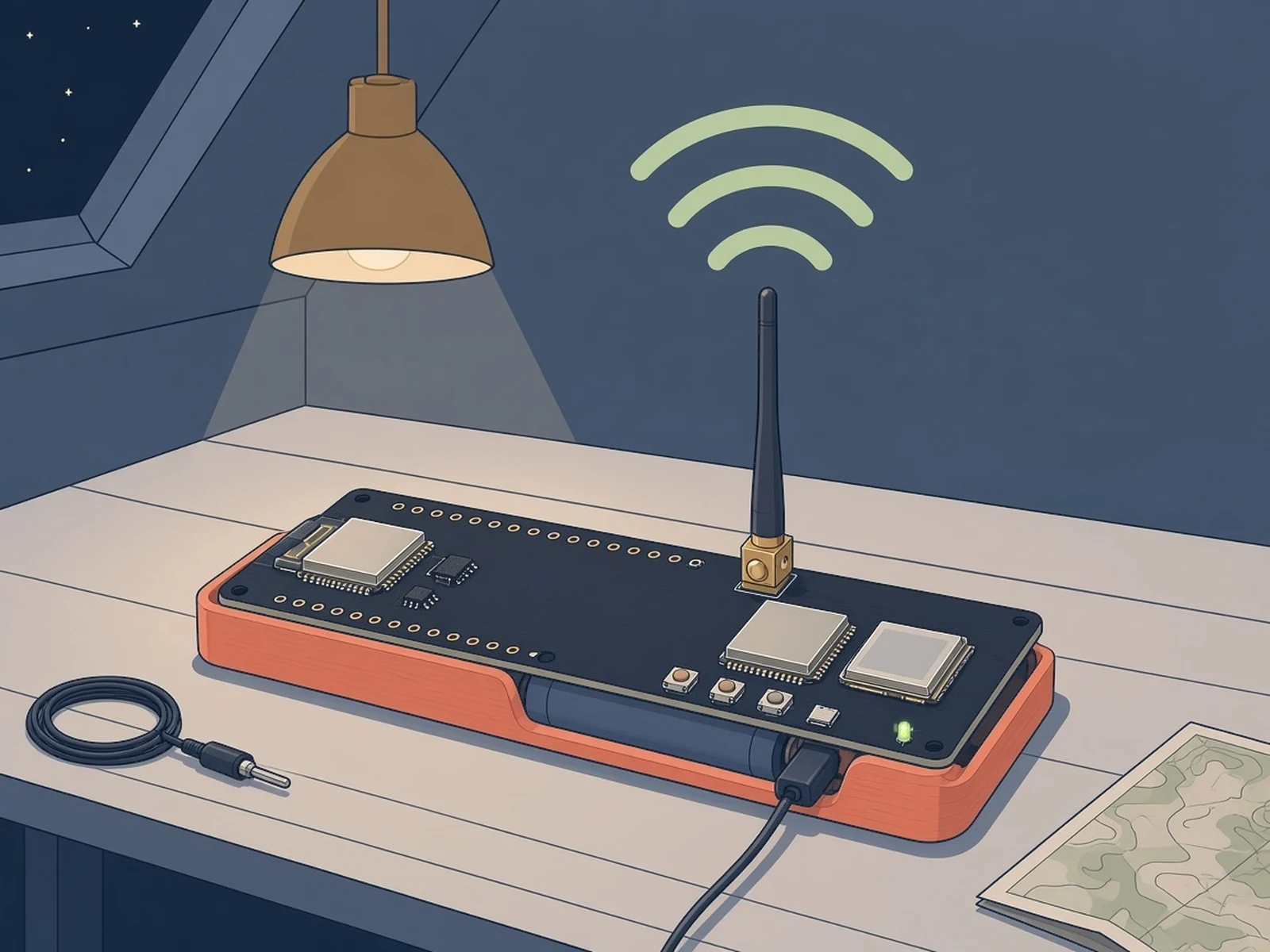
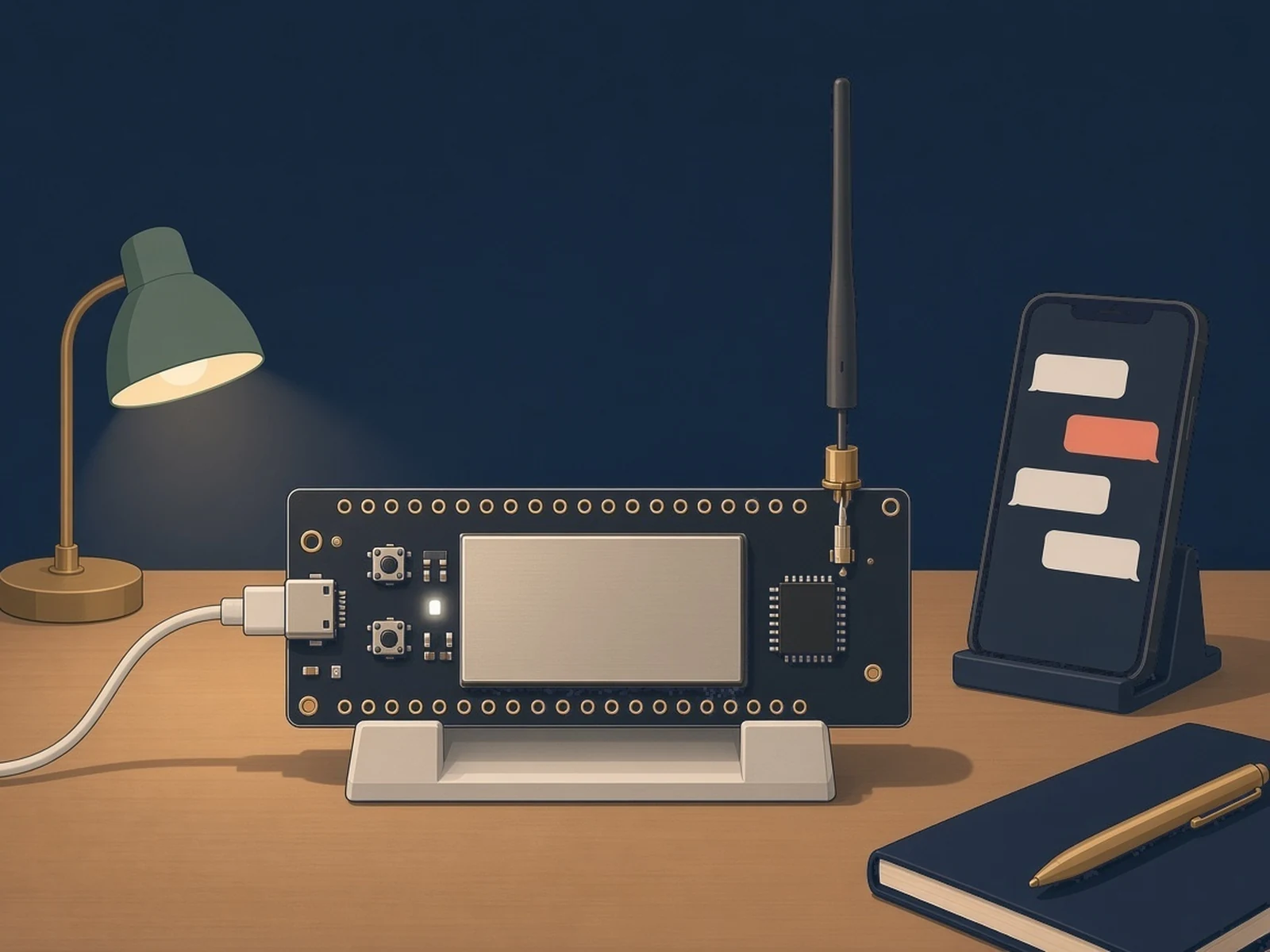
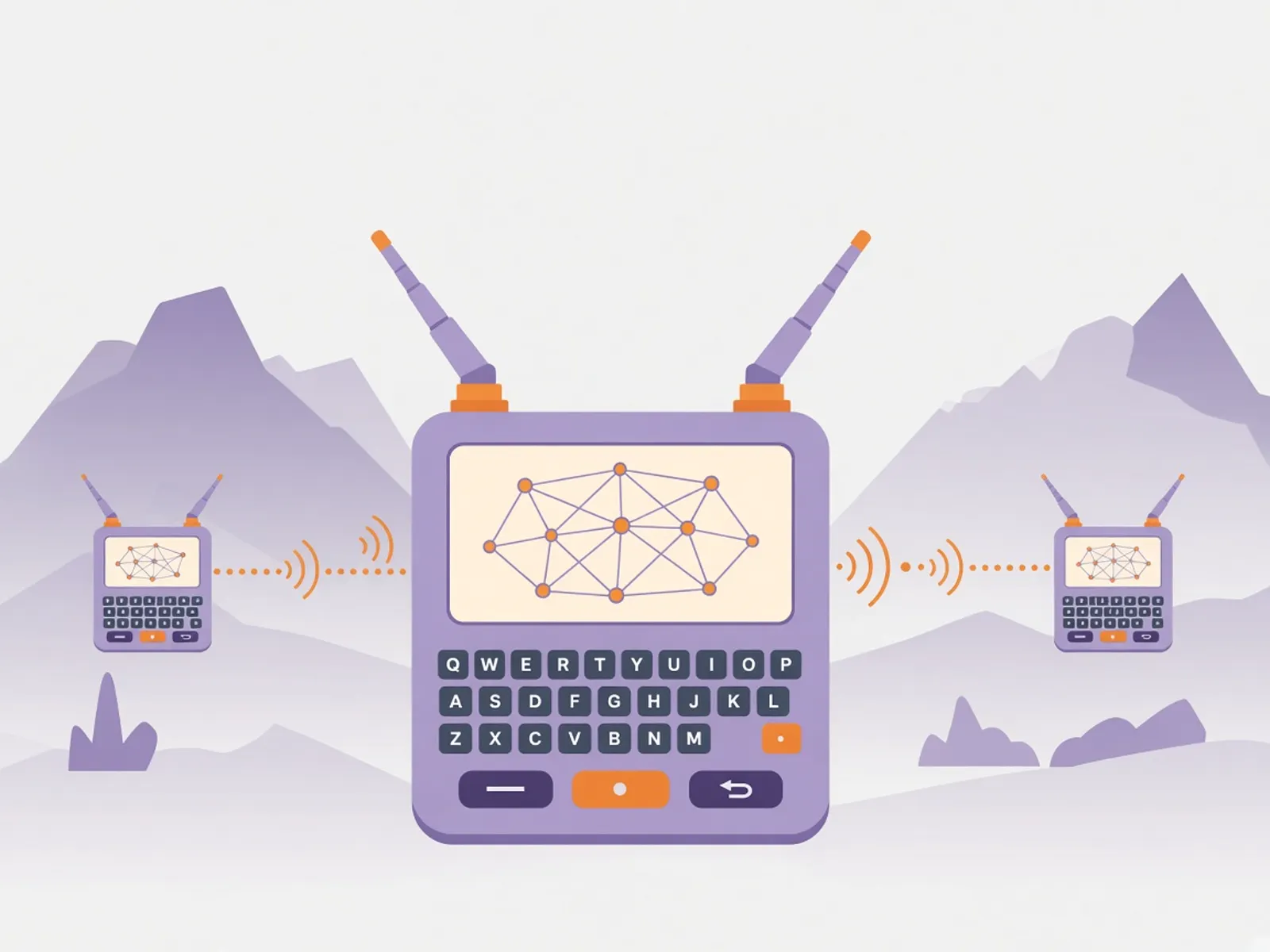
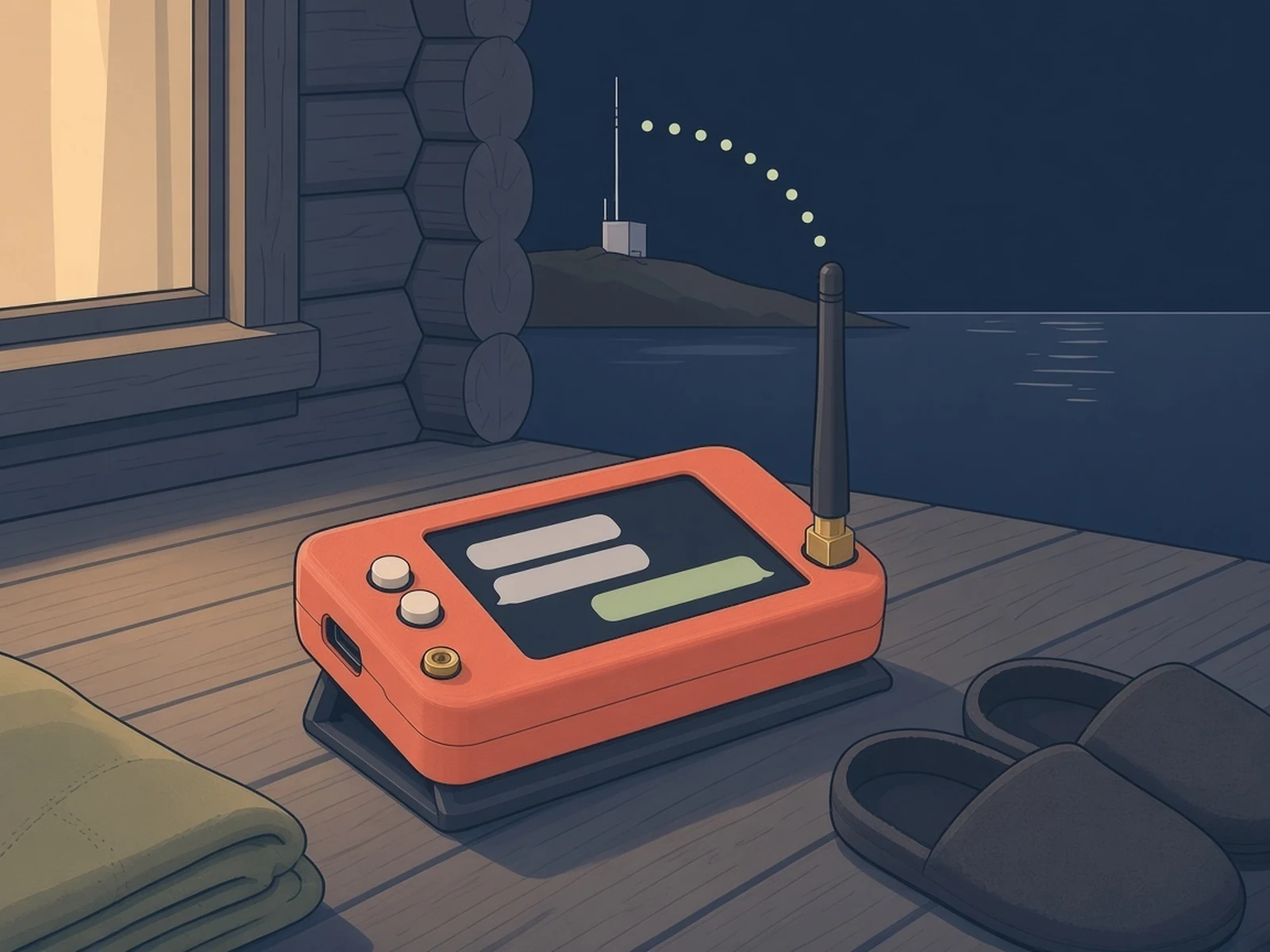
MeshCore is a lightweight multi-hop routing protocol and firmware for LoRa packet radios. Its FAQ lists off-grid communication, emergency response and disaster recovery among the uses. Our note: it only reaches other MeshCore nodes. It can't call 911 or any emergency service, so it doesn't replace a phone or radio that can. You flash a board from the web flasher (meshcore.io/flasher) with one of three roles: Companion (you chat through the phone app over BLE, or the web app app.meshcore.nz over USB), Repeater (forwards messages, best placed up high) or Room Server (a small BBS that keeps posts, so a client that connects later gets the messages it missed). Companions never repeat, which keeps routes predictable. With one device you flash Companion; with two, either two Companions or a Companion plus a Repeater. Set your radio to your region's preset in the app (or with the set freq command in the web flasher console for a repeater): the FAQ covers the 868 MHz UK/EU and 915 MHz NZ/AU/US ranges and lists 433 MHz devices too. Why now: Norway's self-preparedness week (Egenberedskapsuka, week 44, 26 Oct – 1 Nov 2026) took crisis communication when electronic communications fail as its theme. The firmware is MIT and free. The phone app by Liam Cottle is a separate, freemium product, and some T-Deck features are paid unlocks.
Source & Attribution
Illustration
Parts Needed
- A MeshCore-supported LoRa board (e.g. Heltec V3, RAK4631, T-Deck, T-Pager, XIAO S3 WIO)
- LoRa antenna for your band
- USB data cable
- Phone with the MeshCore app (optional for USB Serial Companion)
Steps
- 1
Fit the antenna
Screw on the antenna for your board's band before you power it up.
- 2
Flash Companion firmware
Open meshcore.io/flasher in Chrome or Edge, pick your device and flash the BLE Companion firmware (or USB Serial Companion to use the web app app.meshcore.nz).
- 3
Pair and pick your region
Open the MeshCore app, connect to the node over Bluetooth and choose your region's radio preset, so you're on the same settings as nodes near you. Our note: only transmit on the band your country allows for licence-free LoRa (for example 868 MHz in the UK/EU, 915 MHz in the US/AU/NZ), stay within its power limits, and use an antenna for that band.
- 4
Add a repeater (optional)
Flash a second board as a Repeater, set its frequency with the set freq command in the web flasher console or at config.meshcore.io, and place it as high as you can. Companions don't repeat, so repeaters are what extend the mesh.
- 5
Try a room server (optional)
A Room Server firmware acts as a small BBS: it keeps posts, and a client that connects later gets the messages it missed.
Bill of Materials
Parts list
8 parts · 5 linked
Heads up: some Buy links are affiliate links. If you buy through one, MCU Atlas may earn a small commission at no extra cost to you. It never changes which parts we list. How this works
1× Heltec V3



Not included: phone (for BLE Companion)
Related Projects