RNode firmware: turn a LoRa board into a Reticulum radio that works without the internet
Open firmware that turns supported LoRa boards into RNodes for Reticulum, Sideband and Nomad Network. Flash it yourself, and buy only from honest makers.
What it is
Firmware that makes a LoRa board a Reticulum radio that keeps working without internet.
What you need
- A supported LoRa board see the README's board list
- Antenna for that band
- USB data cable
How hard
Intermediate: one command-line tool, then pick your Reticulum apps.
Key Facts
- Radio interface for Reticulum, Sideband and Nomad Network; also KISS TNC and LoRa sniffer
- 433 / 868 / 915 MHz and 2.4 GHz, per the README
- Install: pip install rns --upgrade, then rnodeconf --autoinstall
- README warns about fake RNodes and LLM-generated guides: buy from accountable makers
- GPL-3.0
About This Project
RNode is open firmware by Mark Qvist that turns supported LoRa boards into general-purpose digital radios. Its README puts it simply: where there is no internet, RNodes will still communicate. An RNode can bootstrap a whole network independently of existing infrastructure, or where that infrastructure has become unreliable or broken. Our note: an RNode only talks to other Reticulum devices. It can't call 911 or any emergency service. You use it as a radio interface for Reticulum, with apps such as Sideband (messaging) and Nomad Network, or as a KISS TNC, a LoRa sniffer (LoRaMon) or a LoRa development platform. The README covers 433, 868 and 915 MHz and 2.4 GHz, with speeds from a few hundred bits per second to a couple of megabits, ranges of several kilometres in a city and over 100 km with line of sight. To flash it, install Reticulum (pip install rns --upgrade) and run rnodeconf --autoinstall, or use Liam Cottle's web flasher. Firmware 1.86 needs rnodeconf 2.4.1 / rns 1.1.9 or newer. Newcomer warning, from the README itself: support honest builders, and buy only from honest, accountable makers. It warns about LLM-generated fake devices, tools, guides and docs that are sold at outrageous prices or used to promote crypto tokens, most of which break the GPLv3 and CC licences, and says not to use them. It points to the community resources in the Reticulum repository instead, and to two community vendors: Liberated Embedded Systems and Simply Equipped. The README is a public mirror; development happens elsewhere, and the getting-started guide it links is the RNS Moscow manual (docs.rns.moscow/rnode-manual).
Source & Attribution
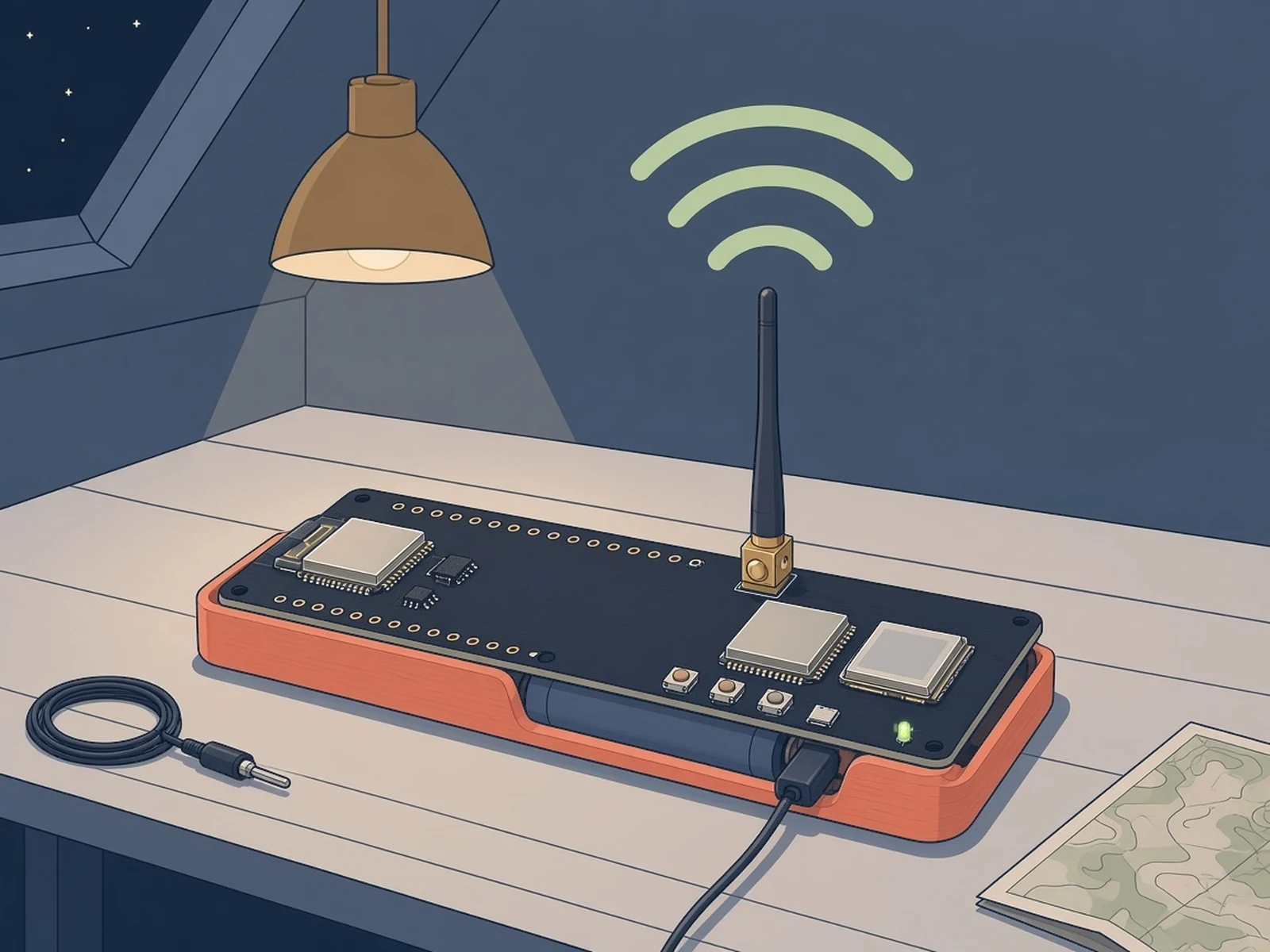
Illustration
Parts Needed
- A LoRa board from the RNode supported list
- Antenna for the board's band
- USB data cable
- A computer with Python 3
Steps
- 1
Check your board
Make sure your board and band are in the README's supported list, and buy from an honest, accountable maker. Our note: choose a band your country allows for licence-free use and keep transmit power within its limit. The README warns about fake RNodes and LLM-generated guides.
- 2
Install Reticulum
Run pip install rns --upgrade in a terminal. Firmware 1.86 needs rns 1.1.9 / rnodeconf 2.4.1 or newer.
- 3
Flash the firmware
Connect the board over USB with its antenna fitted and run rnodeconf --autoinstall, then follow the prompts. Liam Cottle's web flasher is the browser alternative.
- 4
Use it
Add the RNode as an interface in Reticulum, or connect it to Sideband for messaging or Nomad Network. The RNS Moscow manual (docs.rns.moscow/rnode-manual) is the getting-started guide the README links.
Bill of Materials
Parts list
5 parts · 3 linked
Heads up: some Buy links are affiliate links. If you buy through one, MCU Atlas may earn a small commission at no extra cost to you. It never changes which parts we list. How this works

1× RAK4631


Not included: computer with Python for rnodeconf
Related Projects