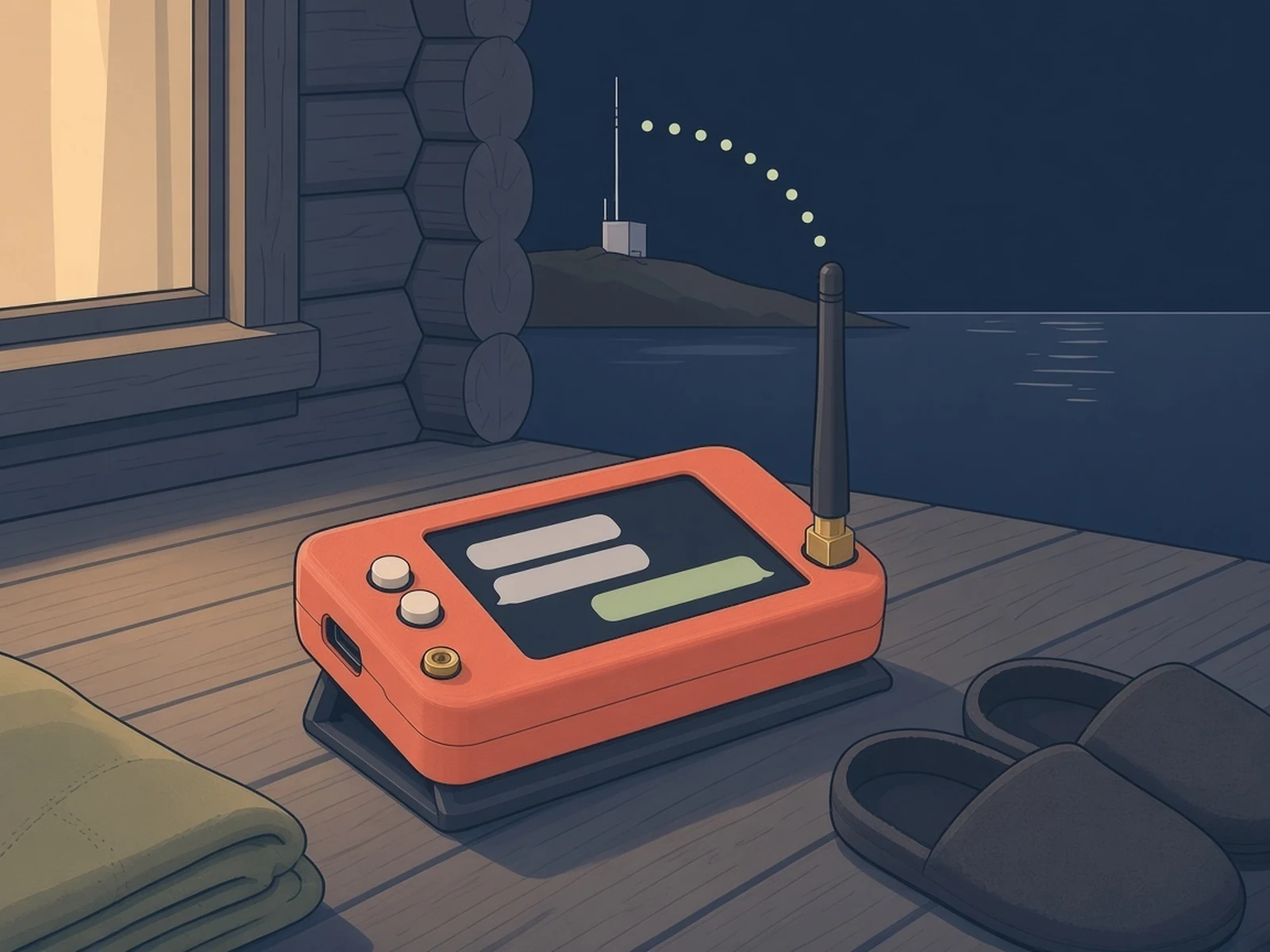
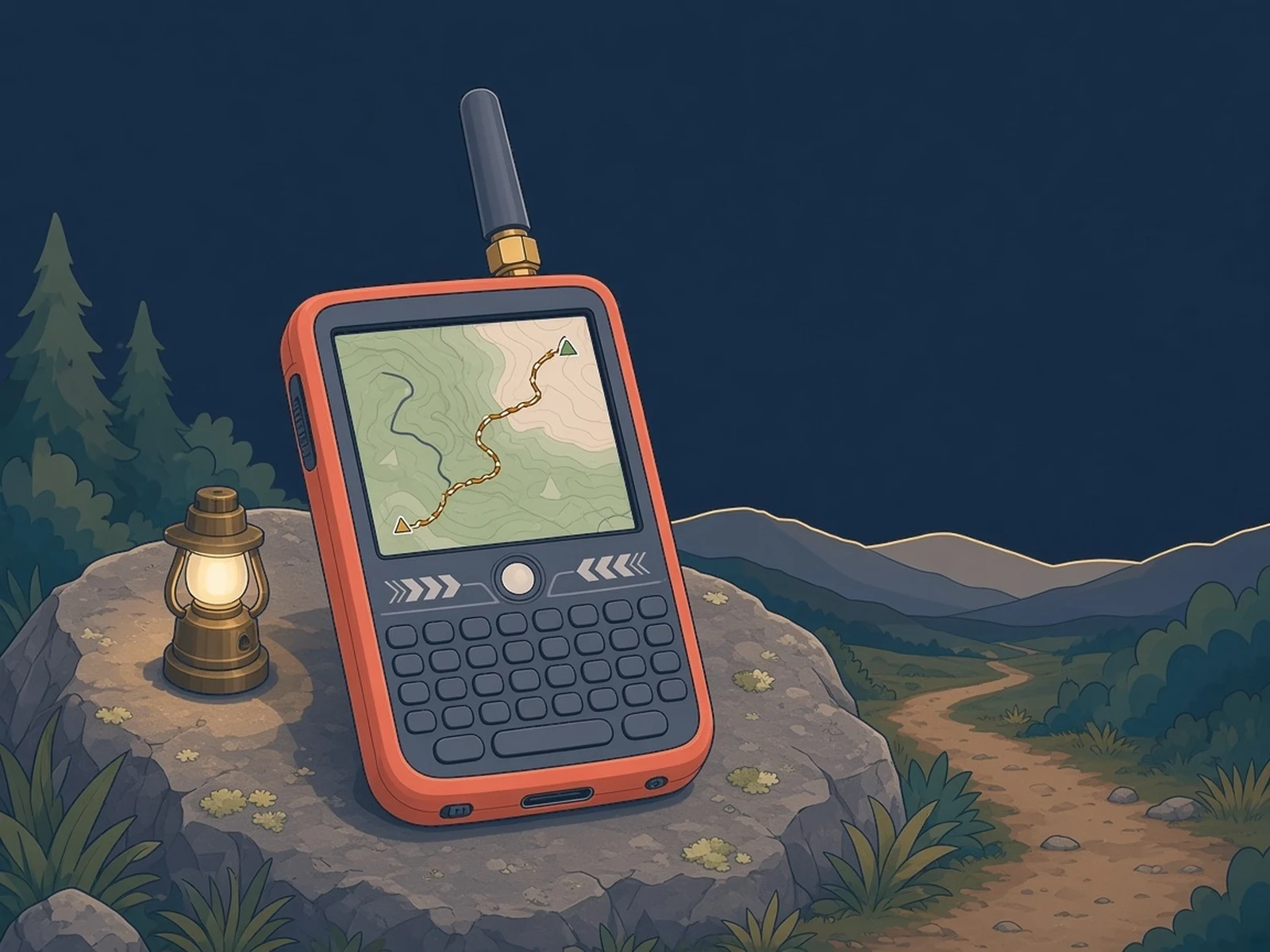
Nelos: family messaging and tracking off-grid, on two cheap radios
A free phone app plus two LoRa radios: family chat, live locations, pet-and-gear trackers and a Need Help button - no cell service, no account, no monthly fees.
What it is
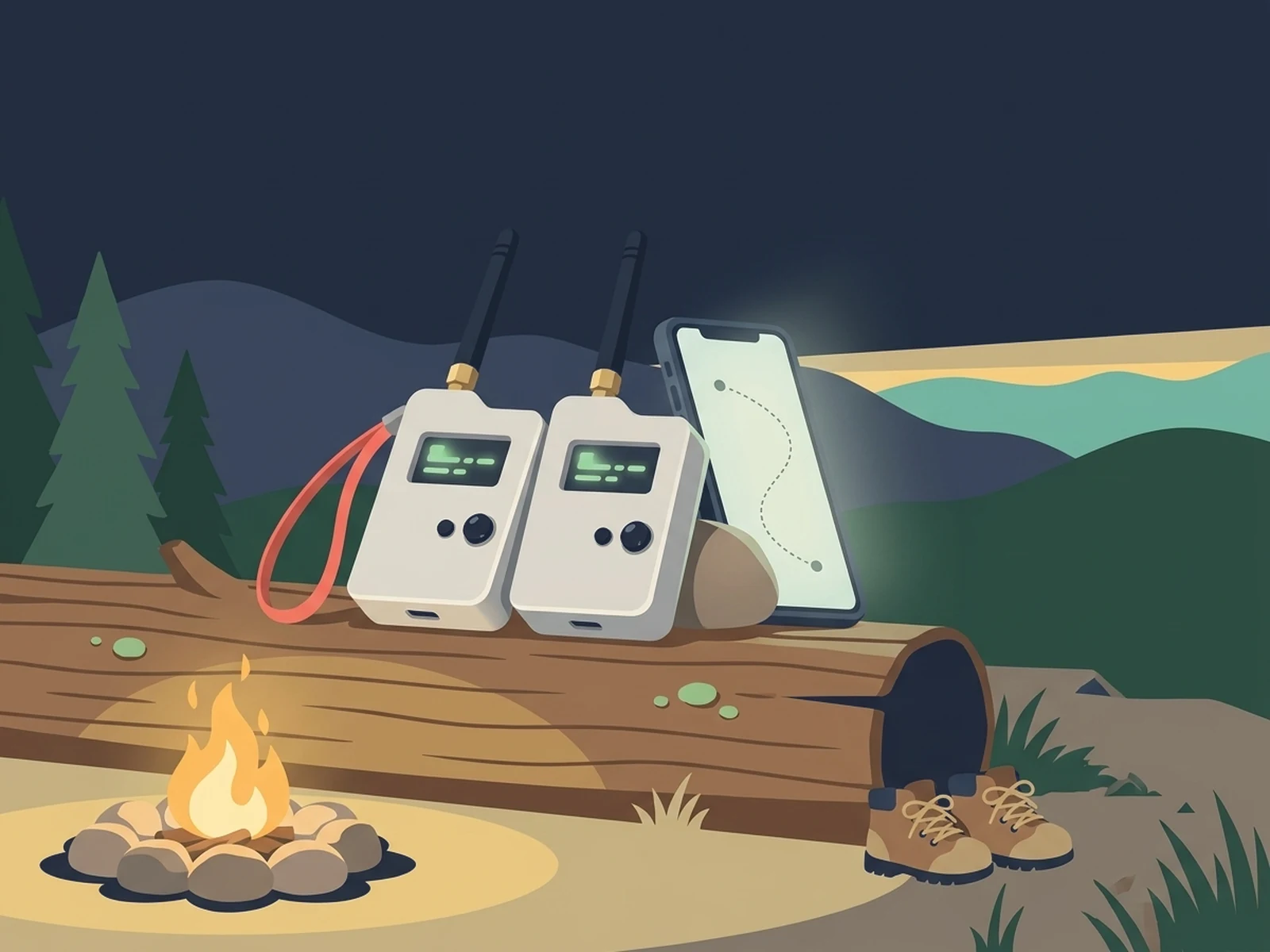
A free phone app that turns two cheap LoRa radios into a private family network: group chat, everyone's location on offline maps, pet-and-gear trackers and a Need Help button - all working with no cell service, no account and no monthly fees. The recommended radio ships pre-flashed, so the whole project is buy, install, pair.
What you need
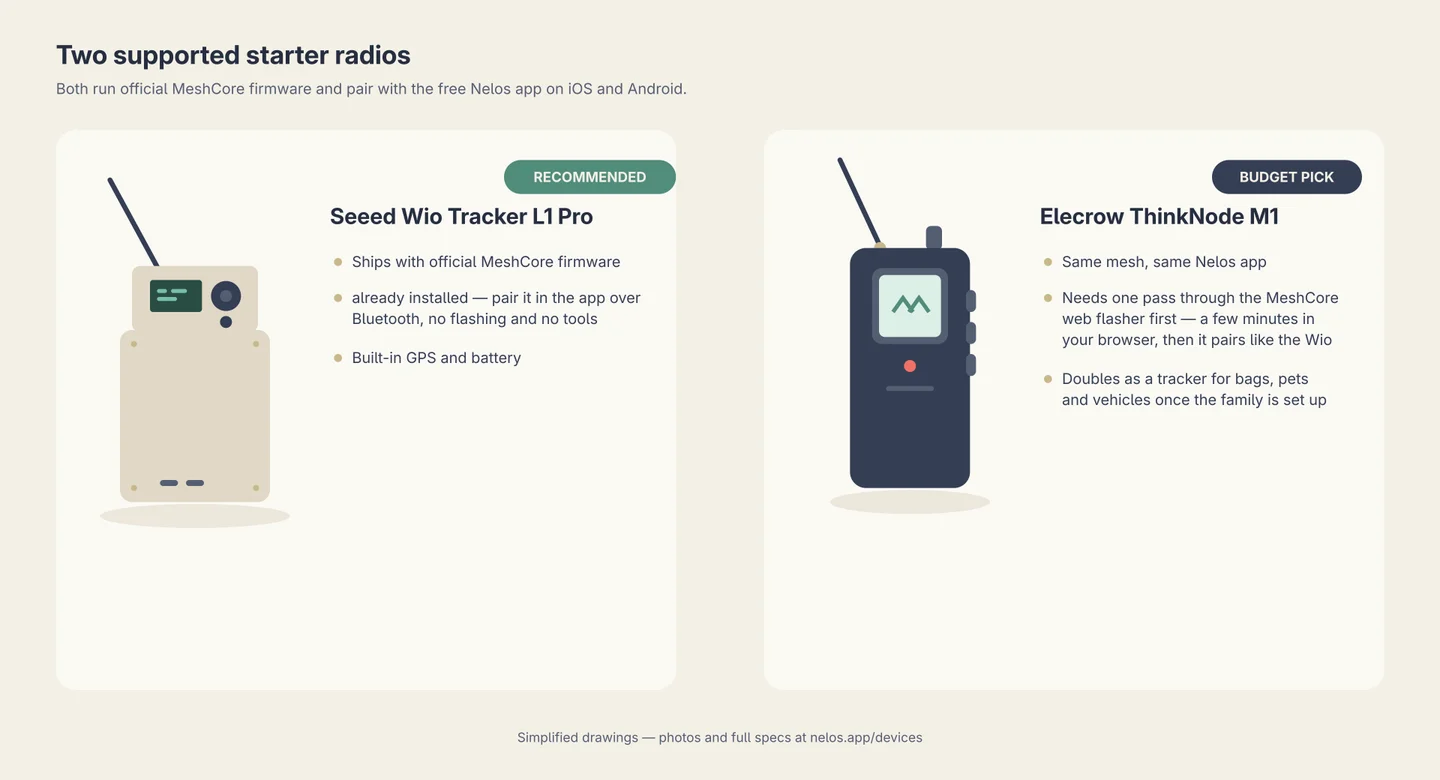
- Seeed Wio Tracker L1 Pro (MeshCore bundle) x 2 pre-flashed with official MeshCore firmware - no flashing step; one per person
- iPhone or Android phone per person free Nelos app, no account needed
- Offline map for your destination download it while you still have internet
- Optional: Elecrow ThinkNode M1 or RAK WisMesh Tag alternatives - the M1 needs one Web Flasher pass
How hard
Beginner: buy two pre-flashed radios, install the free app, pair over Bluetooth. No soldering, no toolchain, no firmware.
Key Facts
- Free iOS/Android app plus cheap MeshCore LoRa radios = family chat, live locations and trackers with no cell service, no account, no monthly fees
- Recommended Seeed Wio Tracker L1 Pro (MeshCore bundle) ships PRE-FLASHED with official MeshCore firmware - pair it over Bluetooth, zero firmware steps (nRF52840, GPS, 1.3in OLED, 2000 mAh battery, solar input)
- Elecrow ThinkNode M1 (GPS + e-ink, up to about 2 days of battery per the maker) and SenseCAP T1000-E ship with different firmware and need one pass through the MeshCore Web Flasher; the RAK WisMesh Tag is pre-flashed only if you select the MeshCore option when ordering
- Standalone GPS trackers for a child, pet, backpack or vehicle report their position over the air with no phone attached; Safe Zones alert when a tracker leaves home, camp or the trailhead, and Find Mode polls a missing tracker far more often while you search
- Need Help requests go to your Nelos team, NOT emergency services - Nelos's own guidance: never rely on a single method when communication matters to safety; carry a satellite messenger or PLB for real off-grid emergencies
- Messages and location history stay on your devices; groups are encrypted; no central server, no account. Background GPS logging costs a little over 1% of phone battery per hour in the maker's own tests (~1.2%/hour on a Galaxy S25 Ultra, ~1.5%/hour on an iPhone 13 Pro)
- Free tier covers messaging, one active team, tracking and offline maps; the optional one-time Pro upgrade adds multiple active teams, unlimited offline maps and 90-day history. Nelos is free but NOT open source - no licence claim is made
- Denmark's crisis-comms pilot is a MeshCore pilot reported by @mil_in_ua (Nov 2026) - not a Nelos deployment; copy states this explicitly
About This Project
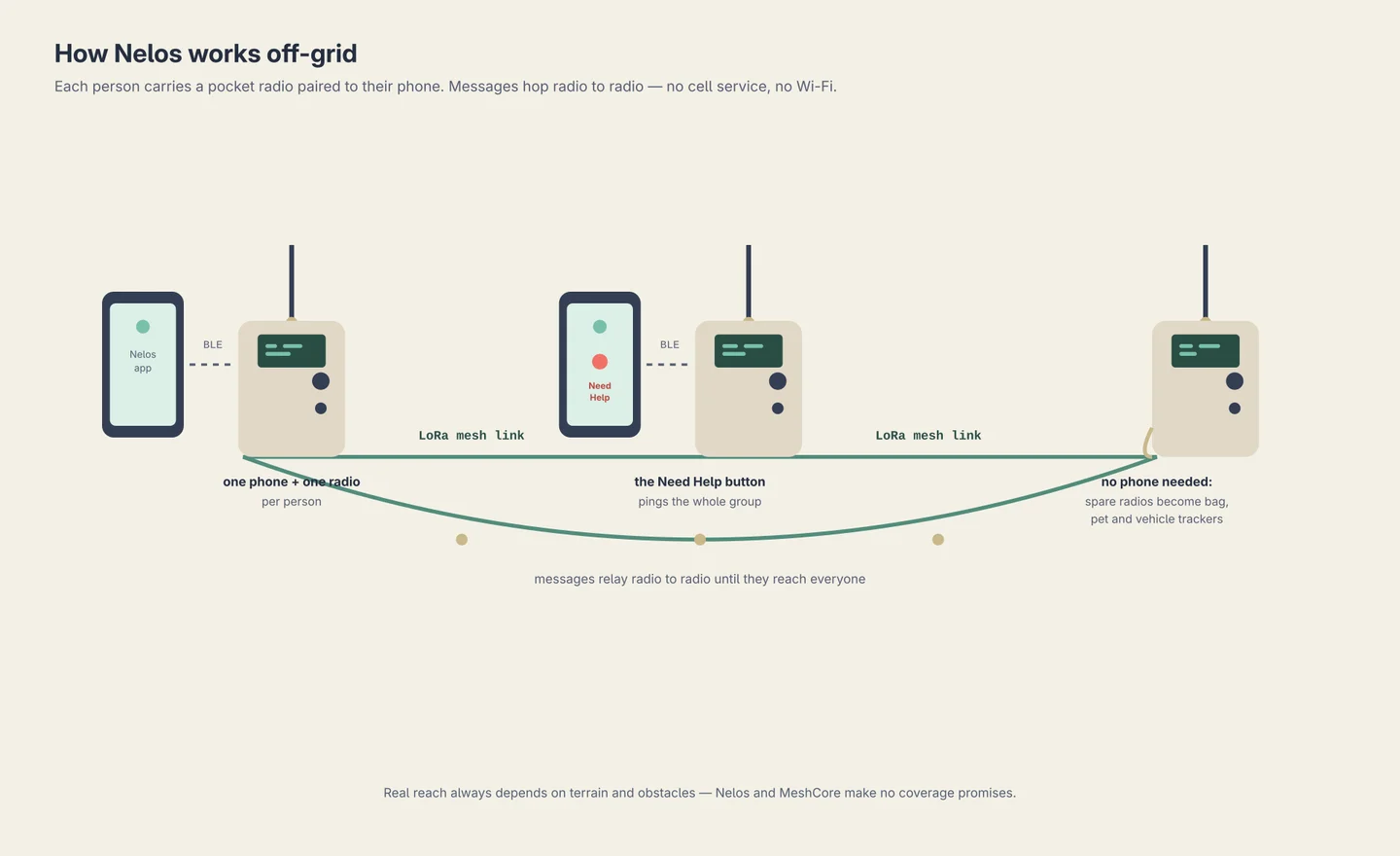
Nelos is a free iOS and Android app that turns cheap MeshCore-compatible LoRa radios into a private family network. Each person pairs a small radio to their phone over Bluetooth; the radios carry messages and locations to each other directly - no cell towers, no internet, no SIM, no account, no monthly fee. You get group and direct messaging, everyone's position on offline maps, standalone GPS trackers for pets, bags and vehicles, Safe Zones, Find Mode and a Need Help request that goes straight to your team. The beginner path is simple: the recommended Seeed Wio Tracker L1 Pro ships pre-flashed with official MeshCore firmware, so the whole family setup is buy two radios, install the app, pair. The app is free with an optional one-time Pro upgrade.
The moment you leave coverage, a family group chat stops existing - and Bluetooth find-my tags depend on strangers' phones passing nearby to report a location. With Nelos, your phone stays the screen, keyboard and map while a pocket-sized radio does the talking, relaying through other group members' radios so the whole group doesn't need to be in direct range of each other. Groups are encrypted; messages and location history stay on your own devices, not a company's servers. With no radio at all, the app still works free - offline maps, movement history and waypoints need no hardware.
Nelos says the app is already used in over 50 countries. In November 2026, Seeed reported that the Nelos team carried four Wio Tracker L1 Pro units up Phu Sa Phin in northern Vietnam - six people, seven LoRa radios, two days off-grid with zero cell signal, kept on one mesh network. And in Denmark, a crisis-communications pilot is testing MeshCore mesh networks as backup comms for a prolonged-blackout scenario in which mobile base stations go down, as reported by the @mil_in_ua account - a signal about MeshCore's momentum (Nelos rides on MeshCore), not a claim that Nelos itself is deployed there. This is not an emergency-communications system: for real off-grid emergencies, a satellite messenger or PLB is the right tool. MCU Atlas is not affiliated with Nelos or the MeshCore project.
Source & Attribution
Illustration
How to Build It
Parts Needed
- Seeed Wio Tracker L1 Pro (MeshCore bundle) x 2 - pre-flashed, one per person
- iPhone or Android phone per person with the free Nelos app
- Offline map for your destination, downloaded while you still have internet
Steps
- 1
Buy two radios and charge them
One radio per person; the pre-flashed Seeed Wio Tracker L1 Pro (MeshCore bundle) is the recommended start. Buy the L1 Pro MeshCore version - not the L1 Pro with Meshtastic and not the similar-sounding L2 Pro, which is a different variant. Charge them over USB-C.
- 2
Install Nelos free
Get the app from the App Store or Google Play on each phone. No account needed - the app works immediately, and offline maps, movement history and waypoints even work with no radio at all.
- 3
Turn the radios on and keep them near the phones
Pre-flashed units need nothing else - no firmware step at all. (Alternative radios like the Elecrow ThinkNode M1 or SenseCAP T1000-E need one one-time pass through the official MeshCore Web Flasher in a browser first; attach the antenna before powering any device with an external antenna.)
- 4
Connect
Tap Connect in Nelos and pick your device - it pairs automatically over Bluetooth. If a screenless device asks for a Bluetooth PIN, it usually uses 123456.
- 5
Create a team and invite the family
Team -> + -> Create Team, then have the second person join by scanning your QR code or entering the invite code. Fully offline - no internet needed.
- 6
Download the offline map
While you still have internet, download the offline map for your destination. It is free and works with zero signal.
- 7
Send a test message and share locations
Send a test message and check the Delivered tick, then switch on Share Location on both phones and watch the two dots appear on the map. That's the whole project: no soldering, no toolchain, no firmware. Remember the honest limit: Need Help goes to your Nelos team, not emergency services - carry a satellite messenger or PLB when safety depends on communication.
Bill of Materials
Parts list
5 parts · 2 linked
Heads up: some Buy links are affiliate links. If you buy through one, MCU Atlas may earn a small commission at no extra cost to you. It never changes which parts we list. How this works
2 (one per person)× Seeed Wio Tracker L1 Pro (MeshCore, pre-flashed)
1 per person× iPhone or Android phone with the free Nelos app
1× Elecrow ThinkNode M1 (GPS + e-ink display)
1× RAK WisMesh Tag (choose MeshCore at order) or SenseCAP Card Tracker T1000-E
1× Repeater for a larger area - e.g. SenseCAP Solar Node P1 Pro
Not included: Nothing else for the pre-flashed path - no soldering, no tools, no firmware, no account, For flash-once radios (ThinkNode M1, T1000-E): any computer with a browser for the one-time MeshCore Web Flasher pass, Antenna attached before power on any device with an external antenna (the ThinkNode M1 has one)
Learn
Docs & guides
Read these before you buy. These pages explain things; they don't sell anything.
- Nelos devices page: which radios work (buying guide)The maker's own buying guide: pre-flashed vs flash-once radiosDocs
- Nelos getting started (official setup walkthrough)Docs
- MeshCore Web FlasherOne-time browser flash for ThinkNode M1 / T1000-EDocs
- MeshCore firmware projectThe open firmware ecosystem under the app - the standard to buy intoDocs
- How off-grid tracking works: Find Mode and Safe ZonesDocs
Related Projects