tinyworldformer: AI-dreamed games on a Raspberry Pi Pico 2 W
Two tiny neural networks on a Pico 2 W: one dreams up each frame of Breakout, Pong, Flappy Bird, Pac-Man or Doom-lite, the other plays it. Press a button and you take over.
Key Facts
- Board: Raspberry Pi Pico 2 W (RP2350). Display optional: Pimoroni Pico Display Pack 2.0 or 2.8, otherwise frames go out over USB serial
- World model: a looped transformer, 26k–131k int8 parameters depending on the game; actor: a small MLP of 9k–16k parameters
- Author's figures: firmware from 361 KB flash / 299 KB RAM (Breakout) to 600 KB / 460 KB (Pac-Man lite)
- Exact-frame accuracy at 2 loops, per the README: 100% Flappy Bird down to 83.6% Doom-lite. When you play, the board slows to 66–150 ms per frame depending on the game
- Firmware in no_std Rust on embassy; training in Python (PyTorch). No licence file in the repo
- Covered on the Adafruit blog (Oct 30, 2026) and shared on X
About This Project
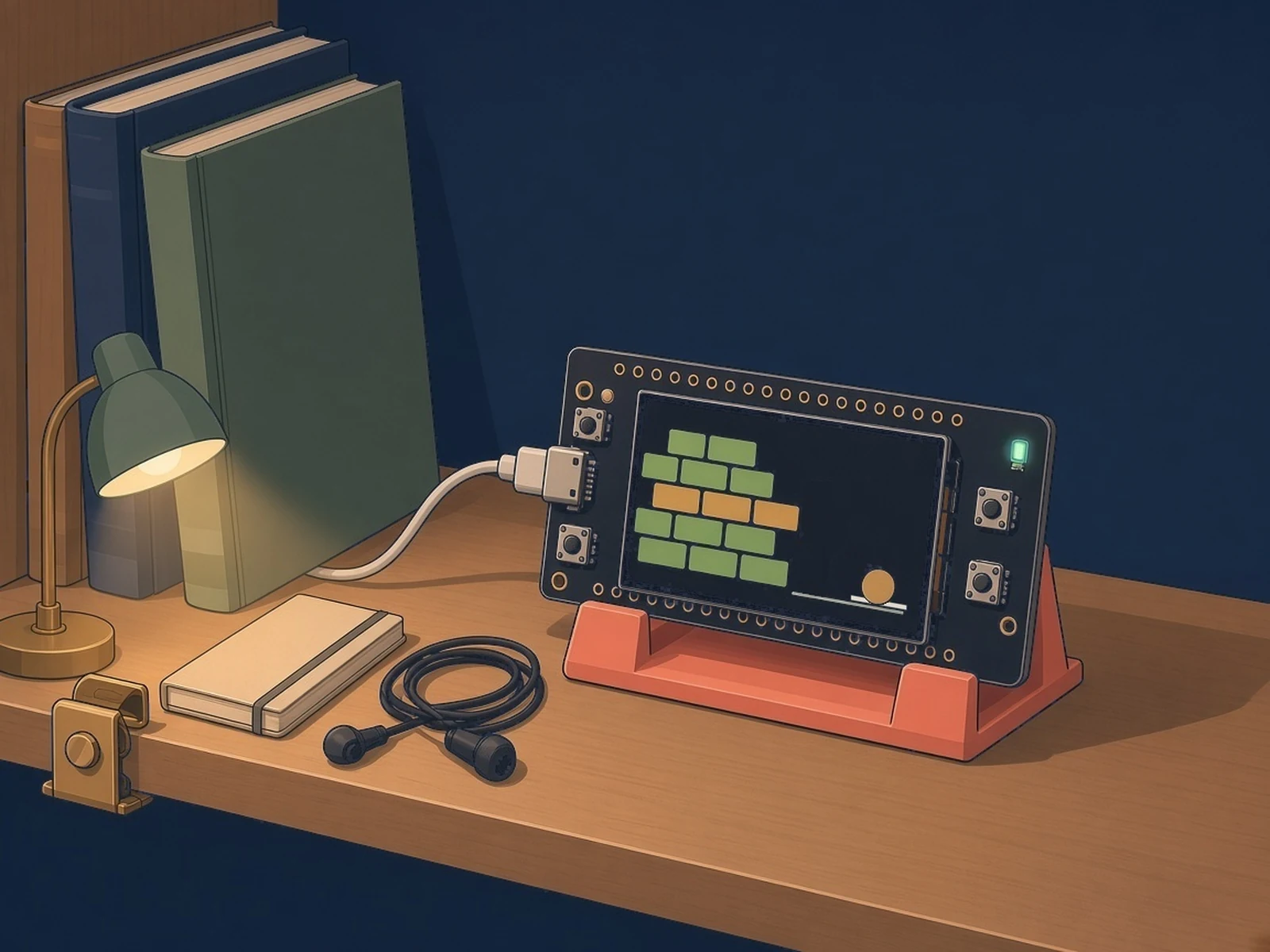
tinyworldformer by Sebastian-Ion Nae (@SheepSeb) runs a game with no game engine. A small looped transformer, the world model, takes the current frame and a button press and predicts the next frame and the reward. A second, even smaller network, the actor, looks at each dreamed frame and picks the next button. Both run on core 1 of the Pico 2 W's RP2350 while core 0 handles USB and an optional Pimoroni Display Pack. Five games are included: Breakout, Pong, Flappy Bird, a Pac-Man lite and a Doom-lite. You can watch over USB serial or on the display, take over with a key or button, or switch to an agent that learns from scratch on the board. The world models are trained on a PC in Python, quantized to int8 and exported to no_std Rust firmware; the same engine also builds to WebAssembly, so you can try it in a browser first.
Source & Attribution
Illustration
Parts Needed
- Raspberry Pi Pico 2 W
- Micro-USB data cable
- Optional: Pimoroni Pico Display Pack 2.0 or 2.8
Steps
- 1
Try it in a browser first
The author's demo page runs the same engine as WebAssembly, so you can watch and play the dreamed games before touching hardware.
- 2
Set up Rust
Clone the repo and install a Rust toolchain. The firmware is in the tinyworldformer-rs folder, with a flash script that lists the exported games and agents.
- 3
Pick a game and flash
Choose a world model (Breakout, Pong, Flappy Bird, Pac-Man lite or Doom-lite) and, if you like, an agent, then hold BOOTSEL while plugging in the Pico 2 W and run the flash script. Add the display option if you have a Display Pack.
- 4
Watch and play
Open the USB serial port to see the frames as coloured text, or watch the Display Pack. Press a game key or button to take over; the README lists the keys for each game and how to hand control back.
- 5
Learning on the board
The board can start with a fresh agent that learns inside the dream; a key (or a long press on the Display Pack) switches to the pretrained actor and back.
- 6
Retrain (optional)
To make your own models, the README walks through recording games, training the world model and agent in Python, and exporting them to the Rust crate.
Bill of Materials
Parts list
3 parts · 2 linked
Heads up: some Buy links are affiliate links. If you buy through one, MCU Atlas may earn a small commission at no extra cost to you. It never changes which parts we list. How this works
1× Raspberry Pi Pico 2 W
On AliExpress (Freenove's store, not Raspberry Pi), choose "Pico 2 W Board" (pre-soldered headers); the listing defaults to "Pico 2 Board", which has no Wi-Fi.


Not included: A PC with Rust (to build and flash) and, to retrain models, Python with PyTorch
Related Projects