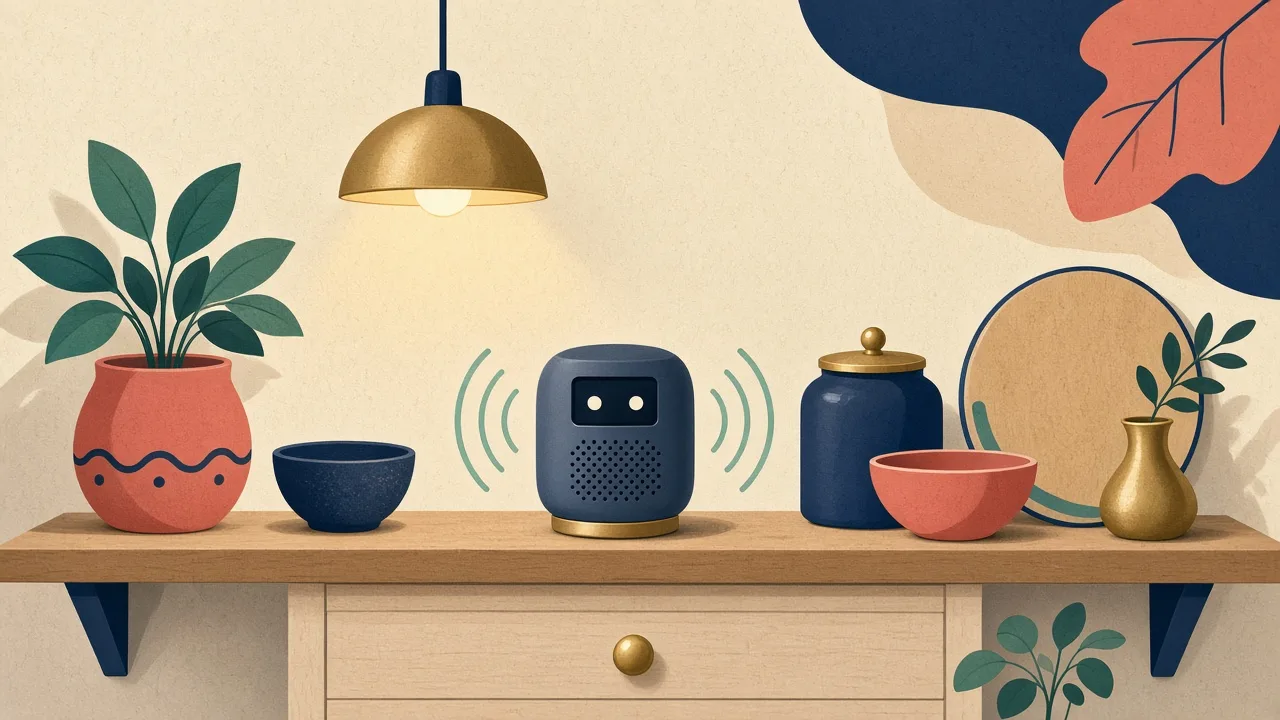
Hermes Gadget SDK: give your AI agent an ESP32 body
MIT-licensed firmware and tools that give a Hermes AI agent a body — 30+ ESP32 profiles, a Raspberry Pi client, and a desktop simulator you can try tonight.
What it is
MIT-licensed firmware and tools that give a Hermes AI agent a body — 30+ ESP32 profiles, a Raspberry Pi client, and a desktop simulator you can try tonight.
What you need
- A supported ESP32-S3 board one of 30 S3 profiles — S3-BOX-3, M5Stack Cardputer ADV or StickS3, Waveshare Touch-AMOLED 1.75C, LilyGO T-Display-S3 all have catalog pages; check the verification table first
- USB data cable power + the browser-installer flash
- Hermes Agent + the Gadget plugin the thinking stays on your Hermes machine; voice also needs speech recognition and TTS configured there
- Or nothing at all the desktop simulator runs the same core with Python 3.10+, CMake 3.16+ and a C++17 compiler
How hard
Beginner via the simulator or a pre-built board profile: the browser installer flashes from Chrome or Edge with no toolchain, and you hold a button to talk. Intermediate if you wire your own mic and TALK button on a breadboard, or build a newly merged profile from source.
Key Facts
- MIT-licensed SDK (licence file verified 2026-11-27) for building voice/text devices that pair with your own Hermes Agent — firmware, Linux client, desktop simulator share one portable C++17 core
- 34 board profiles in the v0.6.0 release: 30 ESP32-S3 (Waveshare, M5Stack, Espressif, Seeed, LilyGO, Elecrow, …), the classic-ESP32 CYD (two-USB ST7789 revision), 3 ESP32-P4, plus an experimental Raspberry Pi 4/5 Linux client — hardware ports stay experimental until per-revision physical verification; a 35th profile, the experimental ESP32-S31 Espressif ESP-Mosaico V1.2, merged after the release (source-build only, not yet in releases or the browser installer)
- Agent-side tools work the gadget both ways: gadget_speak / gadget_play / gadget_ask / gadget_widget, face expressions, and the gadget's own LEDs/sensors/controls exposed as agent tools; Home Assistant + MQTT examples included
- No wake word by design — hold TALK (button or touchscreen) and release to send; typing supported on keyboard boards and over USB console
- Browser installer flashes prebuilt firmware from Chrome/Edge over USB (no toolchain); hermes gadget update does OTA with automatic rollback when a build can't reach Hermes
- Young and fast-moving: first push 2026-10-03, 8 releases by 2026-11-27 (latest v0.6.0), last pushed 2026-11-26 as we re-checked; changelog credits multiple outside contributors
- Independent community project, not affiliated with Nous Research; "Hermes" and related marks are Nous Research's
- First-hand MCU Atlas verification: fresh clone (35dbae7) — build-sim --test passed 4/4 host suites (9.9 s), simulator library built in ~87 s (Python 3.12, CMake 4.4.5, GCC 16.2.1, 2026-11-20); no hardware or live-gateway testing done by us
About This Project
One sentence on the project's own homepage sells the whole idea: "Hold a button. Ask Hermes. Hear the answer." The Hermes Gadget SDK is an MIT-licensed toolkit for building small physical devices — voice or text, screen or speaker — that connect to your own Hermes Agent, with, as the README puts it, "its tools, memory, and skills." Not a chatbot toy on a bench: a body your AI agent can act through.
What the Hermes Gadget SDK is
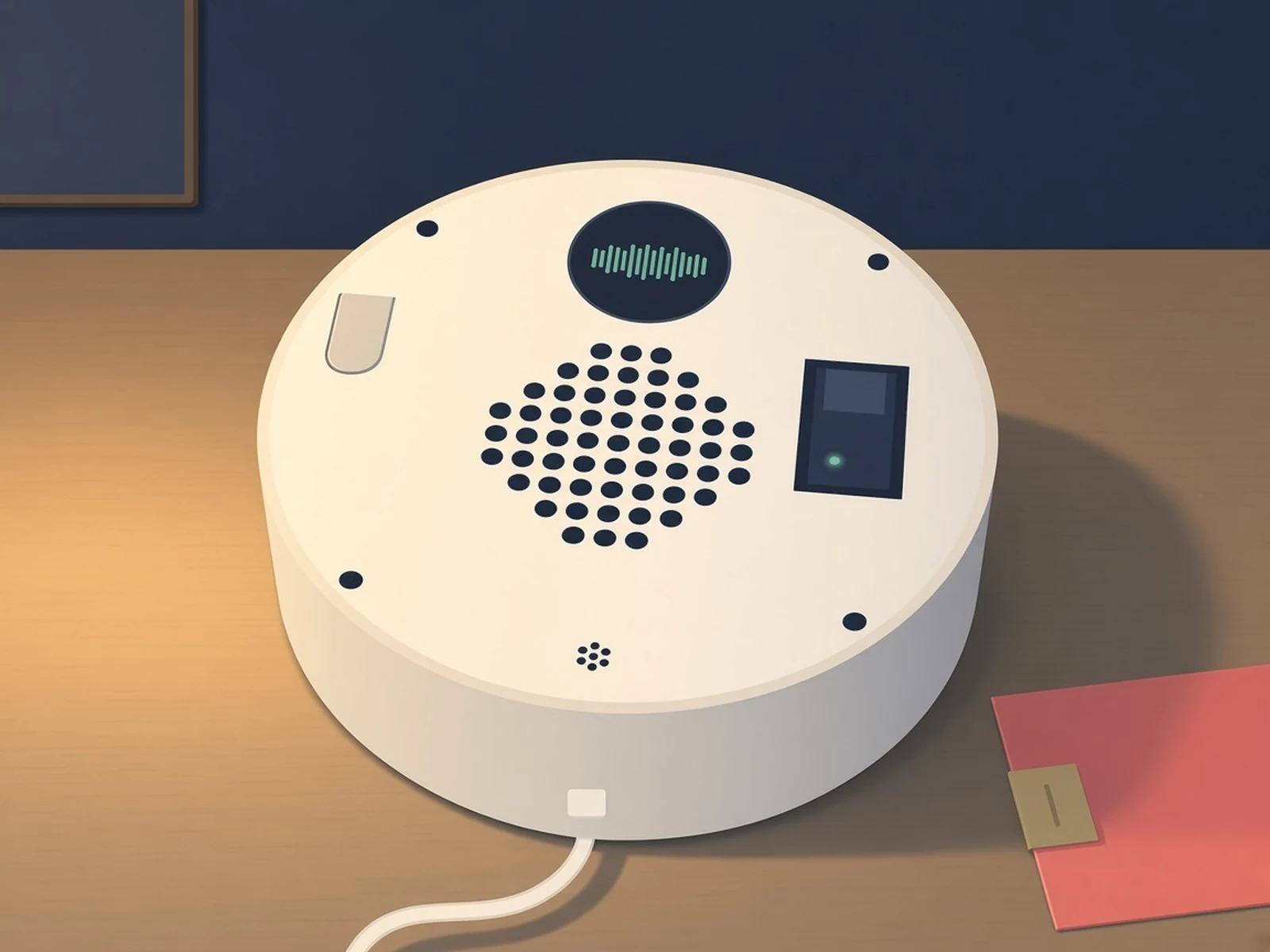
The SDK is Adolanium's open-source project (with credited community contributors) that pairs three pieces: ESP32 firmware for gadget boards, a Linux client for Raspberry Pi 4/5, and a desktop simulator that runs the same portable C++17 device core on your computer. "Your Hermes does the thinking" — the gadget is the microphone, speaker, screen and buttons; the agent, its tools and its memory stay on the Hermes side, reached over your network. The agent can even work the gadget back: its LEDs, sensors and other controls can be exposed as agent tools, so a scheduled job or a spoken request can flip a real output, and the SDK's plugin (installed on the Hermes machine) supplies the agent-side tools that speak to gadgets.
That agent-to-gadget direction is where the 0.6.0 release (current at our check) pushed hard: the agent can play a sound file or radio stream on a gadget's speaker, show lists, progress bars and QR codes, ask a question with up to six tappable answers on the screen, set the on-screen face's expression, and fill the idle screen with glanceable widgets — a disk fill level, a room temperature — set by the agent or from cron. An interpreter mode turns a gadget into a back-and-forth translator for two people. Everything below is documented in the repo's README, docs/ guides and CHANGELOG, which we read in full for this page.
It is genuinely open: MIT for code and docs (verified from the licence file, not just the README), with third-party notices kept separately, and CI that tests the core, the Python tools, the installer and the plugin against a real Hermes gateway, and builds every supported board.
What we verified vs what we didn't (our honesty split). We verified the repo state, licence file, README and docs, the board profiles, the releases list and the project website against live sources on 2026-11-20, re-verified at publication on 2026-11-27, and we went one step further: from a fresh shallow clone (commit 35dbae7, tag v0.6.0), hermes-gadget build-sim --test passed all 4 host test suites — device core, ESP32-S3 board, CJK text and tailnet, 9.9 s — and built the simulator library in about 87 s on a Linux desktop (Python 3.12, CMake 4.4.5, GCC 16.2.1). What we did NOT do: run it on any physical board, or against a live Hermes gateway. Board-level behaviour claims below are the project's own — and the project itself labels its hardware ports experimental until a complete physical verification report is recorded for the exact revision, so we kept that label on everything it applies to.
The hardware it targets
The centre of gravity is the ESP32-S3 boards DIYers already know, and the profile list is unusually broad — 30 S3 profiles spanning Waveshare's touch-AMOLED and touch-LCD family, M5Stack's CoreS3, StickS3, Cardputer ADV and StopWatch, Espressif's own S3-BOX, S3-BOX-3, Korvo-2 and ESP-VoCat, Seeed's SenseCAP Watcher W1-A, LilyGO's T-Display-S3, Elecrow's CrowPanel HMIs, Xorigin's AIPI Lite, Spotpear boxes, an LCDWIKI part, and a wire-it-yourself ESP32-S3 breadboard build with your own mic and TALK button. Several of these have exact matches in our catalog: /parts/espressif-esp32-s3-box-3/, /parts/m5stack-cardputer-adv/, /parts/m5stack-sticks3/, /parts/waveshare-esp32-s3-touch-amoled-1-75c/ and /parts/lilygo-t-display-s3/ — any of which is a reasonable first board. Text-only boards without audio (T-Display-S3, the CrowPanels) display replies and take typed input over the USB console instead of speaking.
Two exits from S3 land: the classic ESP32 Cheap Yellow Display is supported — specifically the two-USB ST7789 revision (our /parts/esp32-2432s028r-cheap-yellow-display/ page covers the CYD family and its variant maze; match your exact revision before flashing) — and three ESP32-P4 boards are supported, including Waveshare's P4 WIFI6 touch panels and Elecrow's CrowPanel Advanced 10.1. Newest of all, merged after the v0.6.0 release: Espressif's ESP-Mosaico V1.2 CoreBoard became the first experimental ESP32-S31 profile — source-build only, not in the releases or the browser installer yet, and not run on a board, per the project's own hardware table. Above all that, the experimental Linux client puts a gadget on a Raspberry Pi 4 or 5 with USB audio, GPIO controls or a display added as needed; the repo's Home Assistant and MQTT examples drive a configured lamp and temperature sensor through it, with pairing instructions and integration tests included.
The one rule the project is admirably blunt about, and we repeat it verbatim because it matters when you pick a board: "Hardware ports remain experimental until a complete physical verification report is recorded for the exact revision." The docs ship a verification table — check it before ordering anything.
Start with no hardware: the desktop simulator
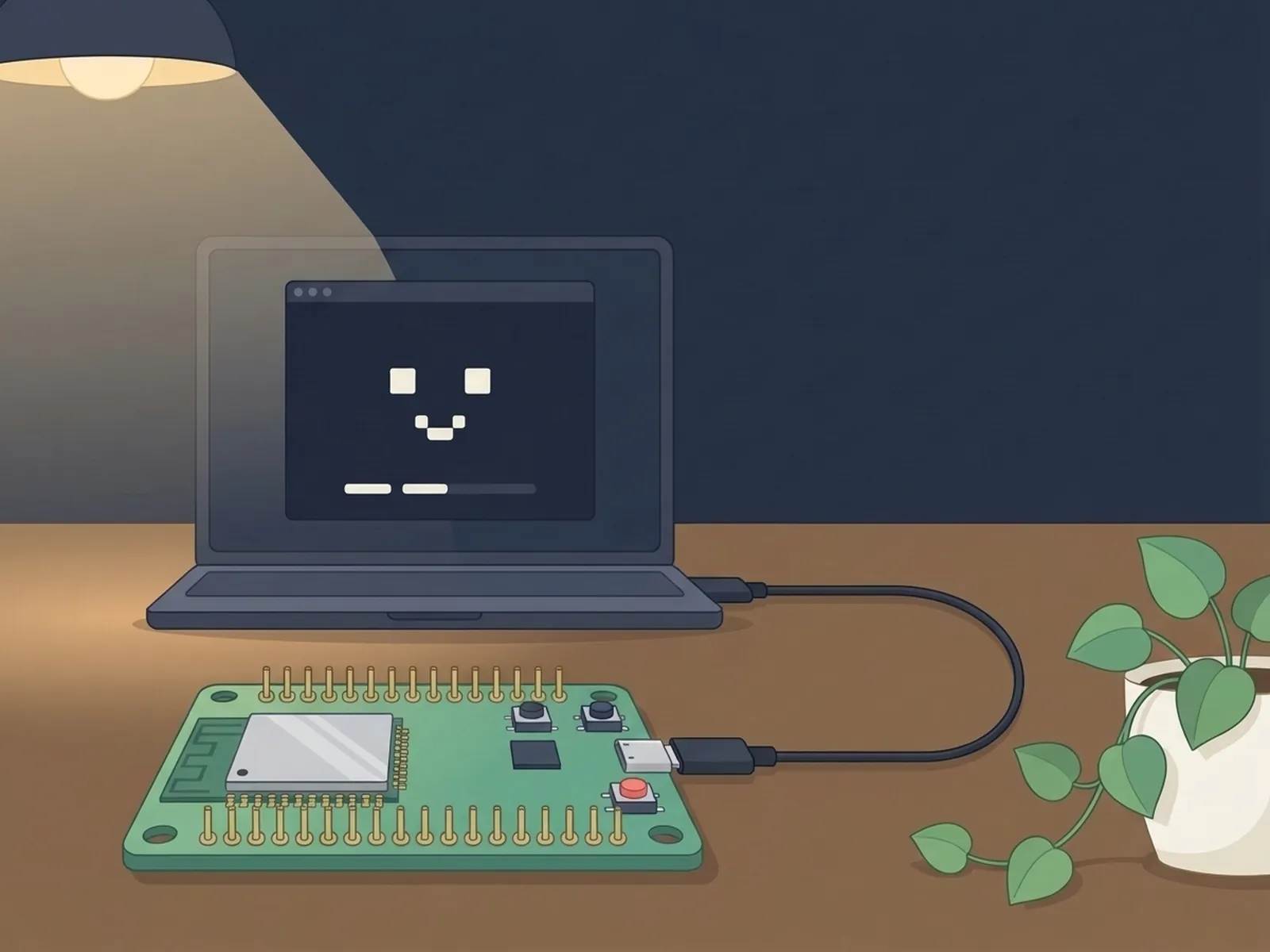
This is the newcomer hook, and it's real. The simulator runs the same device core as the firmware — same screens, same pairing flow, same face — in a desktop window, and the project's docs walk you from a scripted demo server (canned replies, no Hermes needed) to connecting your own agent. Prerequisites are a Python 3.10+ environment, CMake 3.16+ and a C++17 compiler; from a checkout it's two commands to a built simulator and a pairing devserver (the README shows the exact lines). If you can install a Python package, you can hold a conversation-shaped button on your screen tonight, before you own any hardware.
We know that path works because we ran it — the build-and-test figures in the honesty split above are from exactly this flow, on this machine, the day this page was drafted.
Real boards: the browser installer and OTA
When hardware arrives, the browser installer at the project's GitHub Pages site installs prebuilt firmware for the profiles in the latest release from Chrome or Edge over a USB data cable — no firmware toolchain, no esptool incantations. Wi-Fi can be configured from your phone through the gadget's temporary network, then you pair the gadget with your Hermes from the console. Afterwards, hermes gadget update installs new firmware over the air, and — a nice touch of engineering humility — "A build that cannot reach Hermes rolls itself back." So a bad update can't brick you into silence. Newly merged board profiles ride source builds until the next release.
Why it matters for AI-on-the-edge
The XiaoZhi wave proved DIYers want a talking ESP32; VA5 and Tiny Engineer proved they want to hand their own agent a little body. The Hermes Gadget SDK is that idea reaching tooling maturity: a batteries-included SDK — firmware, host client, simulator, plugin, installer, protocol docs, CI against a real gateway — rather than a one-board firmware sketch. For a newcomer the difference is the whole gradient: you can start in the simulator with zero hardware, graduate to a mass-market S3 board with a browser flash, and the same agent keeps its memory and tools across the move. And because the gadget exposes itself to the agent as tools, AI on the edge runs both ways here — the chip is the agent's senses and voice, and the agent is the chip's brain.
Honest limits, stated plainly: no wake word — you hold a button, by design; voice needs speech recognition and text-to-speech configured on the Hermes side; the Linux client and many board profiles are labelled experimental; and none of the boards we could link is a kit with a maker warranty — this is community hardware support, not a product line. The trade is that everything is MIT and the protocol is documented, so the ceiling is yours to raise.
The agent-gets-a-body lane on MCU Atlas
This page joins a lane. XiaoZhi (/projects/xiaozhi-open-source-esp32-ai-voice-chatbot/) is the open-source ESP32 voice-chatbot that started the wave; VA5 (/projects/va5-a-20-esp32-s3-voice-assistant-with-no-personality-until-you-write-one/) is the minimalist build for people who want to own every layer; Tiny Engineer (/projects/tiny-engineer-an-esp32-c3-desk-robot-that-acts-out-what-your-ai-coding-agent-is-doing/) is what it looks like when a coding agent gets a desk toy to emote through. The Hermes Gadget SDK differs from all three in one stroke: it isn't its own agent — it's the body for the agent you already run. If you came from any of those pages wanting your own Hermes (or any Hermes-configured) assistant on a gadget, this is the current end of that road. The nearest cousin outside the open-agent world is Muse Gadgets (/projects/muse-gadgets-give-metas-ai-agent-an-esp32-or-raspberry-pi-body/), which gives Meta's agent a body — this SDK is the same idea with the agent under your own roof.
Getting started
Three doors, in the order we'd hand a newcomer. Simulator first — an evening, free: clone the repo, run python -m pip install -e ".[dev]" in your activated environment, then hermes-gadget build-sim --test and the devserver lines from the README's quick-start; scripted demo replies, no Hermes, no hardware. A supported board — a spare evening: pick from the verification table, hit the browser installer with Chrome/Edge and a USB data cable on 2.4 GHz Wi-Fi, pair with your Hermes; boards in our catalog linked above are a safe shortlist. Build with the SDK: the development guide covers adding boards, device actions, sensors and custom faces; porting docs cover new hardware; the protocol is documented for your own clients.
Docs live in the repo's docs/ directory and on the project's GitHub Pages site; releases, prebuilt firmware and the changelog are on GitHub.
Source & Attribution
Illustration
How to Build It
Parts Needed
- A supported ESP32-S3 board (from the verification table — Espressif ESP32-S3-BOX-3, M5Stack Cardputer ADV or StickS3, Waveshare ESP32-S3-Touch-AMOLED 1.75C, LilyGO T-Display-S3 all have MCU Atlas catalog pages)
- USB data cable
- Hermes Agent with the Gadget plugin
Steps
- 1
Try the simulator first (an evening, free)
No hardware needed: a Python 3.10+ environment, CMake 3.16+ and a C++17 compiler. Clone the repo, then in your activated environment at the repository root run python -m pip install -e ".[dev]" and hermes-gadget build-sim --test — our fresh-clone run passed all 4 host test suites in 9.9 s and built the simulator library in about 87 s. Start the pairing devserver with hermes-gadget devserver --pairing, then run the simulator in a second terminal: hermes-gadget sim --url ws://127.0.0.1:8765/gadget --board sim-466x466-round, and type approve <CODE> with the code shown on the device. The demo server gives scripted replies — no Hermes needed yet.
- 2
Pick a board from the verification table
30 ESP32-S3 profiles are supported, plus the classic-ESP32 Cheap Yellow Display (two-USB ST7789 revision specifically), three ESP32-P4 boards and — merged after the v0.6.0 release, source-build only — the first experimental ESP32-S31 board, Espressif's ESP-Mosaico V1.2. Hardware ports stay experimental until a complete physical verification report is recorded for the exact revision: check the verification table in the repo docs before you order anything.
- 3
Flash from your browser
Open the project's browser installer in Chrome or Edge, connect the board with a USB data cable and follow the prompts — prebuilt firmware for every profile in the latest release, no toolchain, no esptool. Wi-Fi can be configured from your phone through the gadget's temporary network; USB setup remains available.
- 4
Pair with your Hermes and stay current
Pair the gadget with your Hermes Agent from the console (voice additionally needs speech recognition and text-to-speech configured on the Hermes side). Afterwards, hermes gadget update installs new firmware over the air, and a build that cannot reach Hermes rolls itself back — a bad update can't brick you into silence. Newly merged board profiles ride source builds until the next release.
Bill of Materials
Parts list
3 parts · 3 linked
Heads up: some Buy links are affiliate links. If you buy through one, MCU Atlas may earn a small commission at no extra cost to you. It never changes which parts we list. How this works


Not included: A Hermes Agent with the Gadget plugin — the brain stays on your Hermes machine, Chrome or Edge for the browser-installer path, 2.4 GHz Wi-Fi, Python 3.10+, CMake 3.16+ and a C++17 compiler for the simulator path
Learn
Docs & guides
Read these before you buy. These pages explain things; they don't sell anything.
- Source: Adolanium/hermes-gadget-sdk (MIT)README, CHANGELOG, releases with prebuilt firmware, and the hardware verification table.Docs
- Docs: the project's guide siteStarting points, hardware guides, protocol docs and the desktop-simulator guide.Docs
- Browser installerFlash prebuilt firmware to a supported board from Chrome or Edge — no toolchain.Docs
- Upstream agent: NousResearch/hermes-agentThe agent the gadget pairs with; the gadget project is an independent community project, not affiliated with Nous Research.Docs
Related Projects