ATS Mini firmware on the LilyGO T-Embed SI4732: a battery AM/FM/SW broadcast receiver
Flash the community ATS Mini firmware onto LilyGO's ready-made T-Embed SI4732 for a pocket AM/FM/SW/LW broadcast receiver. Support for this board is experimental, and it has no power switch.
What it is
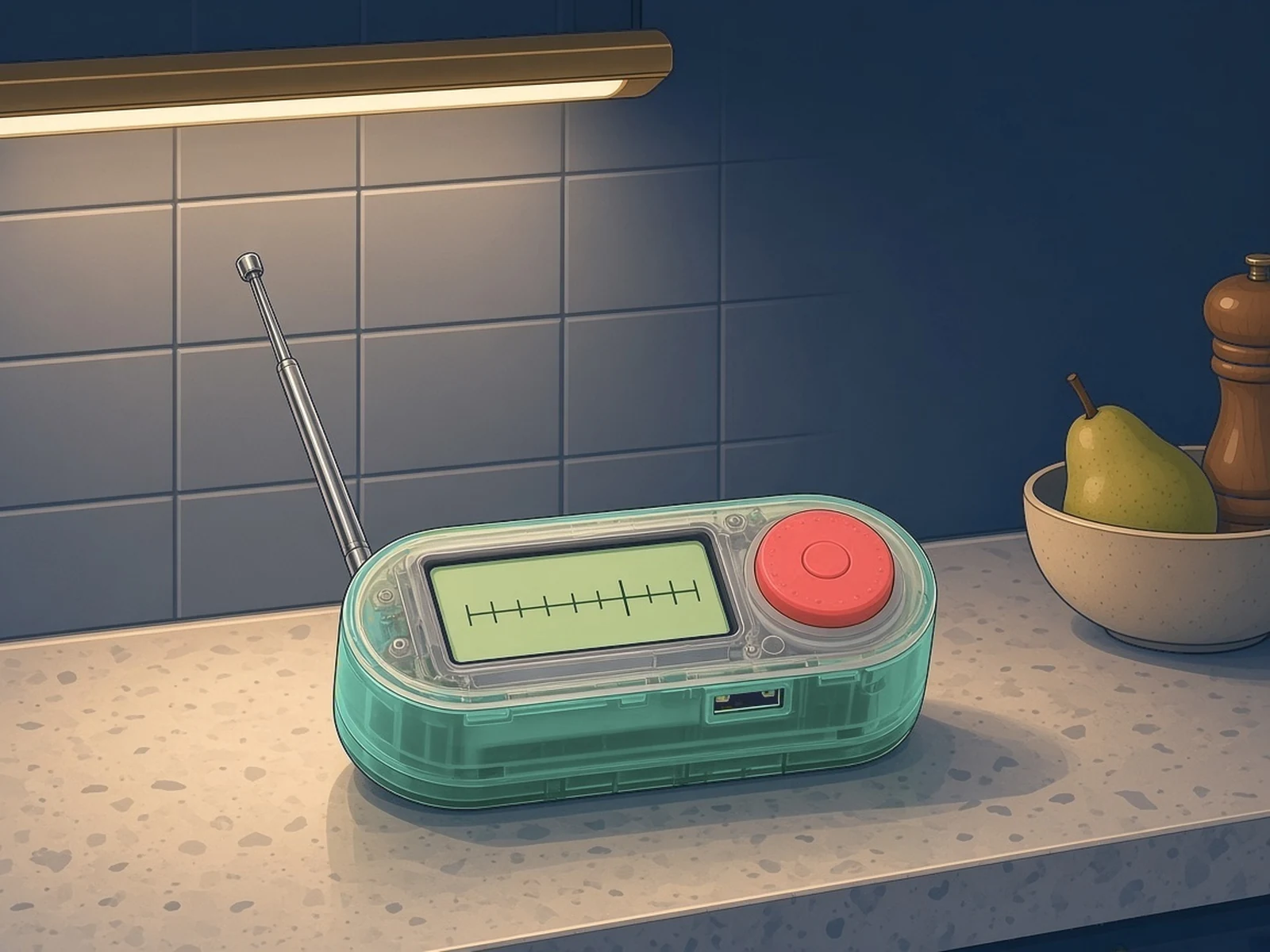
A ready-made pocket AM/FM/SW receiver, made better with community firmware.
What you need
How hard
Beginner: a browser flash, no soldering (unless you add the recommended power switch).
Key Facts
- Stock LilyGO T-Embed SI4732: ESP32-S3 + Si4732-A10 AM/FM/SW/LW/RDS, 900 mAh battery
- ATS Mini lilygo-t-embed variant, experimental since v2.34
- Receive-only broadcast receiver; bands stop at 108 MHz, so no NOAA weather alerts (162 MHz)
- No hard power switch; sleep "drains the battery in a couple of days" (ATS Mini maintainer, discussion #166)
- Firmware MIT; flashing a different variant can damage the receiver
About This Project
The UK government's Be Ready checklist puts a battery or wind-up FM radio in the household emergency kit, for updates during outages, with the frequencies of your news stations written down. The LilyGO T-Embed SI4732 is a finished, battery-powered device that can fill that slot: an ESP32-S3 (16 MB flash, 8 MB PSRAM) with a Si4732-A10 AM/FM/SW/LW/RDS receiver chip, a 1.9-inch ST7789V screen (170 × 320), a rotary encoder, a speaker and a 900 mAh 702550 battery. There's nothing to build: this guide is about flashing better firmware onto the stock device. ATS Mini is MIT-licensed community firmware for Si4732 receivers, maintained by max-arnold and built on work by Volos Projects, PU2CLR (Ricardo), Ralph Xavier, Goshante and G8PTN (Dave). Its changelog lists "Experimental support for LILYGO T-Embed SI4732" from v2.34, as the lilygo-t-embed firmware variant. The flash docs warn that this variant only works on the T-Embed SI4732 receiver, and that flashing a different firmware can damage the receiver. This is a receive-only broadcast receiver for AM, FM, shortwave and longwave stations. Its bands stop at 108 MHz (ATS Mini manual), and NOAA Weather Radio broadcasts on 162.400-162.550 MHz, so it is not a weather-alert or NOAA radio. Power caveats, before you rely on it: - The T-Embed SI4732 has no hard power switch. In discussion #166 the ATS Mini maintainer writes that in sleep mode the circuit "drains the battery in a couple of days". - The ATS Mini hardware page says it is "highly recommended to do a little hardware mod and install a physical power switch (without it you won't be able to switch the receiver off after you flash the ATS Mini firmware)". In ATS Mini, a short press on the Off Timer menu option puts it into deep sleep, and the reset button restarts it. - Because sleep drains the battery, charge it before you put it away and check it regularly, so it isn't flat when you need it. The hardware page also notes there's no headphone jack, the speaker is on top, and the SI4732 board has separate FM and AM antenna connectors. Alternative firmware: anducampu's ESP32-S3-LILYGO-T-EMBED-SI4732 (GPL-3.0) is a separate AM/FM/SW/LW sketch with SSB and remote control (CAT) over USB serial or Wi-Fi.
Source & Attribution
Illustration
Parts Needed
- LilyGO T-Embed SI4732
- USB data cable (USB-C)
- Chrome or another browser with Web Serial (not Firefox or Safari)
Steps
- 1
Get the right variant
From the ATS Mini GitHub releases, download the archive for the lilygo-t-embed variant (support is experimental, since v2.34). This variant only works on the T-Embed SI4732. Flashing a different firmware can damage the receiver. Flashing any firmware can leave a receiver unusable, so the docs suggest backing up the stock firmware first (see their Firmware backup and recovery page). On the T-Embed the boot button is the encoder button, which makes bootloader mode easy to reach.
- 2
Connect the receiver
Plug it into your computer over USB and power it on. A new serial port should appear (a USB Serial COM port on Windows, /dev/tty.usbmodemXXXX on macOS, /dev/ttyACMX on Linux).
- 3
Flash from the browser
Open espressif.github.io/esptool-js, press Connect and choose the port. Add ats-mini.ino.merged.bin at address 0x0 (or the four separate files at their addresses), press Program, and wait for "Leaving... Hard resetting via RTS pin...". Flashing the merged image always resets the receiver's settings. On Windows, Espressif's Flash Download Tool works too.
- 4
Restart and confirm
Press Disconnect, power the receiver off and on, then check the firmware version under Menu → Settings → About.
- 5
Mind the battery
There's no hard power switch, and in sleep mode the battery drains in a couple of days. Short-press the Off Timer menu option for deep sleep, and press reset to restart. The ATS Mini hardware page highly recommends adding a physical power switch. Charge the receiver before you store it and check it regularly.
- 6
Later updates
Newer releases can be installed over Wi-Fi from Settings → Update FW on the receiver, or from the receiver's web page.
Bill of Materials
Parts list
2 parts · 1 linked
Heads up: some Buy links are affiliate links. If you buy through one, MCU Atlas may earn a small commission at no extra cost to you. It never changes which parts we list. How this works
Not included: Chrome or another Web Serial browser (or Espressif's Flash Download Tool / esptool)
Learn
Docs & guides
Read these before you buy. These pages explain things; they don't sell anything.
Related Projects