MatterMesh OS: MeshCore firmware for the LilyGO T-Deck Plus and Max
Alternative firmware that turns a LilyGO T-Deck Plus or T-Deck Max into an off-grid MeshCore LoRa messenger with a real keyboard, maps and weather.
What it is
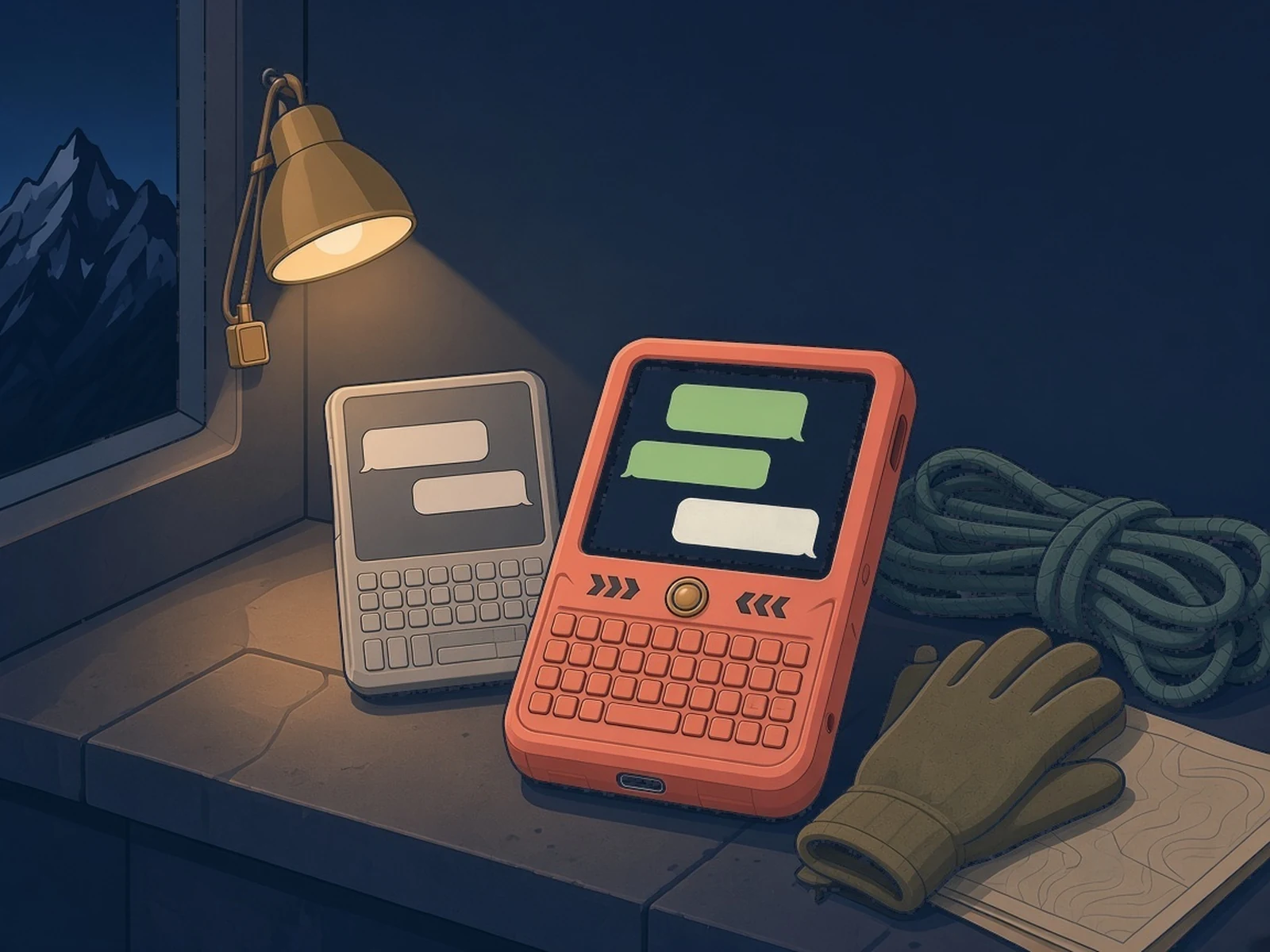
Firmware that turns a LilyGO T-Deck Plus or Max into an off-grid MeshCore messenger with a keyboard.
What you need
- LilyGO T-Deck Plus or a T-Deck Max
- USB-C data cable
How hard
Beginner: install from the browser in a few clicks. Building from source needs PlatformIO.
Key Facts
- Devices: LilyGO T-Deck Plus (ESP32-S3, SX1262 or SX1268; 433, 868 and 915 MHz) and T-Deck Max (ESP32-S3, SX1262, e-paper)
- Built on MeshCore (companion v1.18.0), so it talks to the MeshCore apps and other MeshCore nodes
- Install from the browser at mattermeshos.com, from an SD card with bmorcelli's Launcher, or build with PlatformIO
- Apps: maps with GPS, weather, files, CLI; eight keyboard languages
- Free edition source: GPL-3.0. Third-party parts keep their own licences
About This Project
MatterMesh OS (@mattermeshos) is replacement firmware for LilyGO's T-Deck Plus (colour LCD) and T-Deck Max (e-paper) keyboard handhelds, built on MeshCore. It gives you channel and direct LoRa chats with contacts, emoji, mentions and quick replies, a keyboard with eight languages, and companion links over Bluetooth, USB and Wi-Fi, so it also works with the MeshCore apps and any other MeshCore node. It adds offline-friendly apps: maps (OpenStreetMap tiles with GPS), weather, files and a CLI, plus offline Italian dictation on the Max. The easiest install is the browser installer on mattermeshos.com (Chrome or Edge); you can also build it with PlatformIO. The Free edition's source is GPL-3.0. The project is independent and not affiliated with LilyGO or MeshCore. It supports only the Plus and Max models; LilyGO's original model isn't listed as supported.
Source & Attribution
Illustration
Parts Needed
- LilyGO T-Deck Plus or T-Deck Max
- USB-C data cable
- Optional: microSD card
Steps
- 1
Check your device
MatterMesh OS supports the T-Deck Plus and the T-Deck Max. The original T-Deck isn't listed.
- 2
Install from the browser
Open mattermeshos.com in Chrome or Edge, plug the T-Deck in with a USB-C data cable and run the installer. It writes everything a first install needs.
- 3
Or use the Launcher
On a T-Deck Plus you can copy the release image to an SD card and install it from bmorcelli's Launcher instead.
- 4
Set the radio
Choose the LoRa preset for your region (for example 868 MHz in Europe, 915 MHz in the Americas and Australia, or 433 MHz on a 433 MHz Plus) before you send.
- 5
Chat and connect
Add contacts, join channels and send messages from the keyboard. Pair the MeshCore app over Bluetooth, USB or Wi-Fi if you want your phone in the loop.
- 6
Build it yourself (optional)
With PlatformIO, fetch the pinned dependencies with the repo's script and build the Plus or Max environment as the README shows.
Bill of Materials
Parts list
4 parts · 2 linked
Heads up: some Buy links are affiliate links. If you buy through one, MCU Atlas may earn a small commission at no extra cost to you. It never changes which parts we list. How this works
1× LilyGO T-Deck Plus
LILYGO's official store. Choose 915 MHz for the US.

1× microSD card
Not included: A computer with Chrome or Edge for the browser installer
Related Projects