136 ESP32 Projects — Real Builds with Parts Lists
Every ESP32 project on MCU Atlas comes with a parts list. This hub catalogs 136 complete, source-linked builds at the moment you read this — 63 of them rated beginner — and each project page lists the parts you need: every listed component and its quantity, a difficulty rating, and wherever we've verified prices, a checked cost band. You know what to order before you plug anything in.
The prices behind those bands come from our own price checks — store prices pulled per offer, part bands trued up against seller list prices — and every price carries its last-checked date in the data behind the page.
It is the board family to pick whenever a project needs Wi-Fi or Bluetooth — an internet radio, a Home Assistant sensor, a desk gadget with live data, or ESP32 AirPrint on a printer that only has USB — because both radios live on the chip itself and every variant has years of library support behind it.
The range runs from the original ESP32 and the tiny ESP32-C3 to the ESP32-S3, which carries the RAM and camera support that screens, audio and camera builds need. The legacy ESP8266 still powers a handful of builds here. What makers build with the family clusters into screens and desk gadgets, LoRa mesh communicators and home automation — and cars too: OVMS 3 is an ESP32-based module that plugs into a vehicle for live monitoring, alerts and remote control of charging and climate.
New to the family? Which ESP32 Should I Buy? picks a board for your first project, and ESP32 vs Arduino vs Raspberry Pi Pico lines the three big beginner families up side by side.
Good first builds: Cheap Yellow Display: community hub for the ESP32-2432S028 touchscreenWLED: Wi-Fi control for addressable LED strips on ESP32ESPHome wake-word voice assistants for Home Assistant
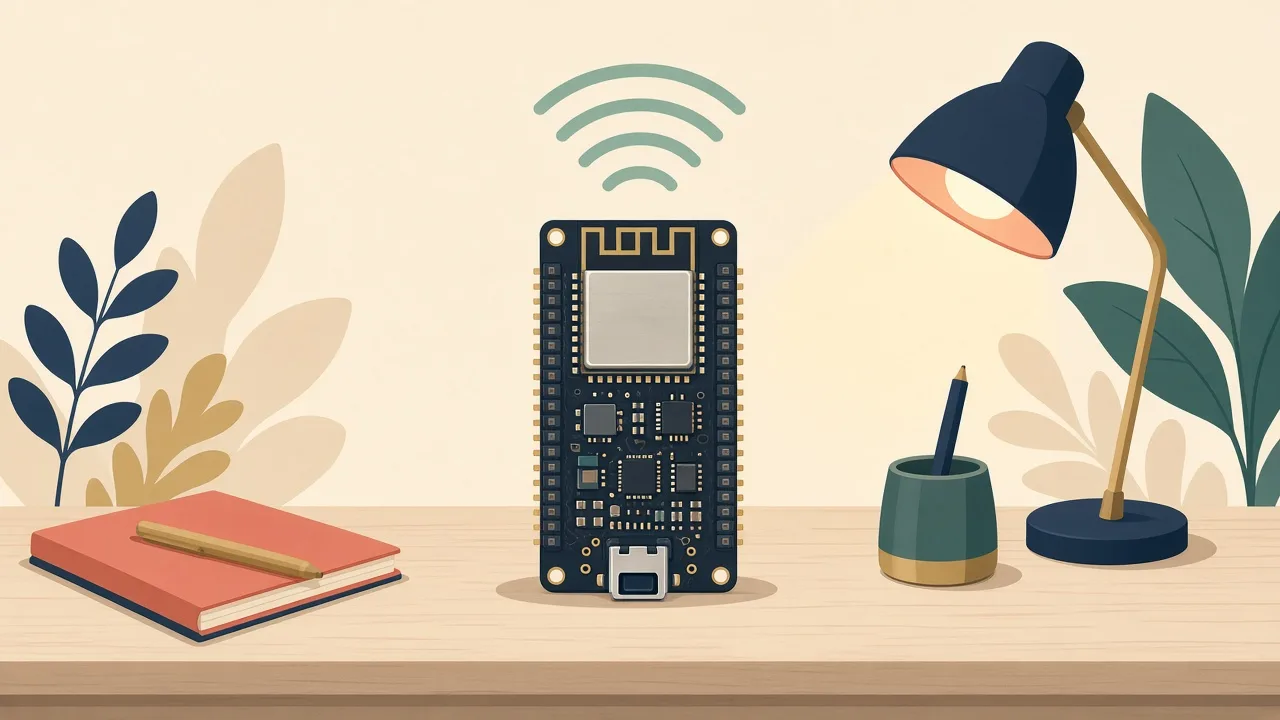
How the parts lists work
Search for ESP32 projects and most of the first page is what it has been for years: round-ups of ten builds, or guides that stop at blinking an LED, with the shopping left as an exercise. This catalog was built the other way round — the parts list, the difficulty rating and the cost band are the data every entry is organized around, not a paragraph at the end.
What each parts list includes
Open any project page on this hub and the parts list is a first-class section, not a footnote. Each line names the component, the quantity you need, and whether it is required or optional for the build; lines that match a part in our catalog link to that part's own page — its specs, where to buy it, and which other projects use it. A line with no honest catalog match (a lookalike board, the wrong voltage) is left unlinked on purpose rather than send you to the wrong product.
Where the maker published their own bill of materials, the list is built from it; where none exists, our editors assemble one from the build guide.
How the difficulty ratings work
Every project carries one of four ratings — beginner, intermediate, advanced or expert — set when it is cataloged. Beginner here is a practical bar: many of these builds need no soldering at all and flash from a web browser over USB, so there is no toolchain to install before something works. Projects that need a soldering iron, a specific board variant or a compile step say so in their parts list and steps.
How the price checks work
Cost bands are not numbers typed once and forgotten. Store prices are pulled by our price-check pipeline — store feeds and targeted page checks, per offer — and part price bands are trued up against seller list prices. When a check lands, the affected pages regenerate with the new figure, and every price carries its last-checked date in the data behind the page so you can judge how fresh it is. Shipping, tax and duty are never included in the totals.
How to pick your first build
Start from what you want to end up with, not from the parts. The cheapest way in is an ESP32-C3 SuperMini and a USB cable — a few dollars for the board — and the no-wiring route is a Cheap Yellow Display build like the live flight radar, which needs no soldering at all. The beginner shelf leads each entry with what the build teaches, so you can pick by skill rather than by price. For the board itself, Which ESP32 Should I Buy? matches the variant to the project, and the cheapest way to start prices the whole ladder from a first board to a complete kit.
Featured ESP32 Projects
Latest ESP32 Projects
View all
MCU Atlas is an independent, unofficial directory. It is not affiliated with, endorsed by, or sponsored by Espressif Systems. All product names and trademarks belong to their respective owners.