nRF52 Projects for Beginners
nRF52 is Nordic Semiconductor's low-power Bluetooth family — the chip class inside open smartwatches, sensor beacons and the battery-powered nodes that carry off-grid LoRa mesh traffic. These 9 beginner-rated builds are the gentlest way in: each links its creator's own instructions, the exact parts list and a checked cost band before you buy anything.
Five of the nine builds are off-grid LoRa communicators: Meshtastic and MeshCore firmware turn cheap radio boards into text messengers that keep working with no cell service, and two projects push further — a solar-ready household base node and a two-radio family messenger with live location sharing. The rest cover the family's other strengths: a fully open smartwatch (the PineTime), a Bluetooth sensor beacon (the RuuviTag), a battery-friendly e-paper dashboard for Home Assistant, and a custom-keyboard firmware written in Rust (RMK) that starts under $15. Six of the nine land in the $15–40 parts band.
nRF52 boards talk Bluetooth Low Energy, not Wi-Fi — Nordic's own radio list for the family is Bluetooth LE, Thread and Zigbee, with no Wi-Fi on the chip. If your first project needs Wi-Fi, start at the ESP32 beginner hub instead; if you're still choosing a board, our which-microcontroller guide walks through that decision first.
Start here: three picks
Cheapest paths to a working build, chosen from the list below.

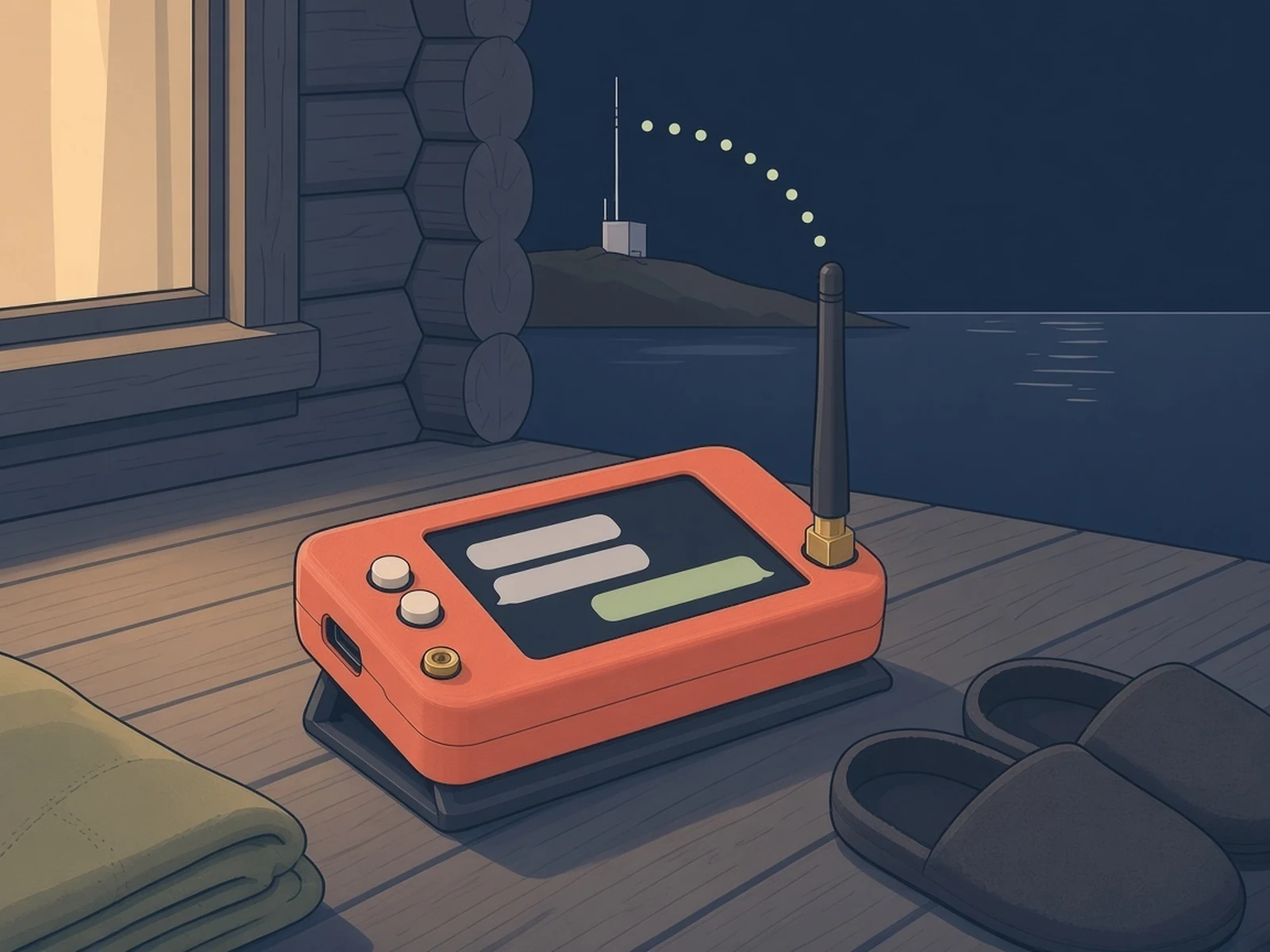
Buy a supported LoRa board, pair your phone over Bluetooth and you're texting off-grid — the firmware is already written, so this is configuration, not coding.
The other big mesh firmware: free MIT-licensed radios, repeaters and room servers, with a beginner-friendly community around it.
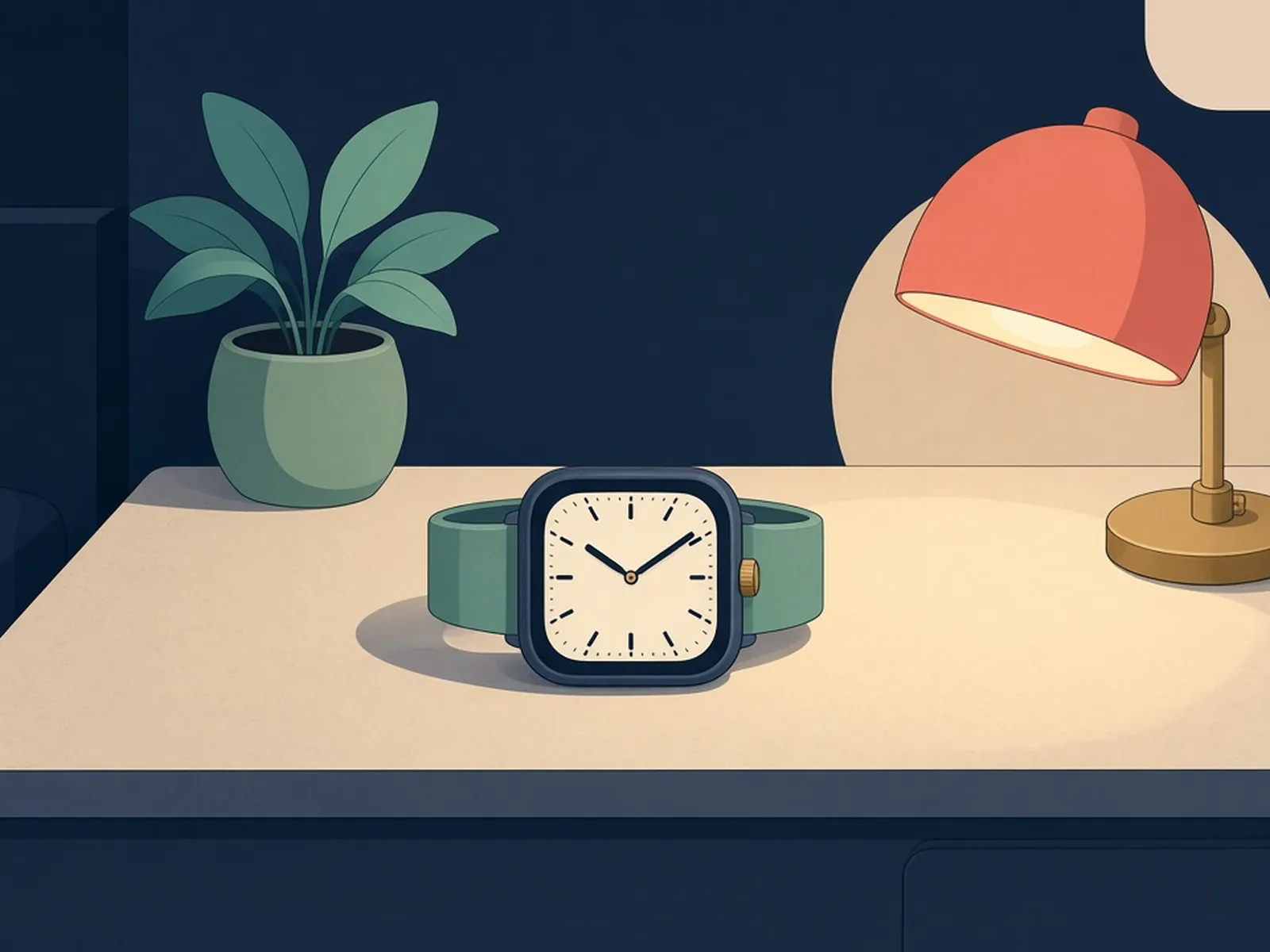
Flash a genuinely open smartwatch onto the PineTime — watchfaces, fitness tracking and OTA updates on hardware you fully own.
All 9 beginner Nordic nRF52 projects
Sorted by cost, cheapest first. Every cost band is checked against live shop prices.
| Project | Cost | What you learn |
|---|---|---|
| RMK: Rust keyboard firmware for your first custom keyboard | <$15 | Pocket Tools |
| InfiniTime: open firmware for the PineTime smartwatch | $15-40 | Smartwatch firmware on an nRF52, on a genuinely open device. |
| MeshCore-BitChat: bridge Bitchat phone chats onto a MeshCore LoRa mesh | $15-40 | Bridging two networks: relaying Bluetooth phone chats onto a LoRa mesh, both ways. |
| MeshCore: off-grid LoRa text messaging with repeaters and room servers | $15-40 | Setting up an off-grid LoRa mesh, repeaters and all. |
| Meshtastic: off-grid LoRa mesh messaging on ESP32 and nRF52 | $15-40 | LoRa radios, antenna basics and how a mesh carries text beyond Wi-Fi. |
| Muzi Works Base Uno: a solar-ready Meshtastic base node for off-grid check-ins | $15-40 | Solar charging and battery care for a node that runs without you. |
| OpenDisplay: open firmware for Bluetooth e-paper dashboards in Home Assistant | $15-40 | Bluetooth LE updates and battery-friendly e-paper, driven by Home Assistant. |
| Ruuvi Firmware: open sensor beacon firmware for RuuviTag (nRF52) | $40-100 | How a sensor beacon broadcasts temperature, humidity and motion over BLE. |
| Nelos: family messaging and tracking off-grid, on two cheap radios | $100-250 | Family-scale off-grid messaging: chat, live locations and a Need Help button. |
Beginner questions
What is an nRF52 board?
Nordic Semiconductor's low-power Bluetooth microcontroller family — the chip class inside wearables, sensor beacons and battery-powered mesh nodes. The two chips you'll meet here are the nRF52832 and the nRF52840; the 52840 adds USB and more memory.
Which nRF52 board should a beginner buy?
Follow the project, not the chip: the mesh builds each name their supported LoRa boards in the parts list, the PineTime smartwatch is a complete watch, and the RuuviTag is a finished sensor. Buy what your chosen project lists and nothing else.
Do nRF52 projects need Wi-Fi?
No. Nordic's nRF52 radios cover Bluetooth LE, Thread and Zigbee — no Wi-Fi — which is why so many battery projects use this family. The LoRa builds here add a long-range sub-GHz radio for off-grid messaging. If your first project needs Wi-Fi, the ESP32 beginner hub is the better start.
How much do beginner nRF52 projects cost?
Six of the nine builds land in the $15–40 parts band, the RuuviTag sensor build sits at $40–100, the two-radio family messenger kit reaches $100–250, and the Rust keyboard-firmware build starts under $15. Every cost band is checked against live shop prices.
Can a LoRa mesh replace my phone service?
No — treat these as hobby radio networks. They're great for campsites, trails and power cuts, but they are not emergency-communication systems; keep a real way to call for help.
Do I need to solder?
Mostly no. The mesh nodes are pre-assembled radio boards, and the PineTime and RuuviTag are finished devices — most of the work here is flashing firmware and configuration. Where a build needs wiring, its parts list says so.